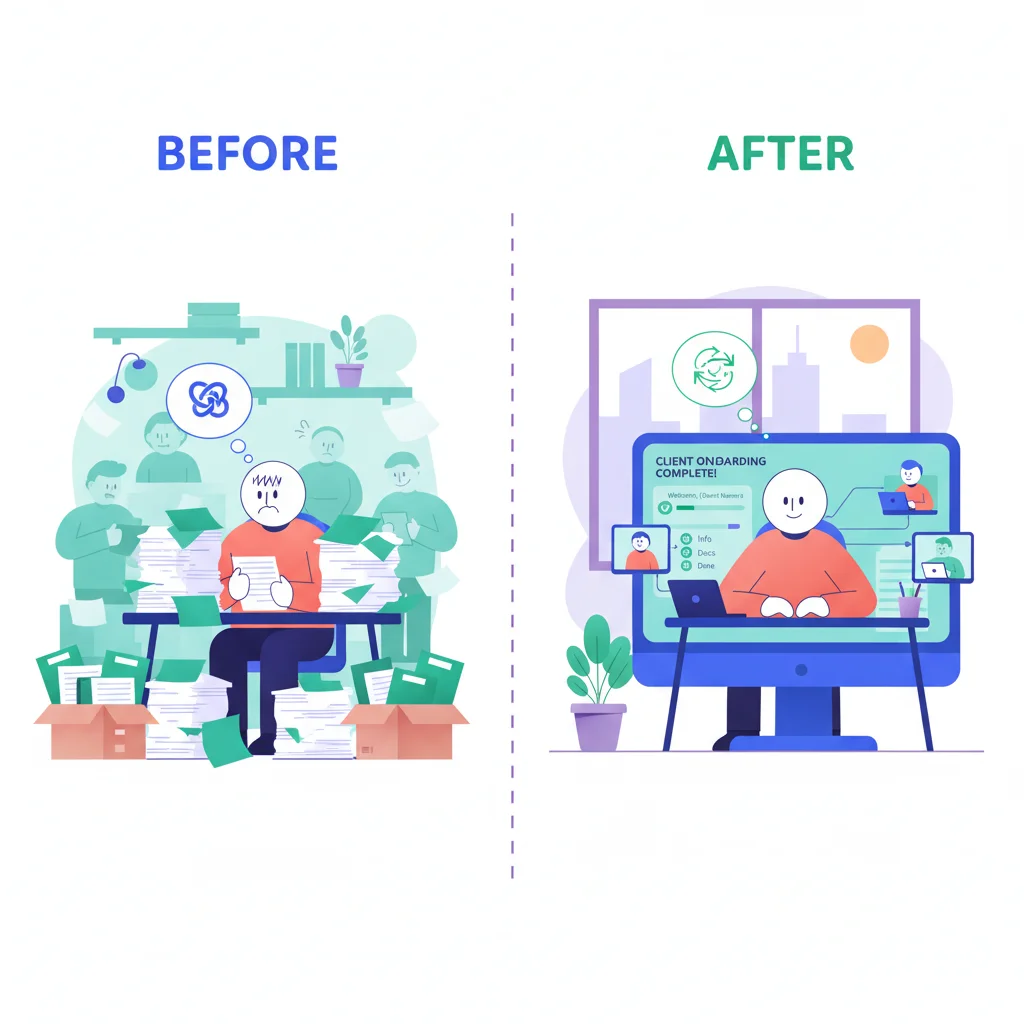
You send the same welcome email, chase the same documents, and answer the same questions for every single new client. It’s groundhog day with a slightly different company name at the top.
The thing is, all that busywork isn’t just boring — it’s actively stealing time from the part of onboarding that actually matters: building the relationship. Automation fixes that.
What Onboarding Automation Looks Like
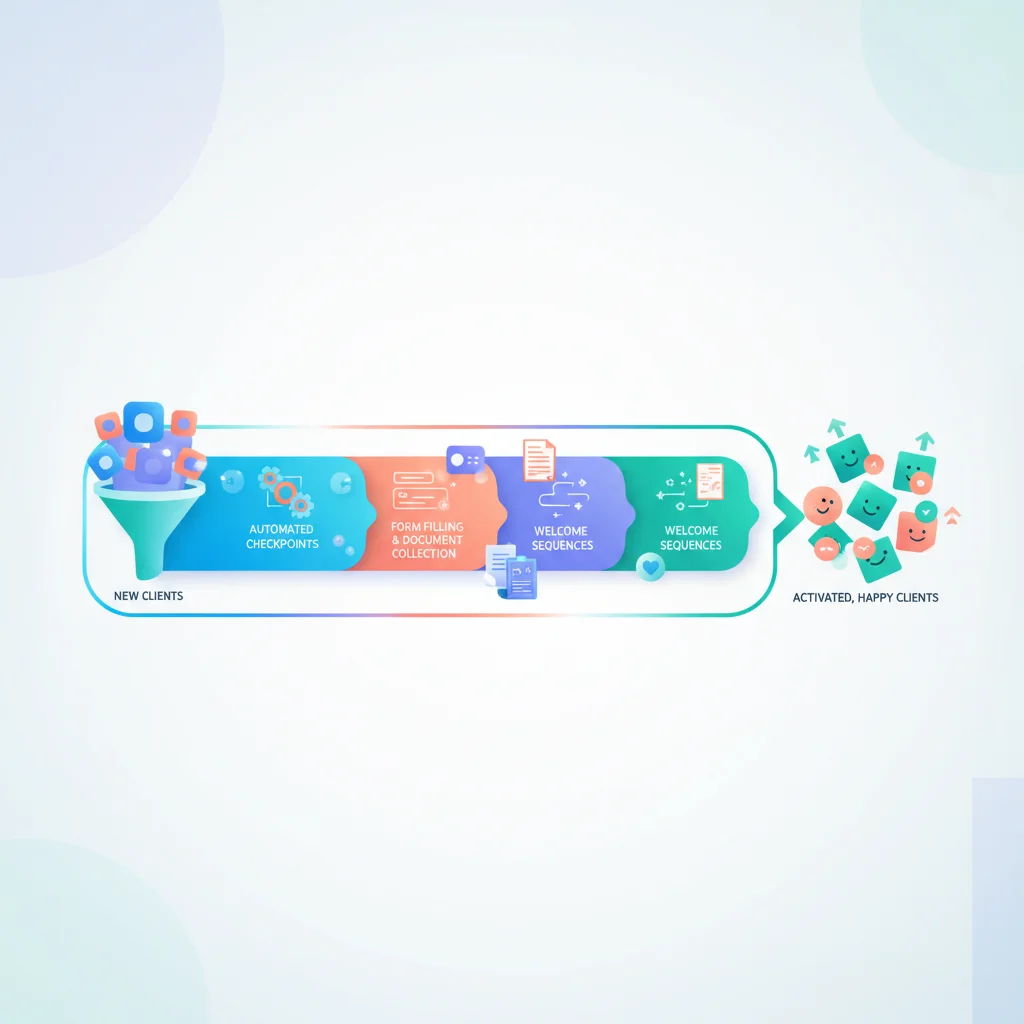
Digital intake forms
Instead of emailing a Word document questionnaire and waiting for clients to fill it out and send it back, provide digital forms in a portal. Forms can include validation (required fields, correct formats), conditional logic (show additional questions based on answers), and automatic saving (clients can complete it over multiple sessions).
Document request checklists
Instead of emailing a list of needed documents and chasing missing items, create a checklist in the portal. Each required document has an upload slot. Clients see what’s been provided and what’s still needed. Your team sees completion progress across all clients.
Automated reminders
When a client hasn’t completed an onboarding step, automatic reminders nudge them — no manual follow-up needed. Reminders escalate over time: a gentle notification after 3 days, a more direct one after a week.
Triggered workflows
When a client completes one step, the next step is automatically triggered:
- Signed engagement letter → Account provisioning begins
- All documents uploaded → Team member assigned for review
- Questionnaire completed → Welcome call scheduled
Template-based processes
Create onboarding templates for different client types or service tiers. A new enterprise client might have a 15-step onboarding process; a small client might have 5 steps. Templates ensure consistency regardless of which team member manages the onboarding.
Tools for Automation
- Customer portal with built-in onboarding workflows — The most integrated approach
- Zapier — Connect different tools to create automated workflows
- Make (Integromat) — Visual workflow automation
- HubSpot — CRM with workflow automation for client onboarding
- Dubsado — Business management for service providers with automated onboarding
- HoneyBook — Client management with automated booking and onboarding flows
Measuring Improvement
Before and after automation, track:
- Time-to-onboard — How long from signed contract to fully onboarded client?
- Completion rate — What percentage of clients complete all onboarding steps?
- Team hours per onboarding — How much of your team’s time does each onboarding require?
- Client satisfaction — How do clients rate the onboarding experience?
Most businesses see a 50-70% reduction in team time spent on onboarding after implementing automation, plus faster completion by clients.