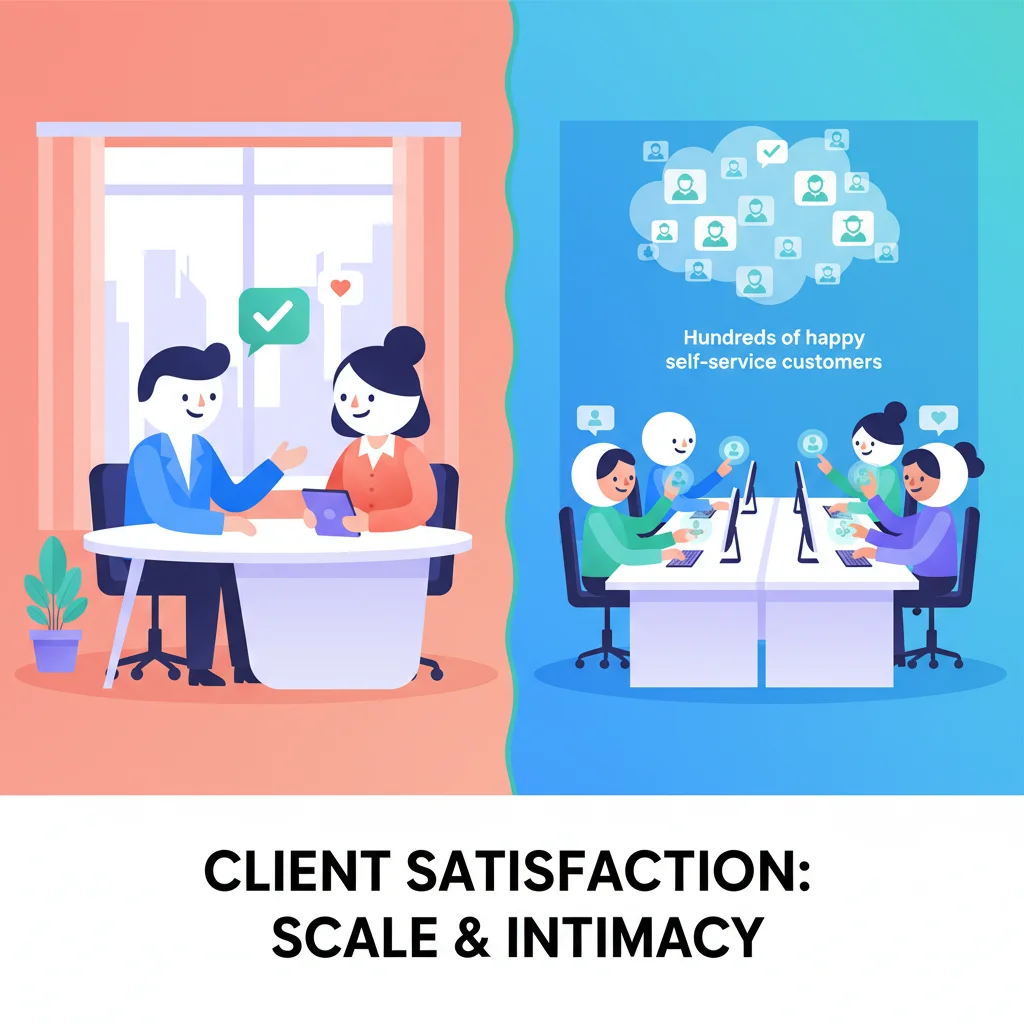
Google “client portal” and “customer portal” and you’ll get the exact same search results. Even the vendors selling them can’t agree on the terminology.
But the words do matter. They signal different relationship models, different feature priorities, and different ways of thinking about your customers. Understanding the distinction helps you pick the right tool — and configure it for how your business actually works.
The Short Answer
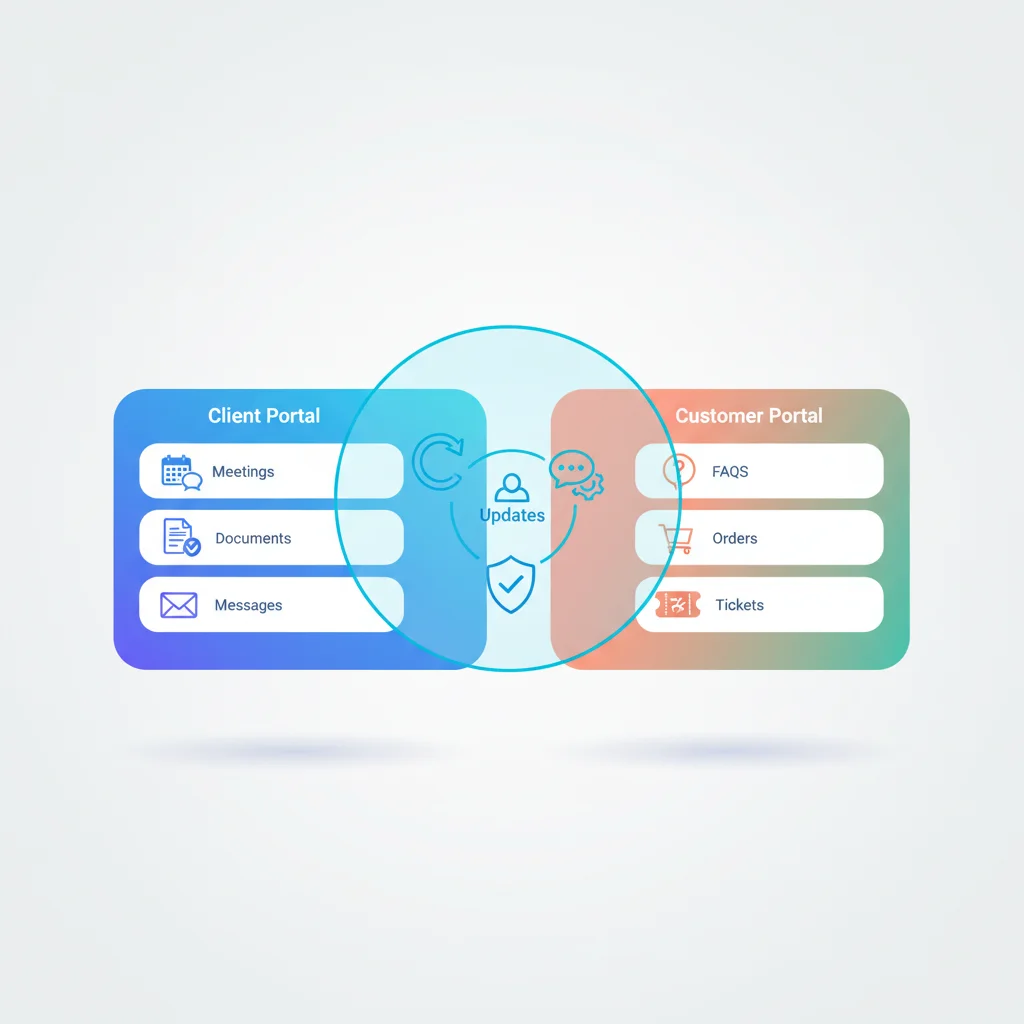
Customer portal typically refers to a self-service platform for high-volume, one-to-many relationships. Think e-commerce accounts, SaaS product dashboards, insurance policyholder portals.
Client portal typically refers to a collaboration space for relationship-driven, one-to-one engagements. Think accounting firms, law practices, creative agencies, consulting firms.
Same technology. Different emphasis.
Customer Portals: Self-Service at Scale
A customer portal is designed to let large numbers of users help themselves. The business may have hundreds or thousands of customers, and the portal reduces the need for direct interaction with each one.
Typical characteristics:
- High user volume — Hundreds to millions of accounts
- Standardized experience — Most users see the same interface and features
- Self-service focused — Account management, order tracking, support tickets, knowledge base
- Efficiency-driven — The primary goal is reducing support costs and scaling without adding headcount
- Transactional — Users log in to do something specific, then leave
Common industries: SaaS, e-commerce, insurance, healthcare (patient portals), telecommunications, utilities
Key features: Self-service portal, knowledge base, ticketing and support, billing and payments, account management
The measure of success for a customer portal is usually ticket deflection, self-service adoption rate, and support cost reduction. The question it answers: “How do we serve more customers without hiring more people?”
Client Portals: Collaboration and Trust
A client portal is designed to deepen a professional relationship. The business may have 10 to 500 clients, and the portal makes each relationship more organized, more transparent, and more valuable.
Typical characteristics:
- Lower user volume — Tens to hundreds of accounts
- Personalized experience — Each client may see different projects, documents, and communication threads
- Collaboration focused — Shared documents, messaging, project tracking, approvals
- Relationship-driven — The primary goal is making clients feel well-served and keeping them long-term
- Ongoing engagement — Clients return regularly as part of an active working relationship
Common industries: Accounting, legal, agencies, consulting, financial services, real estate
Key features: Secure messaging, document management, task and project tracking, client onboarding, white-label branding
The measure of success for a client portal is usually client satisfaction, retention, and time saved on administrative work. The question it answers: “How do we make every client feel like our most important client?”
Where They Overlap
Despite the differences in emphasis, client portals and customer portals share a common core:
- Secure login — Both give external users authenticated access to their information
- Document sharing — Both facilitate secure file exchange
- Communication — Both offer messaging or ticketing (or both)
- Billing — Both can handle invoicing and payments
- Branding — Both should reflect your brand, not the software vendor’s
- Access controls — Both use role-based permissions to control what users see
Most portal platforms can be configured as either a client portal or a customer portal. The difference is in setup, not in software.
Which One Do You Need?
Ask yourself these questions:
How many external users will log in?
- Under 500 → Likely a client portal orientation
- Over 500 → Likely a customer portal orientation
What’s the nature of the relationship?
- Ongoing, personalized service → Client portal
- Standardized product or service → Customer portal
What’s the primary goal?
- Reduce support volume and scale efficiently → Customer portal
- Strengthen relationships and organize collaboration → Client portal
How much customization does each user need?
- Each user sees different projects, documents, and communication → Client portal
- Most users see the same interface with their own account data → Customer portal
What does your industry call it?
- Professional services (accounting, legal, consulting) → Almost always “client portal”
- SaaS, e-commerce, insurance → Almost always “customer portal”
Real-World Examples
The distinction becomes clearer with examples:
Accounting firm → Client portal. Each client has their own space with tax documents, financial statements, and a direct messaging thread with their accountant. The CPA needs to see all client workspaces; each client sees only theirs. The relationship is personal and ongoing — the portal reflects that. See how accounting firms use portals.
SaaS company → Customer portal. Thousands of users access the same support center, knowledge base, and account settings. The experience is standardized — everyone sees the same help articles, the same ticket submission form, the same billing page. The portal’s job is efficiency, not intimacy. Learn more about SaaS portals.
Law firm → Client portal. Each matter has sensitive documents, privileged communications, and case-specific timelines. The portal is a secure collaboration space where attorneys and clients exchange documents and track progress. Security and document management are paramount. See legal industry portals.
E-commerce business → Customer portal. Customers log in to check order status, initiate returns, update payment methods, and browse help articles. The volume is high, the interactions are transactional, and self-service is the primary goal. See e-commerce portals.
Creative agency → Client portal. Each client has active projects with deliverables, feedback threads, revision tracking, and approval workflows. The portal is where work gets reviewed and approved — a shared workspace that replaces chaotic email chains. Explore agency portals.
Insurance provider → Customer portal (mostly). Policyholders need self-service access to policy documents, claims filing, and payment history. But for commercial accounts with complex policies, the experience starts to look more like a client portal — personalized, relationship-driven, with dedicated communication channels.
The Hybrid Reality
Many businesses need elements of both. A managed service provider might need the relationship depth of a client portal with the self-service features of a customer portal. An insurance agency might need a customer-portal-style self-service area for policyholders, plus a client-portal-style space for high-value commercial accounts.
This is normal. The best portal platforms support both models — you configure the features and interface to match each user segment. You might set up one section of the portal as a self-service knowledge base (customer portal pattern) and another section as a private document workspace per client (client portal pattern).
The SEO Angle (Why This Matters for Your Search)
If you’re researching portal solutions, the terminology affects what you find. Searching for “client portal software” surfaces platforms oriented toward professional services — Copilot, SuiteDash, Clinked, Moxo. Searching for “customer portal software” surfaces platforms oriented toward support and self-service — Zendesk, Freshdesk, HubSpot.
Neither set of results is wrong. But knowing which term aligns with your use case helps you find the right tools faster and avoid wasting time evaluating platforms designed for a different model.
Don’t Get Hung Up on the Label
Here’s the practical advice: don’t choose a portal platform based on whether it calls itself a “client portal” or “customer portal.” Choose based on features, flexibility, and fit.
A platform that calls itself a “client portal” can usually serve customer portal use cases, and vice versa. What matters is whether it supports the specific features you need — self-service for high-volume, secure messaging and project tracking for relationship-driven.
For a broader look at all the portal types businesses use, see our guide to types of business portals. And if you’re still figuring out whether you need a portal at all, start with What Is a Customer Portal?