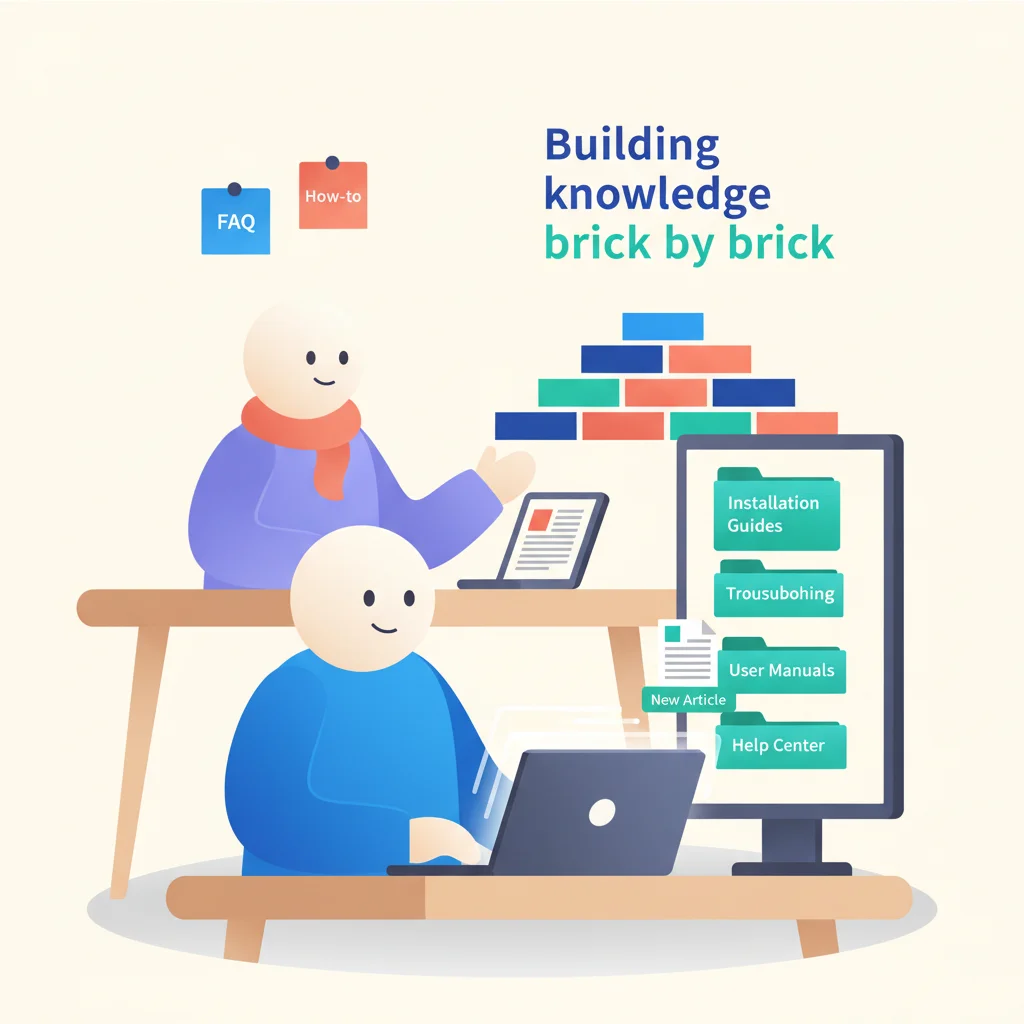
Most knowledge bases are where help articles go to die. Someone copies a bunch of internal docs into a tool, slaps a search bar on it, and wonders why customers keep emailing support anyway.
A knowledge base that actually kills tickets is a different animal. It’s written for your customers, organized around their problems, and maintained like a product — not a dusty wiki.

Step 1: Mine Your Support Data
Your existing support tickets are a goldmine of knowledge base topics. Analyze the last 3-6 months of tickets and categorize them:
- What questions come up most frequently?
- Which topics require the most back-and-forth to resolve?
- What do new customers always ask during onboarding?
- Which issues could customers solve themselves with instructions?
The top 20 topics by volume should be your first 20 articles. These will have the highest deflection impact.
Step 2: Write for Your Customer, Not Your Team
The biggest mistake in knowledge base writing is using internal language. Your engineering team might call it “credential rotation,” but your customer searches for “change password.” Use the words your customers use.
Writing tips:
- Start with the outcome, not the feature. “How to download your invoice” not “Invoice management feature.”
- Use numbered steps for procedures. Customers scan, they don’t read.
- Include screenshots for anything visual. A screenshot is worth 100 words of description.
- Keep paragraphs short — 2-3 sentences max.
- Add a “still need help?” link at the bottom of every article, connecting to your support ticketing.
Step 3: Organize by Task, Not by Product Structure
Customers don’t think in terms of your product’s navigation. They think in terms of what they’re trying to do. Organize your knowledge base around tasks and goals:
Good categories:
- Getting Started
- Account & Billing
- Managing Your Projects
- Troubleshooting
- Security & Privacy
Bad categories:
- Dashboard Module
- Settings v2
- Admin Panel
- API Section 3
Step 4: Make Search Work
Search is the most-used feature of any knowledge base. If search returns irrelevant results, customers abandon the knowledge base entirely.
- Use the language your customers use in article titles and content
- Add common synonyms and alternative phrasings
- Test your search regularly with real customer queries
- Analyze “no results” searches to identify content gaps
Step 5: Implement Ticket Deflection
Before a customer submits a support ticket, show them relevant knowledge base articles. This “suggested articles” pattern can deflect 10-20% of tickets.
The key is relevance — if suggestions are consistently off-target, customers learn to ignore them.
Step 6: Measure and Maintain
Key metrics:
- Article views — Which articles are most used?
- Satisfaction ratings — “Was this helpful?” at the bottom of each article.
- Search analytics — What do customers search for? What returns no results?
- Ticket deflection rate — How much has ticket volume decreased since launch?
Maintenance:
- Review articles quarterly for accuracy
- Update screenshots when your UI changes
- Add new articles based on emerging support trends
- Retire articles about deprecated features
A knowledge base that’s outdated is worse than no knowledge base — it sends customers down wrong paths and generates frustrated support tickets.
Tools for Building a Knowledge Base
- Zendesk Guide — Integrated with Zendesk Support
- Intercom Articles — Integrated with Intercom messaging
- Document360 — Standalone knowledge base platform
- HelpScout Docs — Simple, clean knowledge base tool
- Notion — Can be used as a lightweight knowledge base
- GitBook — Popular for technical documentation
Many customer portal platforms include built-in knowledge base features, so you may not need a separate tool.
The Knowledge Base Compounds
Unlike most support investments (which scale linearly with volume), a knowledge base compounds. Every article you write continues to resolve issues indefinitely. An article written today might handle 5 tickets this week, 50 next month, and 500 over the next year.
This is why the knowledge base is often cited as the single highest-ROI feature of a self-service portal.