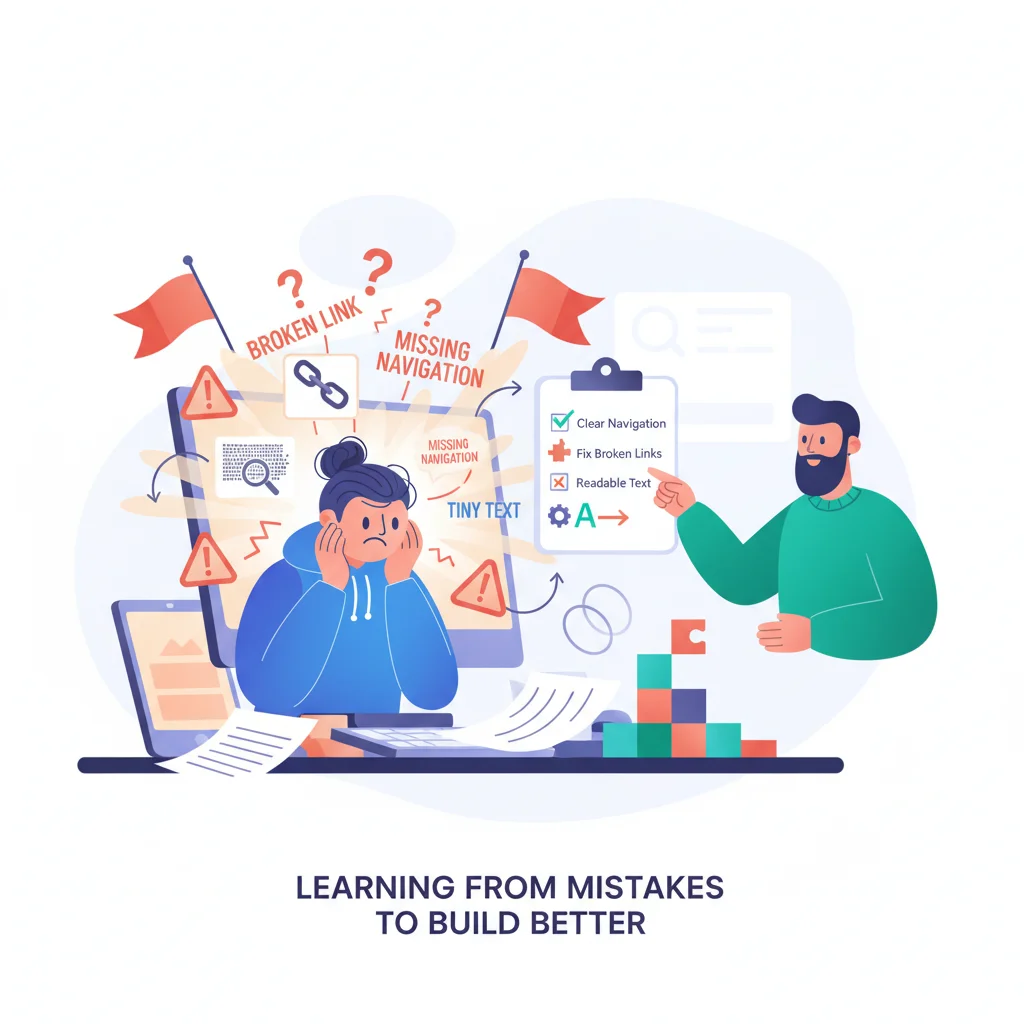
Every failed portal has one thing in common: it wasn’t the software’s fault. It was the decisions around it — launching too much, enforcing too little, and treating a living product like a one-time project.
Here are the ten mistakes that kill portal adoption, and how to sidestep each one before it’s too late.
1. Building Too Many Features at Launch
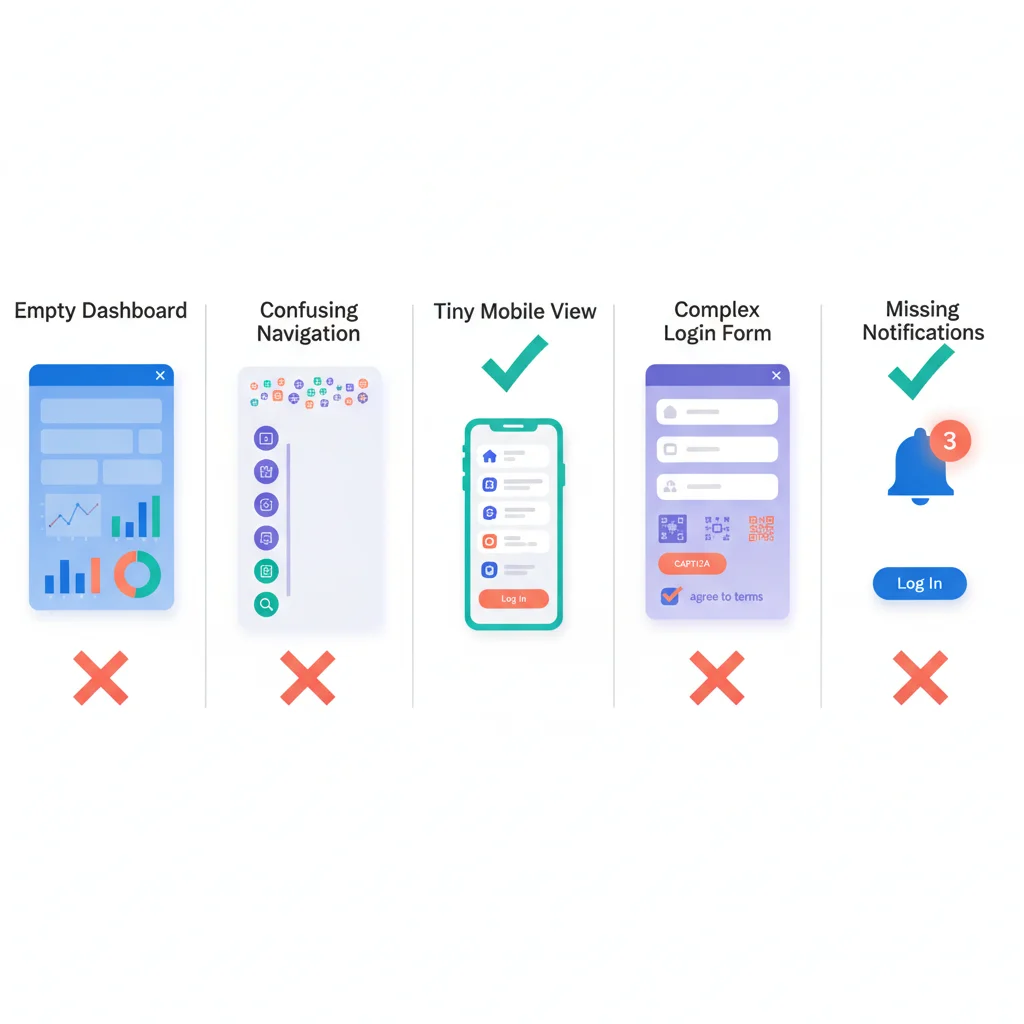
What it looks like: You spend months building the “perfect” portal with every feature you can think of — document management, messaging, billing, project tracking, a knowledge base, onboarding flows, reporting, and a custom dashboard. Launch day arrives. You’re exhausted. Your team is barely trained. The interface is cluttered.
Why it happens: It’s tempting to justify the investment by packing in everything. Stakeholders keep adding “just one more thing.” Nobody wants to launch something that feels incomplete.
How to fix it: Launch with 2-3 core features that solve your biggest pain point. A portal that does document sharing really well is more valuable than one that does ten things poorly. You can always add features — you can’t always recover from a bad first impression. Start small and expand.
2. Not Making the Portal the Default Channel
What it looks like: You launch the portal, announce it to clients, and then… keep answering emails. Keep sending documents as attachments. Keep providing status updates over the phone. The portal is “available” but it’s not required.
Why it happens: It feels rude to tell clients “check the portal” when they email you. Your team defaults to the fastest path — replying by email — instead of redirecting to the portal.
How to fix it: If the portal is optional, it will be optionally ignored. When a client emails asking for an invoice, reply with a link to the portal. When they ask for a status update, walk them through finding it in the portal. This is the single most important adoption driver. Read more in our portal adoption guide.
3. Poor Onboarding — The Empty Dashboard Problem
What it looks like: A client logs into the portal for the first time and sees… nothing. An empty dashboard. No documents, no messages, no guidance. They close the tab and go back to email.
Why it happens: Businesses focus on building features and forget about the first-time experience. They assume clients will explore and figure it out.
How to fix it: The first login should show something valuable immediately. Pre-populate the dashboard with the client’s existing documents, a welcome message, and a clear next action. A guided walkthrough helps. A well-designed onboarding flow turns first-time visitors into regular users.
4. Ignoring Mobile
What it looks like: Your portal looks great on desktop. On a phone, it’s a mess — tiny text, horizontal scrolling, buttons too small to tap. Half your clients access it on mobile and have a terrible experience.
Why it happens: The team builds and tests on desktop. Mobile is an afterthought — “we’ll optimize it later.” Later never comes.
How to fix it: Test on mobile from day one. If you’re choosing a platform, verify that it’s responsive or has a dedicated mobile experience. Many of your clients will first encounter the portal on their phone (they’ll click a notification link while away from their desk). If that experience is bad, they won’t come back on desktop either.
5. Making Login Too Complicated
What it looks like: Clients need to create a separate account with a new password. Or the password requirements are absurd (uppercase, lowercase, number, symbol, hieroglyph). Or there’s no “remember me” option, so they have to log in every time.
Why it happens: Security concerns override usability concerns. The IT team applies enterprise-level authentication requirements to a portal that doesn’t need them.
How to fix it: Offer single sign-on (SSO) so clients can log in with their existing Google or Microsoft account. Use magic links (email-based passwordless login) for low-security portals. Always offer a “stay logged in” option. Reduce the number of clicks between “I want to check my portal” and “I can see my information.”
6. No Notifications to Pull Users Back
What it looks like: The portal has great content, but clients forget it exists. They logged in once, maybe twice, and haven’t been back in weeks. There’s no reason to return because they don’t know when something new is there.
Why it happens: Notifications feel spammy. Nobody wants to be the business that floods inboxes. So the portal sits silently, waiting for users who never come.
How to fix it: Notifications aren’t spam when they’re useful. “Your monthly report is ready” is useful. “A new document has been shared with you” is useful. “Your support ticket has been updated” is useful. Set up email notifications for meaningful events. Every notification should include a direct link to the relevant content in the portal.
7. Treating the Portal as a One-Time Project
What it looks like: The portal launches. The team moves on to other priorities. Six months later, the knowledge base is outdated, new features haven’t been added, and the portal feels stale.
Why it happens: The portal is treated like a build-it-and-forget-it project. There’s no ongoing ownership, no maintenance plan, and no roadmap for improvement.
How to fix it: Assign someone as the portal owner. Review usage data monthly. Update content regularly. Add features based on client feedback. A portal is a product — it needs ongoing attention to stay valuable. Budget for maintenance, not just for launch.
8. Not Measuring Adoption and Usage
What it looks like: You have no idea how many clients are actually using the portal. You think it’s going well because nobody’s complaining. But nobody’s complaining because nobody’s using it.
Why it happens: Measurement isn’t set up. The team relies on gut feel instead of data. Or they track vanity metrics (total logins) instead of meaningful ones (monthly active users, feature usage).
How to fix it: Track four things from day one: activation rate (what percentage of invited clients have logged in at least once), monthly active users, feature usage (which features are used, which are ignored), and channel shift (is email/phone volume decreasing). Use reporting and analytics to review these metrics weekly in the early months, monthly after that.
9. Forgetting About the Search Experience
What it looks like: Your portal has a great knowledge base with 100 articles. But the search function returns irrelevant results or no results. Clients can’t find what they need, so they email your support team instead.
Why it happens: Search is deceptively hard. A basic keyword search doesn’t handle synonyms, misspellings, or natural language queries. Nobody tests search from the client’s perspective.
How to fix it: Test search with the terms your clients actually use, not your internal terminology. If clients search for “reset password” and your article is titled “credential management,” the search fails. Invest in decent search functionality — it’s what separates a useful knowledge base from a graveyard of unread articles.
10. No Escape Hatch to Human Support
What it looks like: The portal is great for self-service, but when a client has a problem the portal can’t solve, there’s no clear way to reach a human. They’re stuck in a loop of knowledge base articles and automated responses.
Why it happens: The whole point of the portal is to reduce support contacts. So the team makes it hard to contact support — burying the contact option, forcing clients through multiple steps before they can talk to someone.
How to fix it: Self-service should reduce support volume, not block access to support. Make it easy to escalate from any point in the portal — a persistent “contact us” option, a support ticket form that’s always one click away. Clients who know they can reach a human when needed are more likely to try self-service first. Clients who feel trapped will abandon the portal entirely.
The Pattern Behind the Mistakes
Notice the common thread: most of these mistakes aren’t about technology. They’re about empathy — failing to see the portal from the client’s perspective. The best portal teams use their own portal as a client would. They test the first login experience. They try finding documents through search. They check how it looks on a phone.
Build for your clients, not for your team. Measure what matters. Iterate continuously. Avoid these ten mistakes and your portal will be the asset it’s supposed to be — not another tool collecting dust.