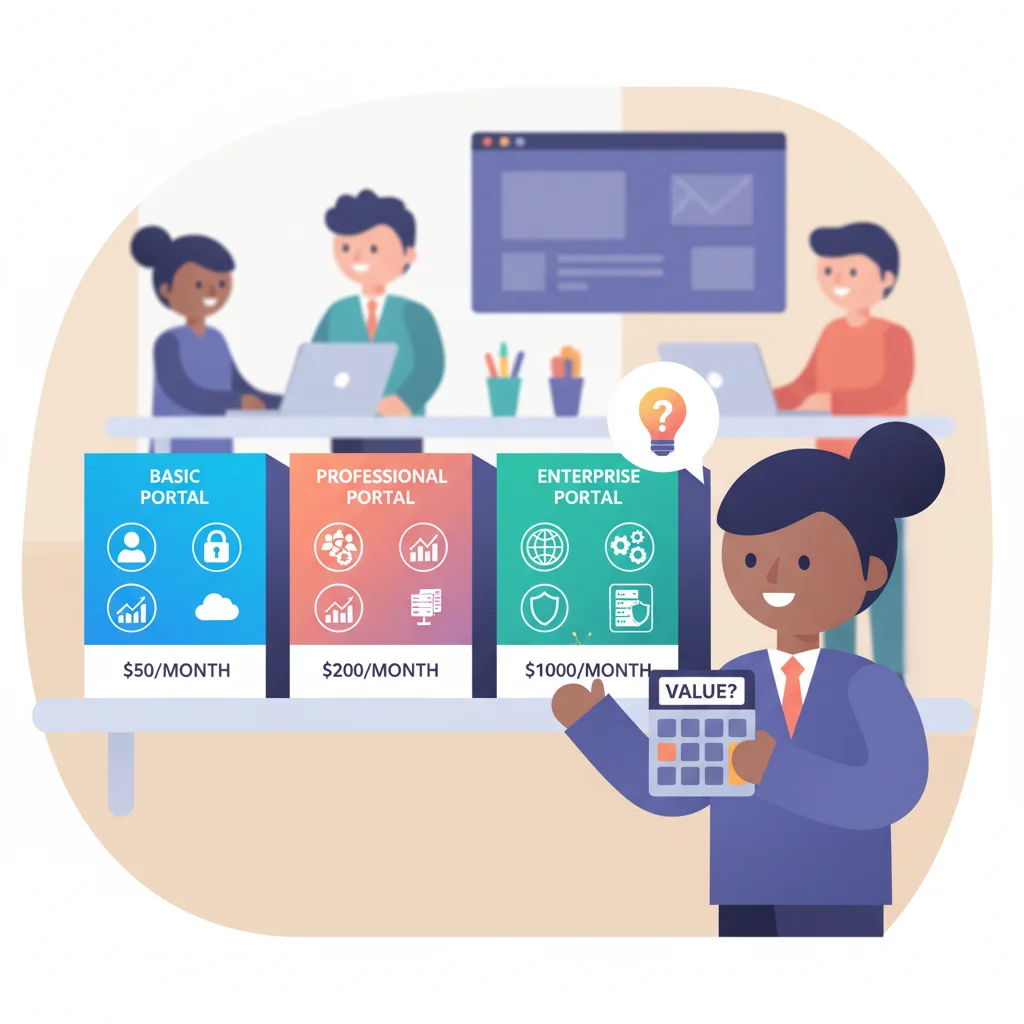
Try researching portal pricing and you’ll hit “contact sales” buttons, vague tiers, and cost ranges so wide they’re useless. Is it $50/month or $100K? Depends on who you ask.
Here’s a straightforward breakdown of what customer portals actually cost, what drives the price, and where the hidden expenses catch people off guard.
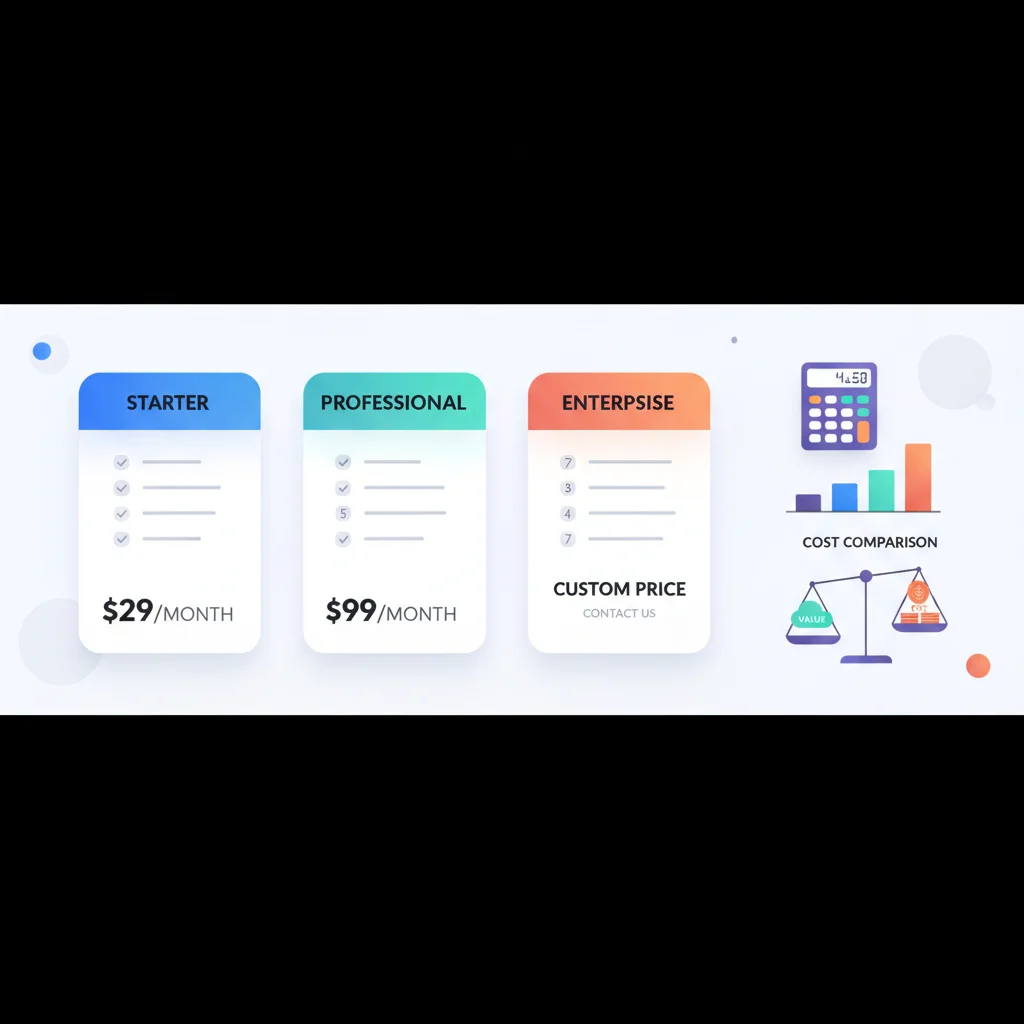
The Three Pricing Models
1. Off-the-Shelf SaaS Platforms ($50-500/month)
These are ready-made portal platforms you configure for your business. You sign up, customize the branding, set up your features, and invite clients.
Examples: Copilot, SuiteDash, Clinked, Huddle, Onehub, Moxo, Ahsuite
What you get: Pre-built features for document sharing, messaging, billing, client onboarding, and branding. Most include a content management system, user management, and basic integrations.
Best for: Small to mid-size businesses that need a portal without development resources.
Typical pricing tiers:
- Starter ($50-150/month): 10-50 users, basic features, limited storage, your branding
- Professional ($150-400/month): Unlimited users, full feature set, integrations, priority support
- Enterprise ($400-1,000+/month): Advanced customization, SSO, API access, dedicated support, SLA
2. Low-Code / No-Code Platforms ($100-1,000/month)
These platforms let you build a custom portal without writing code, using drag-and-drop builders and pre-built components. More flexible than off-the-shelf, but require more setup time.
Examples: No-code portal builders like Softr, Stacker, Glide, Internal.io, Retool
What you get: A custom-configured portal built on a platform, with more control over the interface and workflows. Often connects to your existing data sources (Airtable, Google Sheets, databases).
Best for: Businesses with specific workflow requirements that off-the-shelf platforms don’t cover.
3. Custom Development ($20,000-$100,000+)
A portal built from scratch by a development team, tailored exactly to your requirements.
What you get: Complete control over every aspect — features, design, integrations, data model, and hosting.
Best for: Businesses with unique requirements, high volume, or strict compliance needs that no existing platform can meet.
Typical costs:
- Simple portal ($20,000-$40,000): Basic document sharing, user accounts, messaging
- Mid-complexity ($40,000-$80,000): Workflows, integrations, billing, reporting
- Complex portal ($80,000-$150,000+): Multi-tenant, advanced permissions, multiple integrations, custom analytics
Ongoing costs: Budget 15-25% of the initial development cost per year for maintenance, hosting, security updates, and feature additions.
See our build vs. buy guide for a detailed comparison of these approaches.
What Drives Portal Pricing
Number of users
Most SaaS platforms price by user count or tier. A portal for 50 users costs less than one for 5,000. Some charge per “seat” (team members), others per “contact” (clients), and some by total users.
Storage
Document-heavy portals need more storage. Most platforms include a base amount (5-50 GB) with additional storage at $5-20/GB/month. If you’re in accounting or legal and managing thousands of documents, storage costs add up.
Features
Basic platforms cover document sharing and messaging. Advanced features — billing and payments, workflow automation, reporting, API access — usually require higher tiers.
White-labeling
Removing the vendor’s branding and using your own domain, colors, and logo is a common upsell. Basic branding (logo and colors) is usually included. Full white-label customization (custom domain, no vendor watermarks, branded emails) is typically a premium feature.
Integrations
Connecting the portal to your CRM, accounting software, or other tools may require a higher tier or paid add-ons. Native integrations (built-in connections to popular tools) are often included. Custom integrations via API usually require a professional or enterprise plan.
Support level
Email support is usually included. Priority support, dedicated account managers, and custom onboarding assistance are premium.
The Hidden Costs Nobody Mentions
The subscription fee is the easy part. Here’s what catches businesses off guard:
Implementation time
Even “plug and play” platforms require setup. Configuring your portal — branding, user roles, document structures, integrations — takes 10-40 hours of team time. For custom builds, multiply that by 10.
Content creation
A portal needs content. Knowledge base articles, onboarding guides, help documentation, welcome messages — someone has to write all of it. Budget 20-60 hours for initial content, plus ongoing maintenance.
Training
Your team needs to learn the platform. Your clients need guidance on using it. Training materials, walkthrough videos, and support documentation take time to create.
Ongoing maintenance
Content goes stale. Features need updating. New integrations are requested. Plan for 2-5 hours per week of ongoing portal management for a small to mid-size deployment.
Migration
If you’re moving from email and shared drives to a portal, migrating existing documents and data takes time. For a business with 100 clients and thousands of documents, this can be a significant project.
Free Options: What You Actually Get
Several platforms offer free tiers. Here’s the reality:
- Help desk portals (Freshdesk, Zendesk free tiers): Basic ticket submission and knowledge base. No document sharing, no billing, no branding. Good if all you need is a support portal.
- Simple file sharing (Google Drive, Dropbox shared folders): Not really a portal — no branding, no unified interface, limited access controls. But it’s free.
- Open-source portals: Exist but require technical expertise to deploy, host, and maintain. The software is free; the implementation effort is not.
Free options work for very basic needs. If you need a branded, multi-feature portal, expect to pay.
Pricing Tiers at a Glance
| Tier | Monthly Cost | Best For | What You Get |
|---|---|---|---|
| Free / Basic | $0-50/mo | Very small teams, basic needs | Limited features, vendor branding, minimal storage |
| Starter | $50-150/mo | Small businesses, 10-50 clients | Core features, basic branding, standard support |
| Professional | $150-400/mo | Growing businesses, 50-200 clients | Full features, integrations, white-labeling |
| Enterprise | $400-1,000+/mo | Large or complex deployments | Advanced customization, SSO, API, dedicated support |
| Custom Build | $20K-100K+ upfront | Unique requirements, full control | Everything tailored to your specifications |
How to Avoid Overpaying
- Start with the lowest tier that meets your needs. You can always upgrade. Most platforms make it easy to move up and hard to move down.
- Calculate total cost of ownership, not just subscription cost. Include setup time, content creation, training, and ongoing maintenance.
- Don’t pay for features you won’t use in the first 6 months. Advanced reporting and API access sound appealing, but if you’re starting out, basic features are enough.
- Negotiate annual pricing. Most platforms offer 15-25% discounts for annual billing.
- Ask about startup or SMB pricing. Many vendors have unpublished discounts for smaller businesses.
The Real Cost Isn’t the Software
Here’s the uncomfortable truth: the software is usually the smallest part of the total investment. The real cost is the time and effort to set it up properly, create useful content, train your team, onboard your clients, and maintain it over time.
A $200/month portal that’s well-configured and actively maintained will outperform a $1,000/month portal that was set up hastily and forgotten. The ROI of a customer portal depends far more on adoption and usage than on which platform you choose.