
Your clients trust you with sensitive data — financial records, health information, legal documents. A portal centralizes all of it in one place. That’s powerful, but it also means a security failure affects everything at once.
You don’t need a Fortune 500 security team to get this right. Most of what matters is configuration, not code. Here’s the practical, no-jargon checklist every SMB should follow.
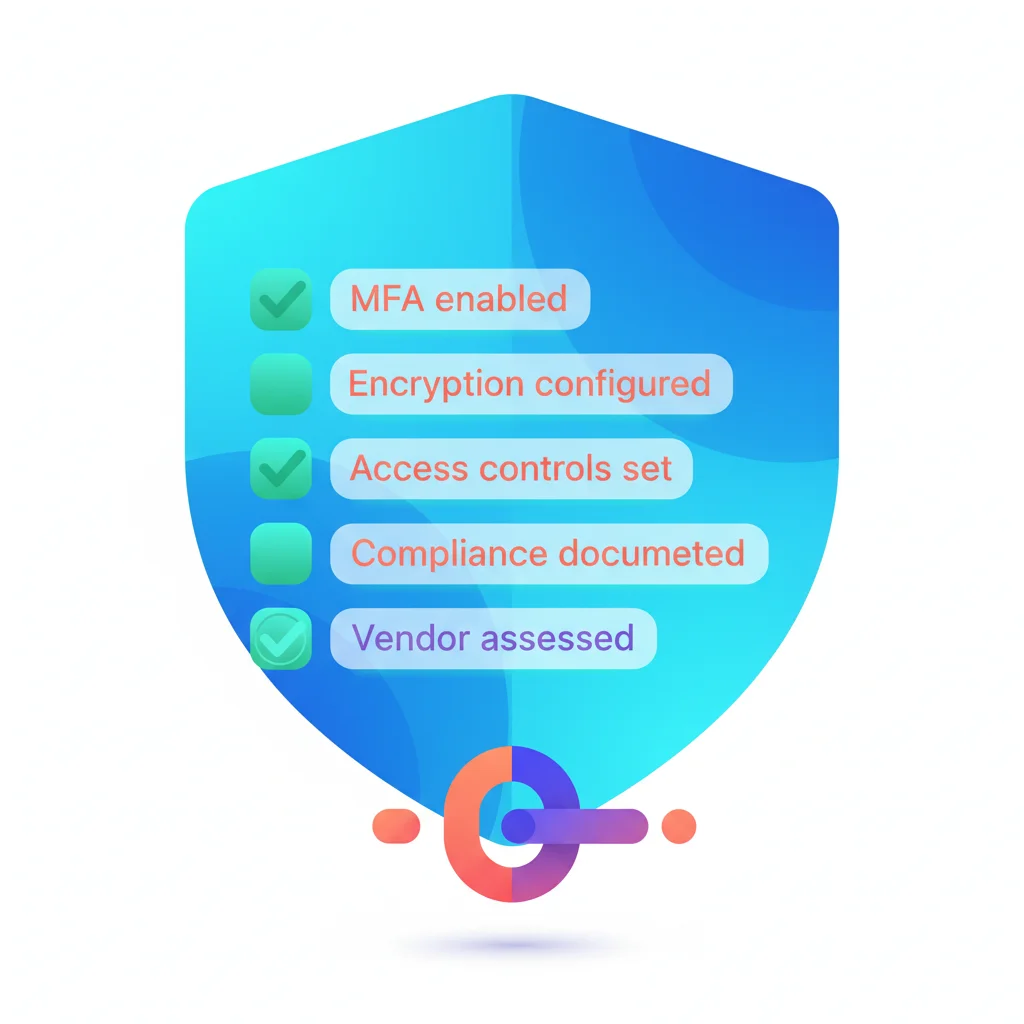
Authentication: Who Gets In
Authentication is the front door of your portal. Get it wrong and nothing else matters.
-
Multi-factor authentication (MFA) enabled for all admin and team accounts — MFA requires a second verification step (usually a code from a phone app) beyond a password. This single measure blocks the vast majority of unauthorized access attempts. Non-negotiable for anyone with administrative access.
-
MFA available (or enforced) for client accounts — At minimum, offer MFA as an option for clients. For portals handling sensitive data (healthcare, financial services, legal), consider making it mandatory. Balance security with usability — SSO can provide strong authentication without extra friction.
-
Password policy configured — Require minimum 12-character passwords. Don’t require arbitrary complexity rules (uppercase, number, symbol) — length matters more than complexity. Block commonly breached passwords if your platform supports it.
-
Session management configured — Set session timeouts appropriate to your data sensitivity. A general business portal might time out after 8 hours of inactivity. A portal with financial or health data should time out after 30-60 minutes. Always force re-authentication for sensitive actions (changing payment methods, downloading bulk data).
-
Failed login protections in place — Lock accounts or introduce delays after 5-10 failed login attempts. This prevents brute-force attacks. Ensure there’s a clear account recovery process so legitimate users can get back in.
-
SSO integration evaluated — Single sign-on lets clients log in with their existing Google, Microsoft, or corporate identity. It reduces password fatigue (fewer passwords to remember), shifts authentication security to major identity providers, and simplifies access management.
For a deeper dive, see our portal authentication guide.
Data Protection: Keeping Data Safe
Your portal stores and transmits sensitive information. These measures protect it in transit and at rest.
-
TLS/SSL enforced for all connections — All data between the browser and your portal must be encrypted in transit. This means HTTPS everywhere — no exceptions. Most SaaS platforms handle this automatically, but verify. There should be no way to access the portal over an unencrypted connection.
-
Data encrypted at rest — Data stored on servers (documents, messages, client records) should be encrypted using AES-256 or equivalent. If you’re using a SaaS platform, confirm this in their security documentation. If you’ve built a custom portal, implement database-level and file-level encryption.
-
Backup procedures documented and tested — Backups should happen automatically (daily at minimum), be stored in a separate location from primary data, and be encrypted. Most importantly: test your backups. A backup that can’t be restored is not a backup. Know your Recovery Time Objective (how quickly you can restore) and Recovery Point Objective (how much data you can afford to lose).
-
Data retention policy defined — Decide how long you keep client data after the relationship ends. Document the policy. Implement automated deletion or archival where possible. This is especially important for GDPR compliance — clients may have a right to request data deletion.
-
File upload restrictions configured — Limit uploadable file types to what’s actually needed (PDFs, images, common document formats). Block executable files (.exe, .bat, .sh) and other potentially dangerous formats. Set maximum file size limits.
Access Control: Who Sees What
A portal with the right features but wrong access controls can expose one client’s data to another. This section prevents that.
-
Role-based access control configured — Define clear roles (admin, team member, client, read-only) with specific permissions for each. Don’t give every team member full admin access. Apply the principle of least privilege — each person gets the minimum access needed to do their job.
-
Client data isolation verified — This is critical: Client A must never be able to see Client B’s data. Test this explicitly. Log in as Client A and verify you can’t access Client B’s documents, messages, or account information. If your portal supports multiple client organizations, ensure tenant isolation is working correctly.
-
Audit logging enabled — Track who accessed what and when. At minimum, log: user logins (successful and failed), document views and downloads, permission changes, data exports, and admin actions. Audit logs serve two purposes — they help you investigate security incidents and they demonstrate compliance.
-
User offboarding process documented — When a client relationship ends or an employee leaves, their access must be revoked promptly. Document the process: who’s responsible, what accounts to disable, what data to retain or delete. A former employee with active admin credentials is a significant security risk.
-
Regular access reviews scheduled — Quarterly, review who has access to what. Remove access that’s no longer needed. Check for inactive accounts. Verify that role assignments still match job functions. This prevents the slow accumulation of excessive permissions over time.
Compliance: Meeting Regulatory Requirements
Which compliance frameworks apply to you depends on your industry, location, and the type of data you handle. You may not need all of these — but you need to know which ones apply.
-
Identify applicable frameworks — Common ones for SMBs with portals:
- HIPAA — If you handle protected health information (healthcare portals)
- SOC 2 — If clients ask for evidence of your security controls (common in SaaS and tech)
- GDPR — If you have clients or users in the EU
- PCI DSS — If you process payment card data through the portal
- Industry-specific — FINRA for financial services, ABA guidelines for legal, state-level privacy laws
-
Document your compliance measures — For each applicable framework, document what you’ve implemented and where. This doesn’t need to be a 200-page report. A clear spreadsheet mapping requirements to your controls is usually sufficient for SMBs.
-
Privacy policy updated — Your privacy policy should describe what data the portal collects, how it’s used, how it’s protected, and how clients can request access or deletion. If you’re GDPR-affected, include data processing details and legal basis.
-
Data processing agreement (DPA) in place with vendors — If you use a SaaS portal, your vendor processes client data on your behalf. You need a DPA that specifies their obligations around data handling, security, breach notification, and data location. Most major vendors offer a standard DPA.
-
Breach notification plan documented — If a security incident occurs, what happens? Who gets notified, within what timeframe, and how? Most regulations require notification within 24-72 hours. Define the process before you need it.
Application Security: The Portal Itself
If you’ve built a custom portal, these apply directly to your development team. If you’re using a SaaS platform, verify these with your vendor.
-
Input validation on all user-submitted data — Every form field, upload, and API input should be validated and sanitized. This prevents injection attacks (SQL injection, cross-site scripting) that could compromise the portal or its data.
-
Dependencies regularly updated — Software libraries and frameworks have vulnerabilities discovered regularly. Keep them updated. Set up automated vulnerability scanning if possible. A known, unpatched vulnerability is one of the most common attack vectors.
-
Security headers configured — HTTP security headers (Content-Security-Policy, X-Frame-Options, Strict-Transport-Security, X-Content-Type-Options) add layers of defense against common web attacks. They’re free to implement and significantly reduce your attack surface.
-
Rate limiting implemented — Protect your API and login endpoints from abuse by limiting how many requests a single user or IP address can make in a given timeframe. This prevents brute-force attacks, scraping, and denial-of-service attempts.
-
Error messages don’t leak information — Error pages and API errors should not reveal internal details (database structure, file paths, stack traces). Generic error messages protect against information disclosure.
Vendor Assessment: If You’re Using SaaS
If you’ve chosen a SaaS portal platform, your security is partially in their hands. Evaluate them carefully.
-
SOC 2 Type II report reviewed — Ask for their SOC 2 report. Type II is better than Type I — it covers a period of time, not just a point-in-time snapshot. A vendor without SOC 2 isn’t necessarily insecure, but it means you have less independent verification of their controls.
-
Uptime SLA reviewed — What availability does the vendor guarantee? 99.9% uptime means about 8.7 hours of downtime per year. 99.5% means about 43 hours. Know what you’re getting and what remedies are available if they miss their SLA.
-
Data processing agreement signed — As mentioned in the compliance section, ensure a DPA is in place that covers data handling, processing location, sub-processors, and deletion policies.
-
Breach notification policy reviewed — How quickly will the vendor notify you of a security incident? 24 hours is best practice. 72 hours is the legal maximum under many regulations. Some vendors are vague — push for specifics.
-
Data location and jurisdiction confirmed — Know where your data is physically stored. This matters for GDPR (EU data in EU data centers) and may matter for industry regulations. Confirm that data doesn’t cross jurisdictions without your knowledge.
-
Vendor’s security practices documented — Request their security whitepaper or documentation. Confirm they cover: encryption standards, access controls for their employees, vulnerability management, incident response, and business continuity.
Making This Actionable
This checklist can feel overwhelming. Here’s how to approach it practically:
- Start with authentication — Enable MFA, configure passwords, set up session management. This blocks the most common attacks.
- Verify data isolation — Test that clients can’t see each other’s data. This is the highest-impact check for a customer portal.
- Enable audit logging — You can’t investigate what you don’t log.
- Address compliance — Identify which frameworks apply and document your measures.
- Schedule regular reviews — Security isn’t a one-time setup. Quarterly access reviews, annual vendor assessments, and ongoing monitoring keep your portal secure over time.
For a comprehensive overview of portal security principles, see our security best practices guide.