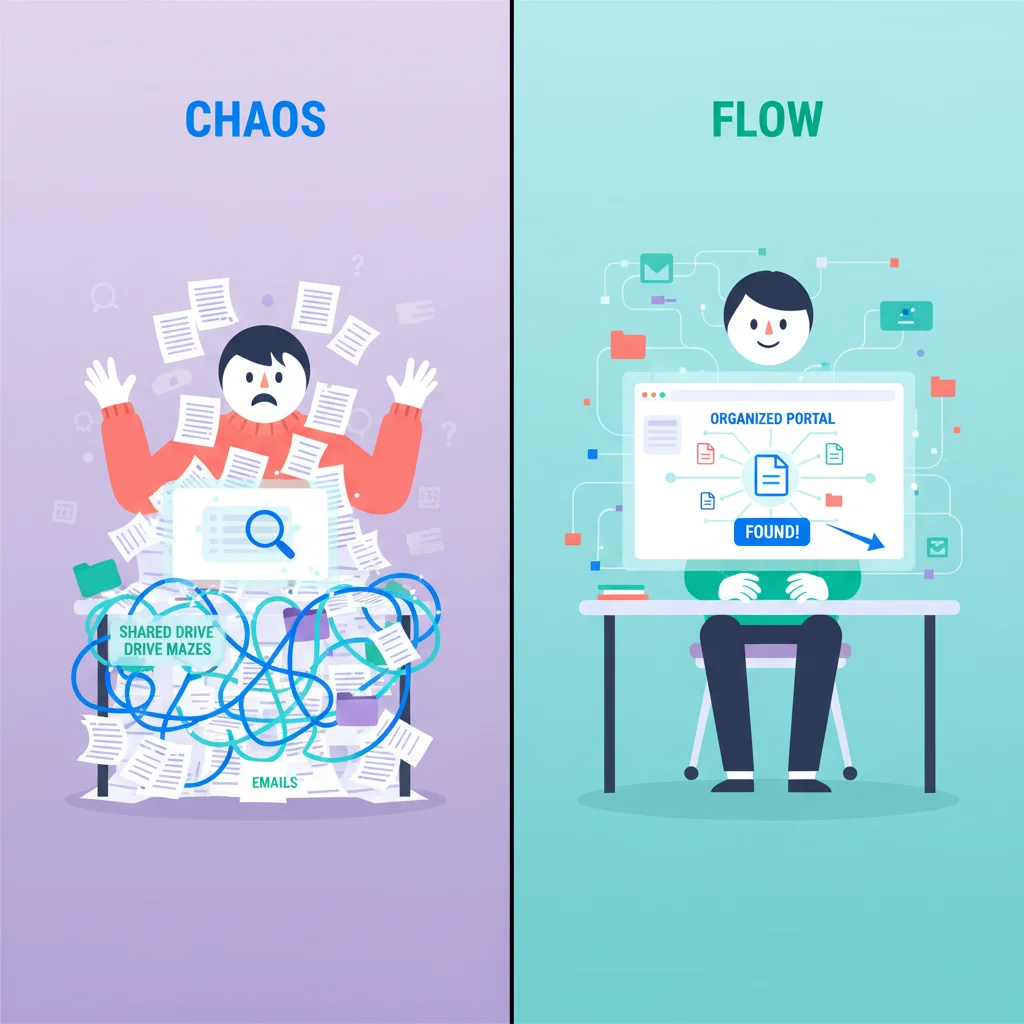
Email threads and shared Drive folders work fine — until they don’t. And the breaking point always arrives faster than you expect, usually somewhere around client number 15.
The tools aren’t the problem. They just weren’t built for managing client relationships at scale. Here’s what you’re giving up by sticking with them, and when it makes sense to upgrade to a customer portal.
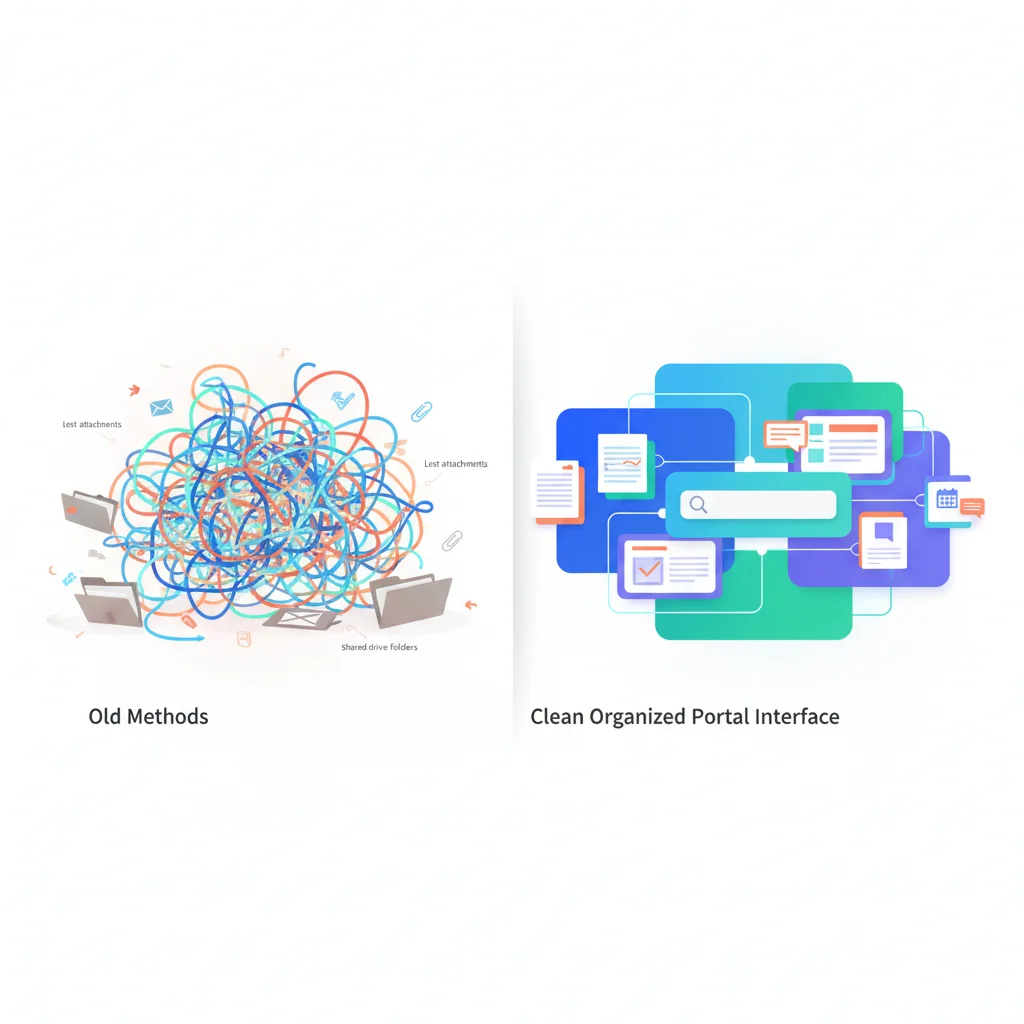
The Comparison
Organization
Email: Conversations are scattered across individual inboxes. Finding a specific document or decision from 6 months ago requires searching through threads that may include unrelated messages. When team members change, their email archives may be inaccessible.
Shared Drives: Better for documents, but folder structures get messy with many clients. Permission management is per-folder and error-prone. There’s no connection between documents and the conversations about them.
Customer Portal: Everything for each client is in one place — documents, messages, invoices, project status. Any team member can see the full client picture without searching through someone’s inbox.
Security
Email: Not encrypted by default for many providers. Attachments can be forwarded to anyone. No access revocation after sending. Misdirected emails expose sensitive data.
Shared Drives: Better than email, but permission management is complex at scale. One wrong sharing setting can expose one client’s files to another. Consumer-grade tools (Dropbox, Google Drive) may not meet industry-specific compliance requirements.
Customer Portal: Encryption in transit and at rest. Role-based access controls. Audit logging of who accessed what and when. Access revocation when relationships change. Designed for the security requirements of regulated industries.
Scalability
Email: Works fine for 5 clients. Manageable for 20. Breaks down completely at 50+. Each new client adds more threads, more attachments, and more things to track manually.
Shared Drives: Scaling to many clients requires increasingly complex folder structures and permission management. Adding new team members requires reconfiguring access across multiple folders.
Customer Portal: Designed to scale. Adding client #100 is the same process as adding client #5. Client data is isolated by default. Team access is managed through roles, not per-folder permissions.
Client Experience
Email: Clients hunt through their own inbox for documents and information you’ve sent. If they need something you haven’t sent, they email and wait. They have no visibility into project status unless you provide updates.
Shared Drives: Clients navigate folder structures that may not be intuitive to them. There’s no branding, no context, and no connection to other aspects of the relationship (billing, communication, project status).
Customer Portal: Clients log in and see a branded, organized interface with their documents, messages, invoices, and project status. They can find what they need without contacting you. It feels professional and intentional.
When to Switch
You should consider a customer portal when:
- You have more than 10-15 active clients and managing them through email is becoming unsustainable
- You share sensitive information (financial data, health records, legal documents) that email doesn’t protect adequately
- Clients are asking for better access to their information, documents, or project status
- Your team is spending significant time on administrative tasks that could be self-service
- You want to appear more professional and differentiate from competitors using email and spreadsheets
You Don’t Have to Switch Everything at Once
Start with the highest-value use case:
- Document sharing — If you’re emailing sensitive documents, move them to a portal first. See our secure document sharing guide.
- Client communication — If email threads are getting unmanageable, add portal messaging.
- Billing — If you’re emailing invoices and chasing payments, add portal billing.
- Project visibility — If clients constantly ask for status updates, add project tracking.
Each step moves one piece of the relationship from scattered to organized. Over time, the portal becomes the center of the client experience.