
Contracts, tax returns, medical records, legal documents — sensitive files move between your business and clients every day. And most of that sharing still happens via email attachments or shared drive links.
One wrong recipient on an email, one misconfigured Drive permission, and you’ve got a data breach on your hands. There’s a much better way to handle this.
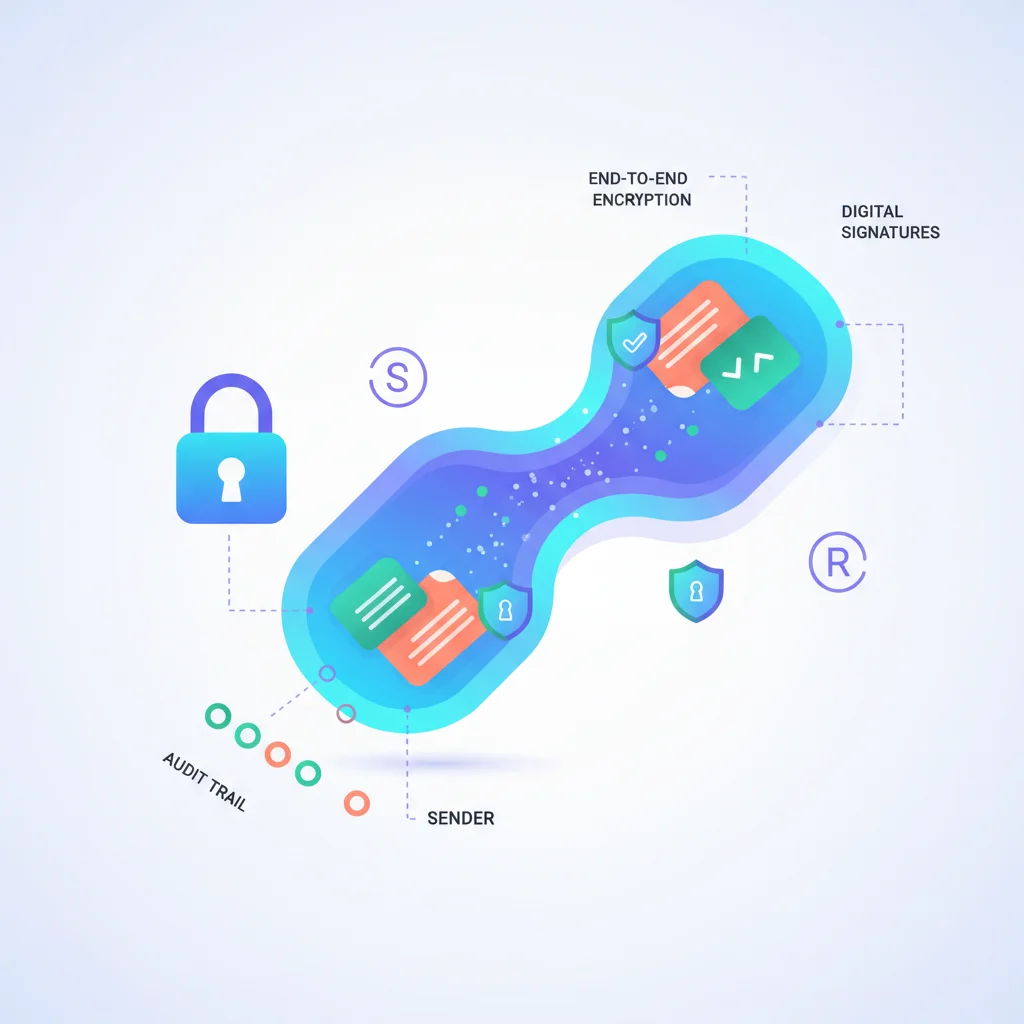
Why Email Isn’t Secure Enough
- No access control after sending — Once you email a document, you can’t revoke access. It’s on the recipient’s device, their email server, and potentially their backup systems forever.
- No audit trail — You don’t know if the document was opened, forwarded, or downloaded by unauthorized parties.
- Misdirection risk — It takes one wrong email address to send a tax return to the wrong person.
- Attachment limits — Large files bounce or get stripped by email servers.
- Regulatory non-compliance — For regulated industries, email doesn’t meet the security requirements of HIPAA, SOC 2, GDPR, or other frameworks.
Why Shared Drives Are Insufficient
Google Drive, Dropbox, and OneDrive work for internal collaboration, but they’re problematic for client-facing document sharing:
- Permission management at scale — Managing folder permissions for dozens or hundreds of clients is error-prone.
- No branding — Clients see Google’s or Dropbox’s UI, not yours.
- No integration — Documents are disconnected from billing, messaging, projects, and other aspects of the client relationship.
- Oversharing risk — One permission mistake can expose one client’s documents to another.
The Customer Portal Approach
A customer portal with document management provides what email and shared drives can’t:
- Access control — Each client sees only their documents. Role-based access controls who within the client’s organization can view, download, or upload.
- Encryption — Documents encrypted in transit (TLS) and at rest (AES-256).
- Audit logging — Complete record of who accessed which documents and when.
- Organization — Documents structured by client, project, type, or date.
- Notifications — Automatic alerts when documents are shared or uploaded.
- Branding — The sharing experience reflects your brand, not a third-party’s.
- Revocation — Remove access to documents when the relationship ends or circumstances change.
Industry-Specific Needs
| Industry | Documents Shared | Security Requirement |
|---|---|---|
| Accounting | Tax returns, financial statements | IRS guidelines, state regulations |
| Legal | Case documents, contracts | Attorney-client privilege, ethical rules |
| Healthcare | Medical records, consent forms | HIPAA compliance |
| Financial Services | Portfolio reports, tax forms | SEC/FINRA, SOC 2 |
| Real Estate | Contracts, disclosures, closing docs | State real estate regulations |
| Construction | Blueprints, change orders, permits | Contract compliance |