
Most chatbots are glorified FAQ pages with a text box. They can tell a visitor your business hours or link them to a return policy, but ask anything specific — “What’s the status of my order?” or “When is my next payment due?” — and they fall apart. The answer is always some variation of “Please contact support.”
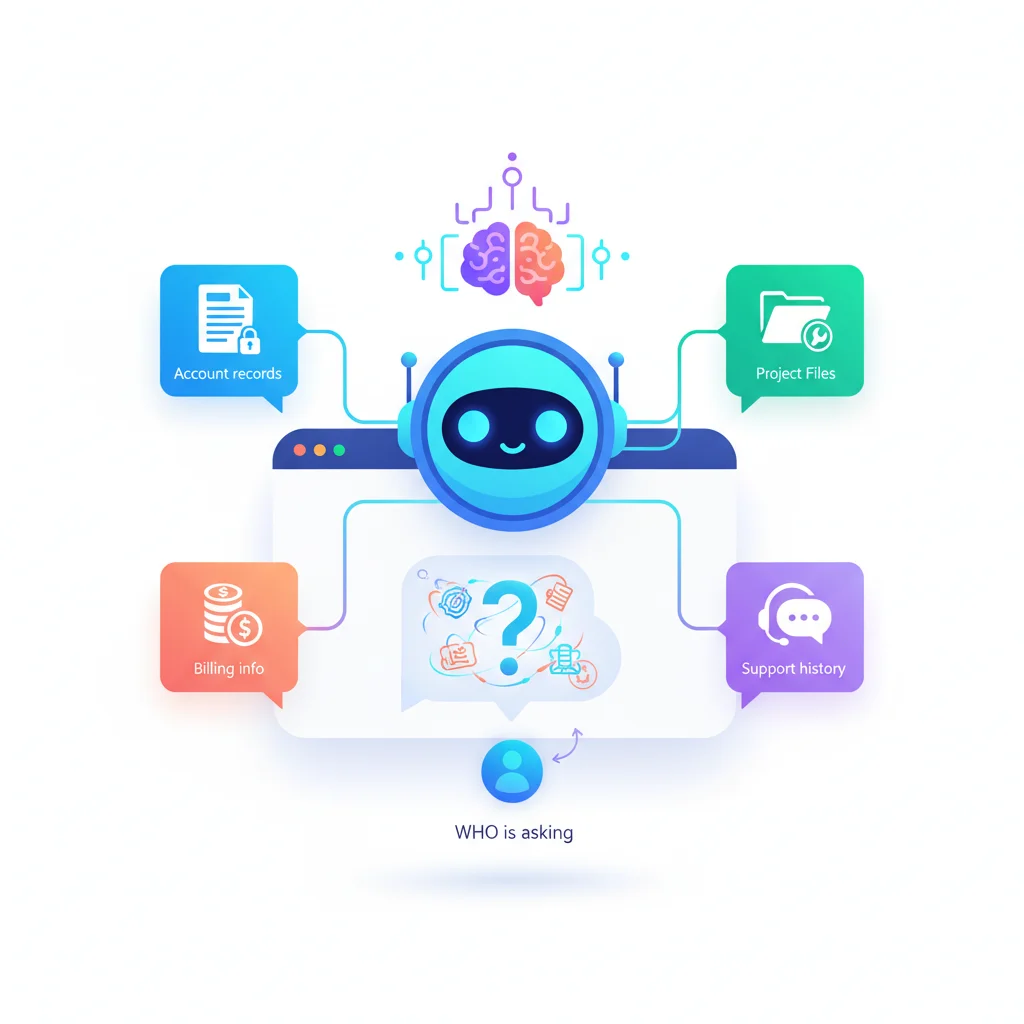
An AI-powered portal chatbot is fundamentally different. Because the customer is already logged in and authenticated, the chatbot knows exactly who they are. It has access to their account data, project history, invoices, documents, and support tickets. It doesn’t guess — it looks things up and gives real answers.
That’s the difference between a chatbot that deflects and one that actually resolves.
Why Portal Context Changes Everything
A public-facing chatbot on your marketing website has no idea who it’s talking to. It works from a static pool of general information. A portal chatbot operates with full context:
- Identity — It knows the customer’s name, account tier, company, and role.
- History — It can see past orders, support tickets, invoices, and interactions.
- Live data — It pulls real-time information from project tracking, billing systems, and document repositories.
- Permissions — It respects role-based access so different users within the same customer account see different things.
This context transforms the chatbot from a deflection tool into a resolution tool. Instead of routing customers to a support agent who then looks up their account, the chatbot does the lookup itself and provides the answer directly.
What a Portal Chatbot Can Actually Do
Answer account-specific questions
“What’s my current balance?” The chatbot checks the billing system and responds with the exact amount, the due date, and a link to pay. No support ticket needed.
“When does my subscription renew?” The chatbot pulls the renewal date, the plan details, and the renewal amount. It might even ask if the customer wants to review their plan before renewal.
“What’s the status of project X?” The chatbot queries your task and project tracking system and returns the current phase, next milestone, and any outstanding items.
Walk customers through processes
Instead of linking to a static help article, a portal chatbot can guide a customer through a multi-step process interactively:
- “How do I submit a warranty claim?” — The chatbot identifies the customer’s product, checks the warranty status, and walks them through the claim form step by step, pre-filling fields it already knows.
- “I need to update my billing information.” — The chatbot navigates the customer to the right settings page and explains each field.
- “How do I add a user to my account?” — The chatbot checks the customer’s plan to confirm they have available seats, then walks them through the user invitation flow.
Search across all portal content
A portal chatbot acts as a natural language search engine across your knowledge base, document library, account data, and support history. Instead of browsing through folders or scanning article titles, the customer just asks a question in plain language and the chatbot finds the most relevant information.
This is especially powerful for customers who don’t know exactly what they’re looking for. “I remember there was a document about the tax implications of our investment” is a query that folder-based navigation can’t handle but natural language search can.
Proactive suggestions
A smart portal chatbot doesn’t just wait for questions — it surfaces timely, relevant information:
- “Your subscription is renewing in 7 days. Would you like to review your plan or make changes?”
- “You have 3 unpaid invoices totaling $2,400. Would you like to view them?”
- “Your project milestone ‘Design Review’ is due in 2 days. There are 2 outstanding items that need attention.”
- “We noticed you haven’t completed your onboarding checklist. Want to pick up where you left off?”
These proactive nudges drive engagement and help customers stay on top of things without your team having to send manual reminders.
The Escalation Path
No chatbot should try to handle everything. The best portal chatbots know their limits and hand off gracefully to human support when needed. A good escalation flow works like this:
- Chatbot attempts to resolve — Using account data, knowledge base articles, and guided workflows.
- Chatbot recognizes it can’t resolve — Either the question is too complex, the customer expresses frustration, or the topic requires human judgment (billing disputes, contract negotiations, sensitive issues).
- Chatbot creates a support ticket — With full context already attached. The customer’s question, the chatbot’s attempted answers, relevant account data, and the conversation transcript are all passed to the ticketing system.
- Human agent picks up with full context — No “Can you explain the issue again?” The agent sees everything.
This is where the portal chatbot dramatically improves even the human support experience. When escalation happens, the agent starts with context instead of from scratch.
Industries Where Portal Chatbots Shine
SaaS and technology
SaaS companies often have complex products with extensive documentation. A portal chatbot lets customers ask questions in natural language and get answers drawn from product docs, their specific configuration, and their usage data. “Why is my API returning a 403 error?” gets a contextual answer based on the customer’s actual API settings.
Insurance
Insurance customers have questions that are almost always account-specific: “What does my policy cover?” “How do I file a claim?” “What’s my deductible?” A portal chatbot that can access policy details provides instant answers to questions that would otherwise require a phone call.
Healthcare
Healthcare organizations can use portal chatbots to help patients navigate appointment scheduling, check test results availability, understand billing statements, and find the right department for their needs — all while maintaining HIPAA-compliant data handling.
E-commerce
E-commerce businesses deal with high volumes of repetitive questions about order status, shipping, returns, and product details. A portal chatbot that knows the customer’s order history can answer “Where’s my package?” with a specific tracking update instead of a generic FAQ link.
Learning and Improving Over Time
A portal chatbot isn’t a set-it-and-forget-it feature. The best implementations get smarter over time:
- Conversation analytics — Track which questions the chatbot resolves successfully and which require escalation. Use this to identify knowledge gaps.
- Feedback loops — Let customers rate chatbot responses. Low-rated interactions flag areas for improvement.
- Knowledge base updates — When the chatbot frequently encounters questions it can’t answer, that’s a signal to create new knowledge base content.
- Training on support transcripts — Past support interactions become training data that helps the chatbot handle similar questions in the future.
Over time, the chatbot’s resolution rate should climb as it learns from interactions and your team fills in content gaps.
Implementation Considerations
Data access and security
The chatbot needs read access to customer data, which means security is paramount. It should only surface information that the authenticated user is authorized to see. Audit logging of chatbot interactions is important for compliance, especially in regulated industries.
Tone and personality
The chatbot represents your brand. Its tone should match your company’s voice — professional but approachable for a consulting firm, warmer and more supportive for a healthcare provider. Avoid making it pretend to be human. Customers should know they’re talking to a bot and trust that it has access to their real data.
Fallback quality
A chatbot that can’t answer a question gracefully is worse than no chatbot at all. Invest as much in the fallback experience (escalation to human, helpful error messages, alternative suggestions) as in the happy path.
Integration depth
The more systems the chatbot can access, the more useful it becomes. At minimum, it should connect to your self-service portal data, knowledge base, and ticketing system. Ideally, it also connects to billing, project management, and document management systems.
Measuring Chatbot Effectiveness
| Metric | What It Tells You |
|---|---|
| Resolution rate | Percentage of conversations resolved without human intervention |
| Escalation rate | How often the chatbot hands off to a human agent |
| Customer satisfaction (CSAT) | Post-interaction ratings from customers |
| Average handling time | How quickly the chatbot resolves queries compared to human support |
| Deflection rate | Reduction in support tickets attributable to the chatbot |
| Query coverage | Percentage of customer questions the chatbot can address |
A well-implemented portal chatbot should resolve 40-60% of customer inquiries without human intervention, with that number improving as the system learns.