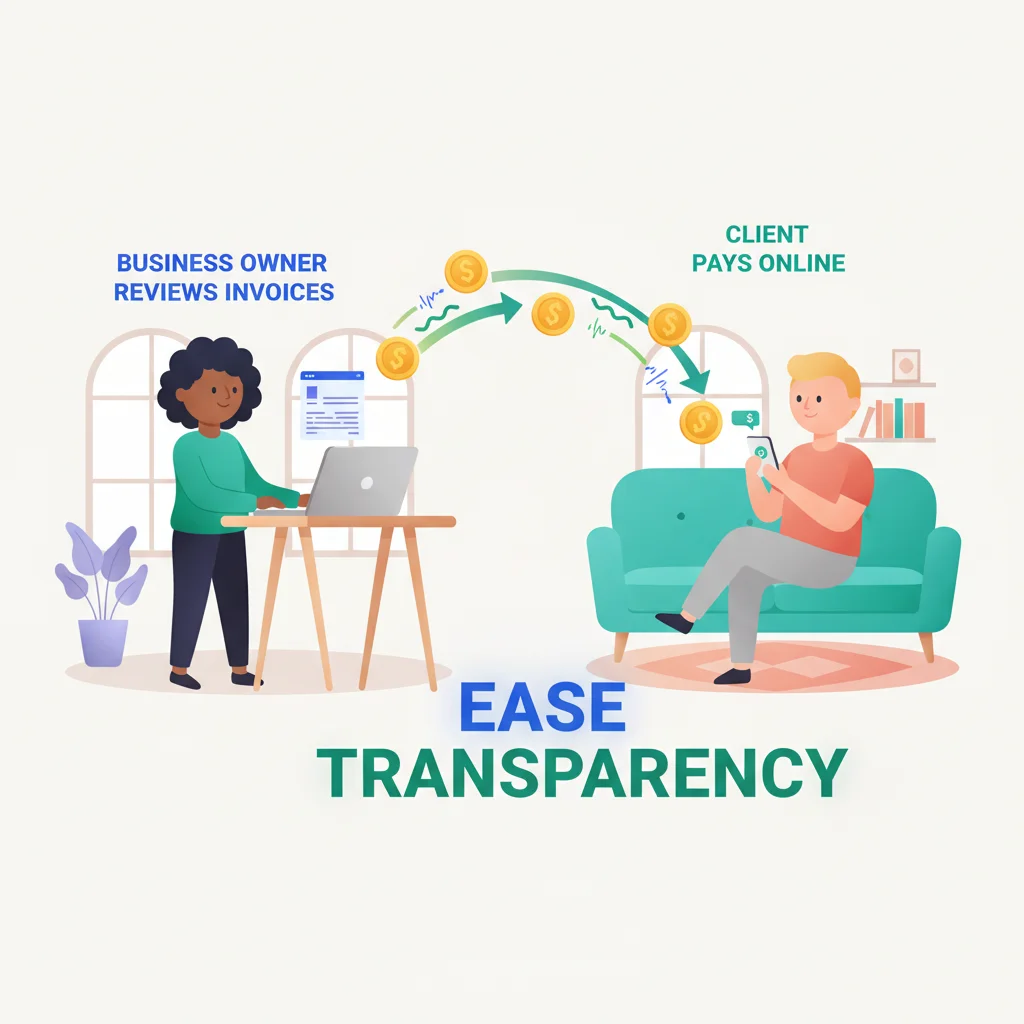
“Where’s my invoice?” “How do I update my payment method?” “Can I get a copy of last quarter’s receipts?” If these questions sound familiar, your support team is spending hours on work that a billing and payments feature could handle in seconds.
Give customers direct access to their invoices, payment history, and account balances through your portal. They pay faster, your team fields fewer calls, and everyone stops playing email tag over PDFs.
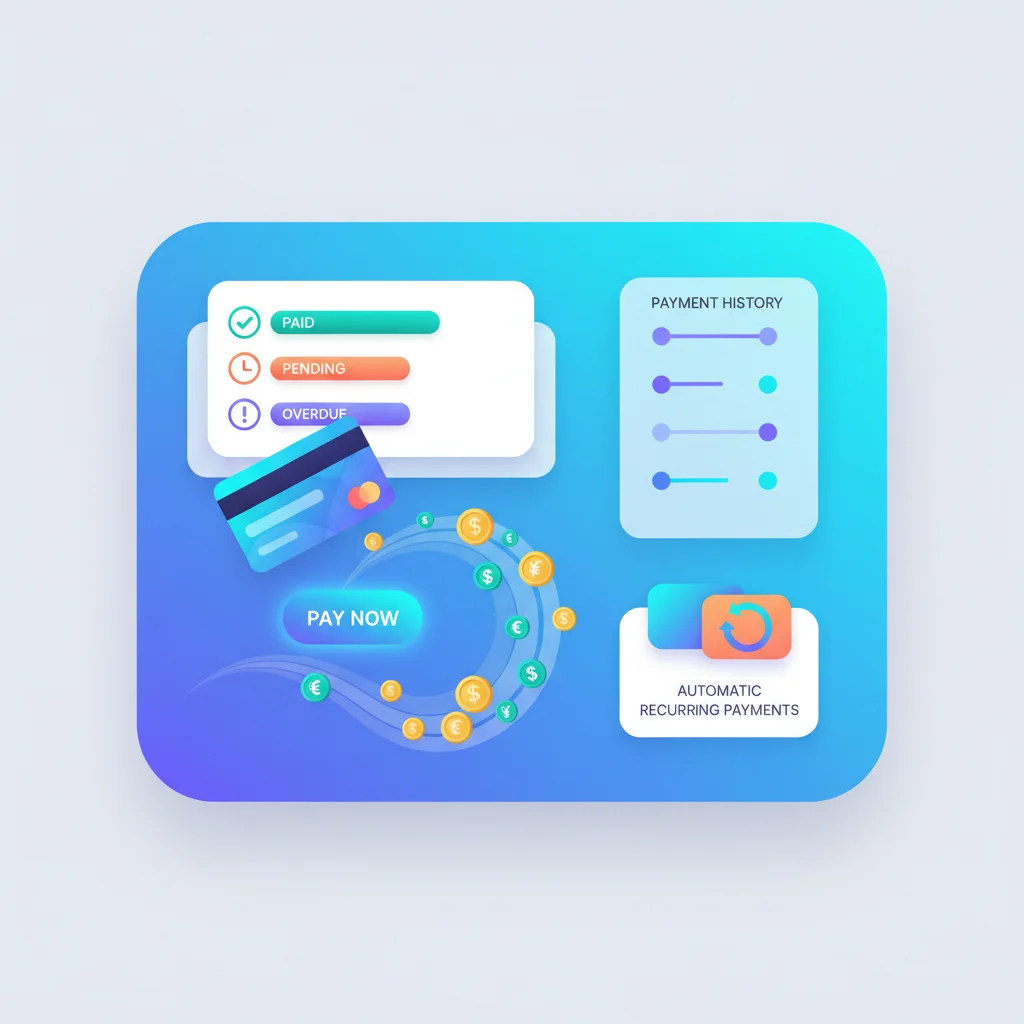
What Billing & Payments Looks Like in a Portal
Invoice management
Customers view current and past invoices, download PDF copies, and see detailed line items. For B2B customers, this is especially important for their own accounting and tax processes.
Online payments
Customers pay invoices directly through the portal using credit cards, ACH transfers, or other payment methods. This shortens your payment cycle and reduces the friction of mailing checks or calling with card numbers.
Subscription and plan management
For subscription businesses, customers can view their current plan, upgrade or downgrade, add seats or features, and manage renewal dates. This self-service capability is critical for SaaS companies and any business with recurring revenue.
Payment history
A complete record of all payments made, including dates, amounts, methods, and receipt downloads. Customers can reconcile their records without contacting you.
Payment method management
Customers update credit cards, add bank accounts, and manage their payment preferences. When a card expires, they can update it themselves instead of triggering a failed payment and a support ticket.
Automated billing notifications
Invoices generated, payments due, payments received, payment failures — automated notifications keep customers informed throughout the billing cycle.
Benefits for Your Business
- Faster payments — When customers can pay online immediately after receiving an invoice, your average days-to-payment decreases.
- Lower collections effort — Fewer overdue invoices means less time spent on follow-up calls and emails.
- Fewer billing support tickets — Self-service access to invoices, receipts, and payment management handles the majority of billing inquiries.
- Better cash flow visibility — Integrated billing gives you real-time visibility into outstanding invoices and expected payments.
Integration with Payment Processors
Portal billing features typically integrate with payment processors and accounting software:
- Stripe — The most common integration for online payments. Stripe’s Customer Portal even provides a pre-built billing management UI.
- QuickBooks — Sync invoices from QuickBooks to the portal and reconcile payments automatically.
- Xero — Similar integration capabilities for invoice sync and payment reconciliation.
- Square — Payment processing for businesses that also have in-person transactions.
- PayPal — Additional payment option for businesses with international customers.
For technical details on integrating payment systems, see our API integration guide.
Billing Features by Business Type
| Business Type | Key Billing Features |
|---|---|
| Subscription/SaaS | Plan management, usage-based billing, proration, seat management |
| Professional services | Time-based invoicing, retainer tracking, expense billing |
| B2B/Manufacturing | Purchase orders, credit terms, volume pricing, tax certificates |
| Healthcare | Insurance processing, patient responsibility, payment plans |
| Agencies | Retainer utilization, project-based billing, expense pass-through |