
You just closed the deal. Now comes the part where you either impress the client or lose their confidence — onboarding. If it’s a mess of scattered emails, missing forms, and “did you get that document?”, the relationship starts on shaky ground.
Client onboarding features in a customer portal replace that chaos with a guided, step-by-step experience. New customers see exactly what’s needed, complete everything at their own pace, and your team stops chasing paperwork.
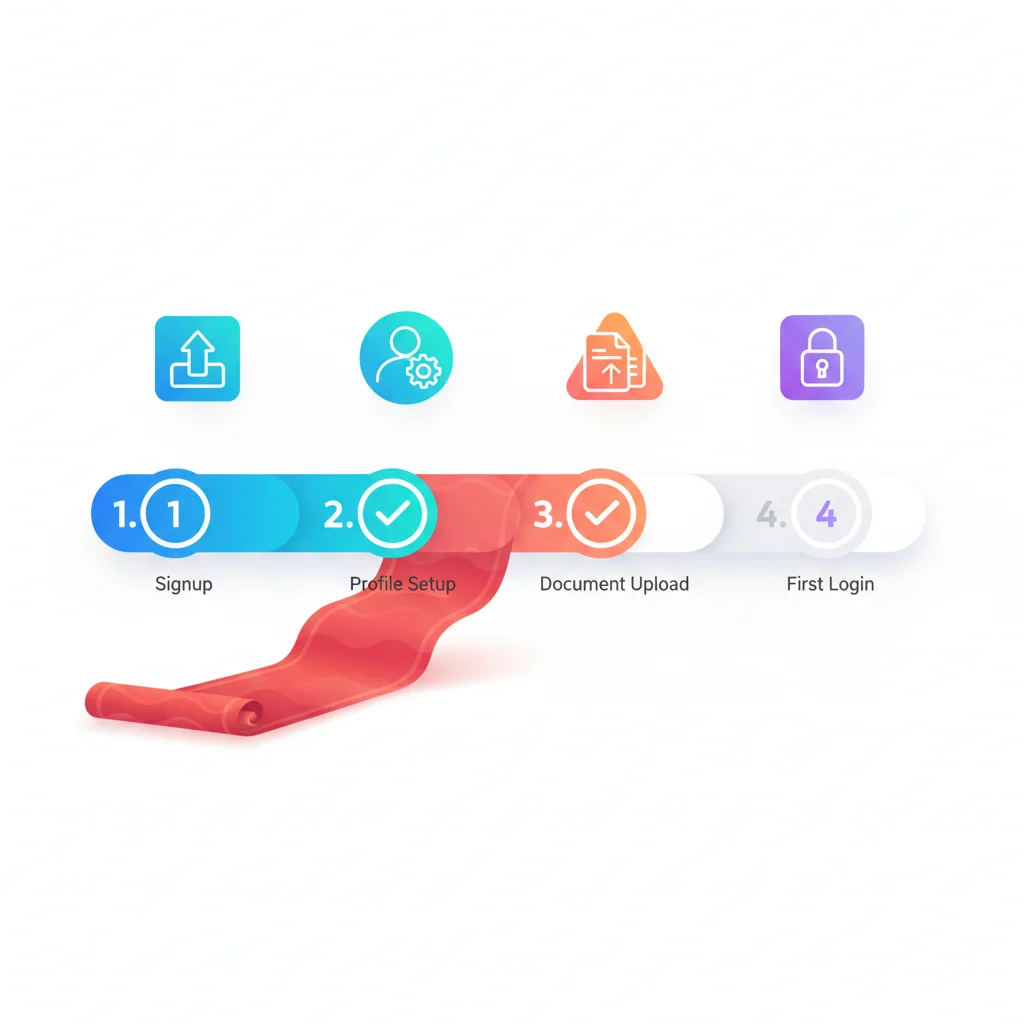
What Portal-Based Onboarding Looks Like
Welcome experience
When a new customer first logs in, they’re greeted with a personalized welcome and a clear overview of what needs to happen to get started. This replaces the “here are 5 emails you need to read and respond to” approach.
Progress checklist
A visual checklist shows all onboarding steps — what’s been completed, what’s in progress, and what’s next. This gives customers a sense of control and reduces the “what am I supposed to do now?” anxiety.
Information gathering
Digital forms collect the information you need: company details, contact information, preferences, integrations to configure, documents to upload, questionnaires to complete. All in one place, all at the customer’s pace.
Automated workflows
When a customer completes an onboarding step, the next step is automatically triggered. Documents uploaded? → Team is notified for review. Contract signed? → Account provisioning begins. Payment confirmed? → Welcome kit is sent.
Resource access
Onboarding often includes guides, training videos, and setup documentation. A portal puts these resources in context, next to the onboarding steps they support.
Why Onboarding Matters
Poor onboarding is one of the leading causes of early customer churn. Research from Wyzowl shows that 86% of customers say they’d be more likely to stay loyal to a business that invests in onboarding content.
For service businesses — consulting firms, agencies, accounting firms — onboarding is also a significant cost. Collecting information from new clients through back-and-forth emails takes weeks. A portal with structured intake can compress this to days.
Key Capabilities
- Customizable onboarding checklists — Define the steps for each customer type or service tier.
- Digital intake forms — Collect information through structured forms with validation.
- Document request lists — Specify what documents are needed with upload functionality.
- E-signatures — Contracts and agreements signed within the portal.
- Automated notifications — Reminders for incomplete steps, alerts when steps are completed.
- Progress tracking — Both customer and team can see overall onboarding progress.
- Template-based workflows — Reusable onboarding templates for different customer types.
Onboarding by Industry
| Industry | Typical Onboarding Tasks |
|---|---|
| Accounting | Engagement letter, tax organizer, prior-year returns, access to bank/brokerage accounts |
| Legal | Retainer agreement, conflict check info, case details, relevant documents |
| Agencies | Brand guidelines, account logins (Google, Meta, etc.), goals, competitive info |
| SaaS | Account setup, integrations, data import, training schedule |
| Financial Services | Investment policy statement, risk questionnaire, account transfers, beneficiary info |