
Your customers aren’t sitting at a desk waiting to check their portal. They’re approving change orders from a job site, snapping photos of property damage from their front porch, and reviewing invoices between meetings.
If your portal only works on a desktop, those interactions don’t happen in your portal at all. They happen over the phone, via text, or not at all — and you end up chasing people down. Mobile portal access means your customers can do everything from their phone, wherever they are.
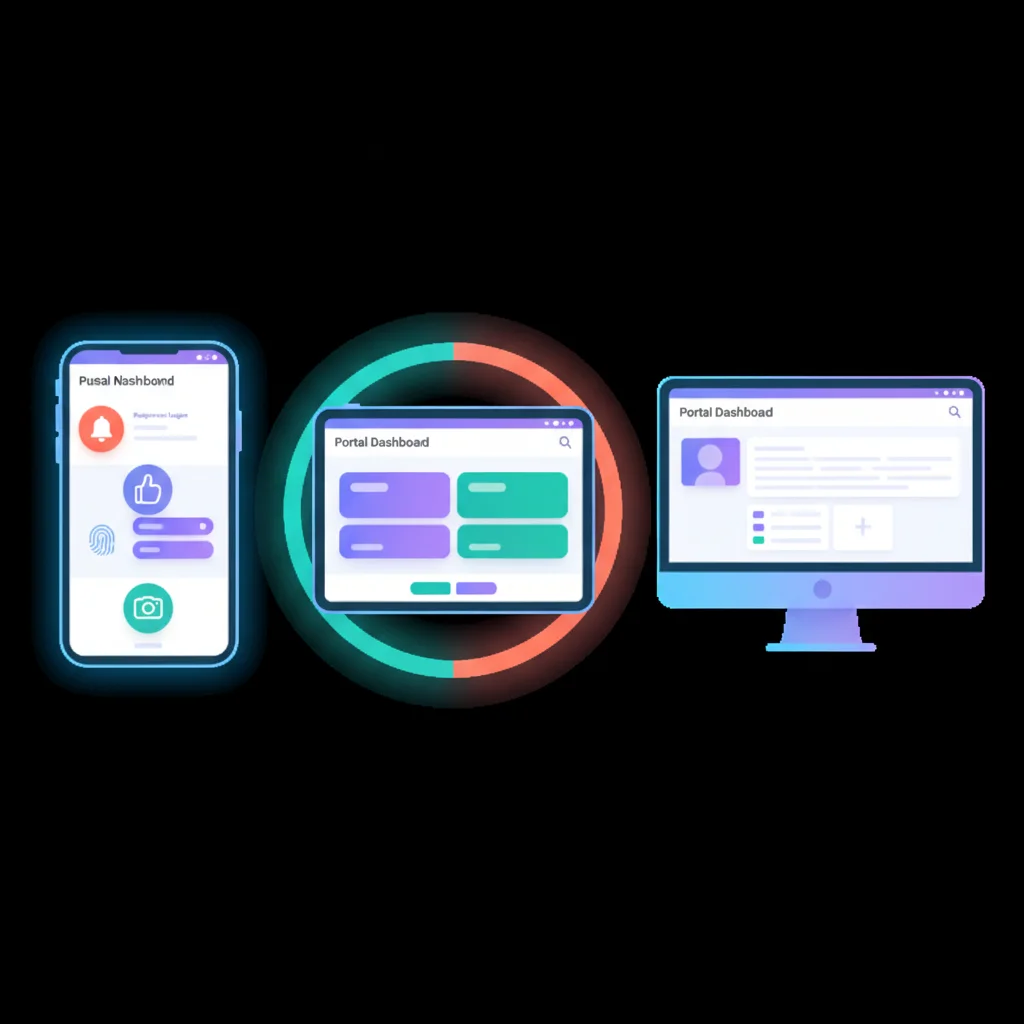
Why Mobile Matters for Portals
The numbers speak for themselves:
- 60% of web traffic now comes from mobile devices (Statcounter)
- 57% of users say they won’t recommend a business with a poorly designed mobile site (Google)
- B2B buyers increasingly expect B2C-like experiences — the same convenience they get from their banking app or Amazon, they now expect from their accountant, contractor, or service provider
For customer portals specifically, mobile access isn’t just a nice-to-have. Certain workflows are inherently mobile:
- A tenant photographs a maintenance issue and submits it through the portal — right from the property
- A field technician checks a work order and updates its status from a client site
- A patient reviews test results from their doctor’s notification while at home
- A construction manager approves a change order from the job site before the crew is standing around waiting
These workflows don’t happen at a desk. If your portal doesn’t support them on mobile, they don’t happen in the portal at all.
Three Approaches to Mobile Access
Responsive web portal
The simplest approach: your existing web portal is built with responsive design so it adapts to any screen size. No app to download, no separate codebase to maintain.
Pros:
- Single codebase — no separate mobile development
- Instant updates — changes deploy to all users immediately
- No app store approval process
- Works on any device with a browser
- Lower development and maintenance cost
Cons:
- No push notifications (without PWA)
- Limited access to device features (camera, GPS, biometrics)
- Requires internet connectivity
- Can feel less polished than a native app
For most small and medium businesses, a well-built responsive portal is the right choice. It covers 80-90% of mobile use cases without the cost and complexity of a native app.
Progressive Web App (PWA)
A PWA is a web app that can be “installed” on a phone’s home screen and behaves more like a native app. It bridges the gap between a responsive website and a native app.
Pros:
- Home screen icon — feels like a native app
- Push notifications (on most platforms)
- Some offline functionality
- Access to some device APIs (camera, GPS)
- Still a single codebase
- No app store required
Cons:
- iOS support for PWAs is more limited than Android
- Not all device features are accessible
- Users need to be guided to “install” it (not intuitive for everyone)
PWAs are a strong middle ground. If you need push notifications and a more app-like feel but don’t want the cost of native development, a PWA is worth considering.
Native mobile app
A dedicated iOS and Android app built specifically for mobile. This is the most capable option but also the most expensive.
Pros:
- Full access to device features (camera, GPS, biometrics, NFC, file system)
- Best performance and user experience
- Reliable push notifications
- Full offline capability
- Users find it in the app store (discoverability)
Cons:
- Separate codebase (or cross-platform framework) to build and maintain
- App store review process for every update
- Users need to download and install it
- Significantly higher development cost
- Need to support multiple OS versions
Native apps make sense for businesses where mobile is a primary interaction channel and device features are essential — for example, field service companies that need offline access and camera integration, or healthcare providers with HIPAA-compliant biometric authentication requirements.
Key Mobile Features
Push notifications
Email notifications get buried. Push notifications appear on the lock screen. For time-sensitive updates — payment due, ticket response, approval needed, appointment reminder — push notifications have dramatically higher engagement. They bring customers back to the portal at the right moment.
Combine with your notifications and alerts strategy to deliver the right message through the right channel.
Camera integration
This is one of the most underrated mobile portal features. Letting customers upload photos directly from their camera opens up workflows that are impossible on desktop:
- Property management — Tenants photograph damage, maintenance issues, or move-in/move-out conditions
- Construction — Site managers capture progress photos, safety issues, or defect documentation
- Insurance claims — Policyholders photograph damage for insurance claim submissions
- Receipts and documents — Clients scan receipts, signed documents, or ID verification photos
- Quality control — Manufacturing customers document defects or shipping damage
Biometric login
Typing a complex password on a phone keyboard is painful. Biometric authentication (Face ID, Touch ID, fingerprint readers) makes login fast and secure. For portals that handle sensitive information, biometric login actually improves security compared to passwords that users make simple enough to type on a phone.
This pairs well with your overall SSO and authentication strategy.
Offline access
Not every location has reliable internet. A construction site in a rural area, a warehouse with poor signal, a hospital basement — these are real places where your customers need portal access. Offline capability lets users view cached data, fill out forms, and queue actions that sync when connectivity returns.
Location services
For some industries, GPS integration adds real value:
- Field service companies can check in at a client site, automatically logging arrival time
- Logistics companies can provide real-time location-based shipment updates
- Franchise locations can access location-specific portal content
Mobile Design Considerations
Building a mobile portal isn’t just shrinking the desktop version. Mobile users have different needs, different contexts, and different patience levels.
Simplify navigation
Desktop portals might have a header with six dropdown menus. On mobile, that needs to collapse into a clean hamburger menu or bottom tab navigation. Prioritize the 3-5 actions customers perform most frequently and make them accessible within one or two taps.
Reduce content density
A dashboard that shows 12 widgets on desktop should show the 4 most important on mobile, with the rest accessible by scrolling or navigating deeper. Don’t try to cram everything onto a small screen.
Touch-friendly targets
Buttons and links need to be large enough to tap accurately. The minimum recommended tap target is 44x44 pixels (Apple’s guideline). Links stacked too close together lead to frustration and mis-taps.
Optimize for speed
Mobile connections are often slower than desktop broadband. Compress images, minimize JavaScript, lazy-load content below the fold. A portal that takes 8 seconds to load on mobile won’t get used.
Design for interruption
Mobile users are multitasking. They start a task, get distracted, and come back later. Auto-save form progress, maintain session state, and let users resume where they left off.
Mobile Access by Industry
| Industry | Key Mobile Use Cases |
|---|---|
| Construction | Site photos, change order approvals, daily log entries |
| Real Estate | Property photos, tenant maintenance requests, lease document review |
| Healthcare | Appointment management, test results, prescription refill requests |
| Logistics | Shipment tracking, delivery confirmation with photos, route updates |
| Insurance | Claim photo submission, policy review, ID card access |
| Manufacturing | Quality issue documentation, order tracking, spec sheet access |
| MSP & IT Services | Ticket submission with screenshots, remote site check-ins |
Measuring Mobile Effectiveness
Track these metrics to understand how your mobile experience is performing:
- Mobile vs. desktop usage ratio — What percentage of your portal traffic comes from mobile? If it’s low but your customers are mobile-heavy, your mobile experience might be driving them away.
- Task completion rate by device — Are customers able to complete the same tasks on mobile as on desktop? Where do mobile users drop off?
- Mobile page load time — Target under 3 seconds. Anything longer and abandonment increases sharply.
- Mobile-specific feature adoption — Are customers using camera uploads, push notifications, and biometric login? Low adoption might indicate discoverability or UX issues.