
75% of consumers prefer buying in their native language. If your portal only speaks English, you’re not just inconveniencing international customers — you’re actively pushing them toward competitors who bother to meet them where they are.
Multi-language and localization means every customer interacts with your portal in their preferred language — navigation, content, documents, notifications, and all. It’s the difference between a portal that feels built for them and one that feels like an afterthought.
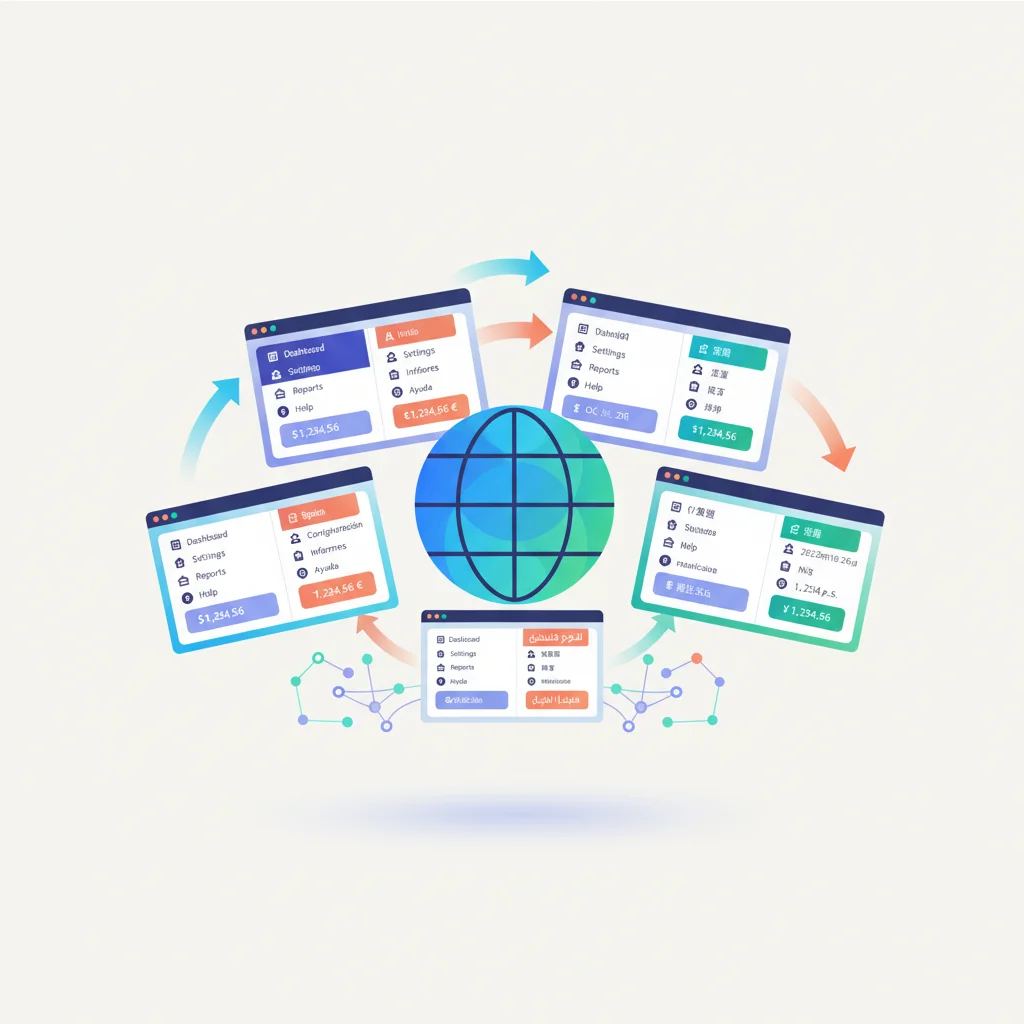
Why Multi-Language Support Matters
The business case is clear:
- 75% of consumers prefer to buy products in their native language (CSA Research)
- 60% of consumers rarely or never buy from English-only websites (CSA Research)
- Customer support costs increase when customers can’t self-serve because the portal is in a language they’re not fluent in
This isn’t just about international expansion. In many domestic markets, language diversity is significant. A healthcare provider in Miami serves patients who speak English, Spanish, and Haitian Creole. A franchise with locations in Canada needs English and French. A manufacturing company with distributors across Europe serves partners in German, French, Italian, and Polish.
Even customers who speak English as a second language will engage more confidently and make fewer errors when the portal is in their native language. This directly reduces support tickets caused by misunderstandings.
What Needs to Be Localized
Multi-language support isn’t just translating your homepage. A fully localized portal has several layers:
UI and navigation
Every button, menu item, label, form field, error message, and tooltip needs to work in each supported language. This is the foundation — if the navigation says “Dashboard” and “Settings” but the customer reads Arabic, they’re immediately lost.
This layer also includes:
- System messages (“Your session has expired. Please log in again.”)
- Form validation (“This field is required”)
- Confirmation dialogs (“Are you sure you want to cancel?”)
- Empty states (“No invoices found”)
- Loading and error states
Portal content
Knowledge base articles, FAQ entries, help documentation, and onboarding materials. This is where the real value of localization shows up. A knowledge base that only exists in English provides zero self-service value to a customer who reads Japanese.
Documents and files
Contracts, invoices, reports, and other documents shared through the portal’s document management system. Some businesses generate documents in the customer’s language automatically (invoices with localized formatting and terms). Others upload translated versions of key documents.
Notifications and emails
Every email notification, in-portal alert, and SMS message needs to be delivered in the customer’s preferred language. An appointment reminder in a language the patient doesn’t read defeats the purpose of the reminder.
Dates, currencies, and numbers
Localization goes beyond language. Different locales format data differently:
| Element | US English | German | Japanese |
|---|---|---|---|
| Date | 02/15/2025 | 15.02.2025 | 2025/02/15 |
| Currency | $1,234.56 | 1.234,56 EUR | 1,234 |
| Large number | 1,000,000 | 1.000.000 | 1,000,000 |
| Phone number | (555) 123-4567 | 0555 1234567 | 055-123-4567 |
A portal that displays dates in MM/DD/YYYY to a European customer will cause confusion. Currency formatting errors can lead to serious misunderstandings about pricing and billing.
Right-to-Left (RTL) Support
If you serve customers who read Arabic, Hebrew, Farsi, or Urdu, your portal needs right-to-left layout support. This isn’t just flipping the text direction — the entire interface layout mirrors:
- Navigation menus align to the right
- Content flows right to left
- Progress indicators move right to left
- Icons and arrows reverse where directional
- Form fields align to the right
- Scrollbars may move to the left side
RTL support requires proper CSS architecture and testing. It’s a technical investment, but serving these markets without it creates a visually broken, unusable experience.
Implementation Approaches
Manual translation
Your team or professional translators translate all content into each supported language. This produces the highest quality results — especially for nuanced content like legal terms, medical information, or financial documentation.
Best for: Core UI strings, legal and compliance content, high-value knowledge base articles, customer-facing documents.
Considerations: Expensive and time-consuming. Every content update needs to be translated across all languages, which creates an ongoing operational burden.
AI-powered translation
Machine translation services (Google Translate, DeepL, Amazon Translate) can handle large volumes of content quickly and cheaply. Modern neural machine translation is remarkably good for many language pairs, though quality varies.
Best for: Large volumes of content where professional translation isn’t economical, user-generated content (support tickets, messages), initial drafts that are then reviewed by humans.
Considerations: Quality isn’t consistent across all languages. Technical, legal, and medical content may have translation errors that range from awkward to dangerous. Always have a human review AI translations for critical content.
Hybrid approach
The most practical approach for most businesses: professional translation for core UI, critical content, and legally binding documents. AI-powered translation for everything else, with human review for important items.
This is where a well-structured portal platform helps. The system should make it easy to flag which content has been professionally translated, which is machine-translated, and which hasn’t been translated at all (falling back to the default language).
Community or crowdsourced translation
Some platforms allow customers or partners to contribute translations. This works well for franchise networks where local operators can refine translations for their specific market, or for global communities where volunteer translators are engaged and motivated.
Language Detection and Switching
Automatic detection
The portal can detect the customer’s preferred language through several signals:
- Account settings — The customer explicitly selected their language during registration or in their profile
- Browser language — The customer’s browser reports their preferred language
- Geographic IP — The customer’s location suggests a likely language preference
Account settings should always take priority, followed by browser language. IP-based detection is unreliable (a German-speaking executive traveling in Japan should still see the portal in German).
Manual language switching
Regardless of automatic detection, customers should always be able to switch languages manually. The language selector should be:
- Visible — In the header or footer, accessible from any page
- Labeled in each language — “Deutsch” not “German,” “Espanol” not “Spanish” — because a customer looking for their language might not read the current one
- Persistent — Once selected, the preference is saved and applies across sessions
Fallback behavior
What happens when content isn’t available in the customer’s language? The portal needs a clear fallback strategy:
- Show the content in the default language (usually English) with a notice that a translation isn’t available
- Never show a blank page or error because a translation is missing
- Track which content is most frequently accessed in languages where translations don’t exist — this tells you where to invest in translation next
Multi-Language by Industry
E-commerce
E-commerce businesses with international customers need product descriptions, order status updates, shipping notifications, and return processes in each customer’s language. Getting billing and shipping terminology wrong in translation can cause order errors and returns.
Healthcare
Healthcare organizations serving diverse patient populations must provide medical information, consent forms, appointment details, and health records in patients’ preferred languages. In many jurisdictions, this is a legal requirement, not just a best practice. Translation accuracy for medical content is critical — a mistranslated dosage instruction has obvious consequences.
Franchises
Franchise networks that span multiple countries need the portal to work for both franchisees and their end customers in local languages. The corporate portal might operate in English while each franchise location’s customer-facing portal operates in the local language.
Manufacturing and distribution
Manufacturers with international distributor networks need product specifications, order forms, shipping documentation, and technical manuals available in each distributor’s language. Technical terminology is especially important to get right — a mistranslated material specification can cause production errors.
Education
Educational institutions serving international students need enrollment information, course materials, administrative forms, and financial aid details in multiple languages. Student portals that support the student’s native language significantly improve engagement and reduce administrative support inquiries.
Localization Considerations
Translation management
As your content grows, managing translations becomes a significant operational task. Consider:
- Which content must be translated for each market?
- Who is responsible for translations?
- How do you handle content updates — does a change in the English version automatically flag the other languages as needing update?
- How do you maintain consistency across languages? (Glossaries and translation memories help.)
Performance
Loading translations shouldn’t slow down the portal. Common approaches include loading only the active language’s strings, caching translations aggressively, and serving locale-specific assets from a CDN.
SEO for multilingual portals
If parts of your portal are public-facing (knowledge base, help articles), proper multilingual SEO matters. Use hreflang tags to tell search engines about language variants, and consider URL structure: subdirectories (/de/…, /fr/…) or subdomains (de.portal.company.com).
Testing
Testing a multilingual portal is more than translating and deploying. German text is typically 30% longer than English, which breaks layouts designed only for English. Arabic RTL support needs visual testing across every page. Date and number formatting needs to be verified for each locale. Japanese and Chinese characters may need different font sizes or line heights.
Measuring Localization Impact
| Metric | What It Tells You |
|---|---|
| Portal adoption by locale | Are customers in localized markets using the portal more? |
| Self-service rate by language | Do customers in supported languages resolve more issues themselves? |
| Support ticket volume by language | Do tickets decrease after adding a language? |
| Content gap analysis | Which pages are most accessed in languages without translations? |
| Customer satisfaction by locale | Are localized customers reporting higher satisfaction? |
Businesses that add well-implemented localization typically see a 20-30% increase in portal adoption within the newly supported language markets and a corresponding decrease in support volume from those regions.