A portal nobody checks is a portal nobody uses. Your customers aren’t going to log in every morning just to see if something changed — they have businesses to run.
Notifications and alerts are what bring customers back at the right moment. A new invoice, a ticket update, an approval request, a document shared — the right message at the right time turns your portal from a static website into the hub of your customer relationship.
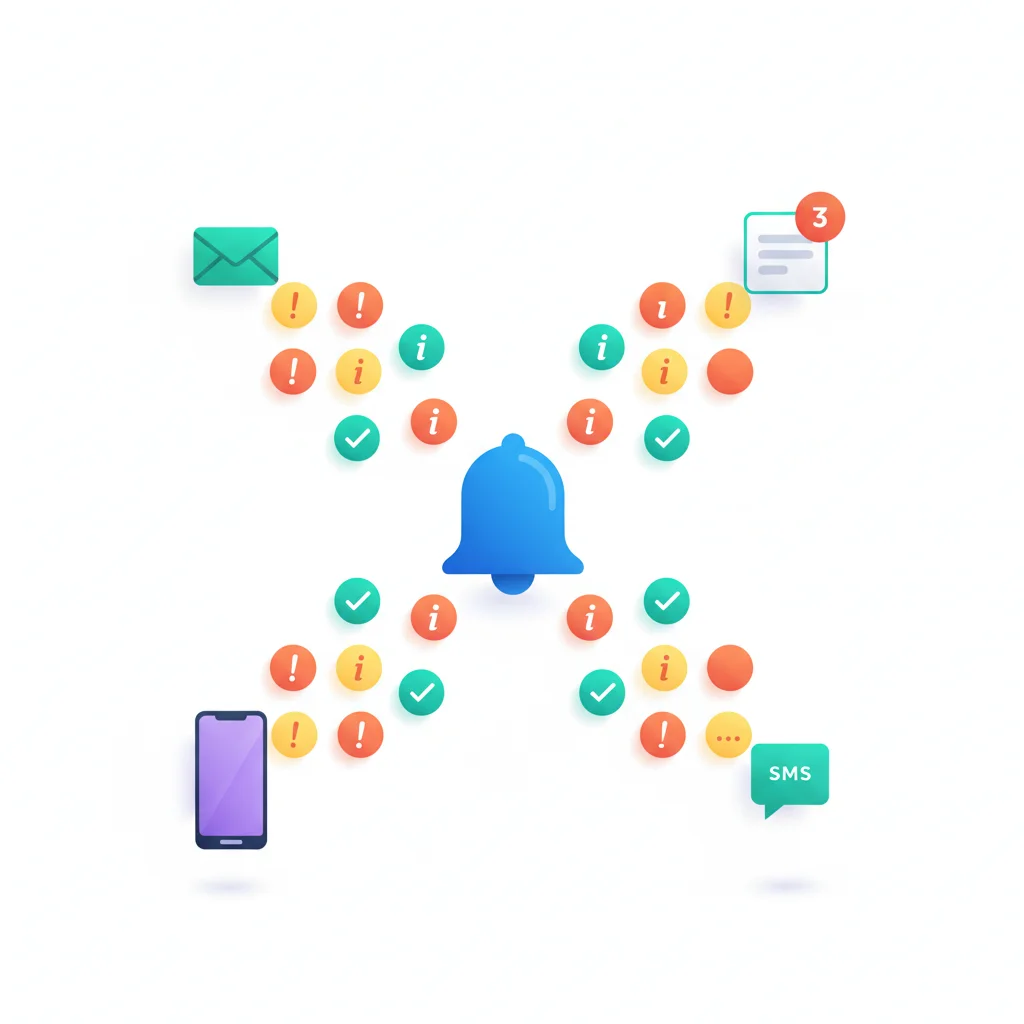
Types of Notifications
Transactional notifications
Triggered by specific events: new document shared, invoice generated, support ticket updated, payment received, order shipped. These are expected and typically have high open rates.
Reminder notifications
Upcoming deadlines, overdue tasks, expiring documents, payment due dates. These help customers stay on top of their obligations without your team having to chase them.
Status change notifications
When something changes — a project milestone is reached, a ticket status updates, an application is approved — the customer is informed. This reduces “checking in” calls.
Digest notifications
Instead of individual notifications for every event, a daily or weekly summary of portal activity. Better for customers who prefer less frequent interruptions.
Notification Channels
The most reliable channel. Even customers who don’t check the portal daily will see an email notification. Best practice: send a brief notification with a link to the portal for full details — don’t put sensitive information in the email itself.
In-portal notifications
A notification center within the portal showing unread alerts. Useful when customers are already in the portal but essential as a persistent record of what they might have missed.
Push notifications
For portals with mobile apps. High visibility but should be used sparingly to avoid notification fatigue.
SMS
For urgent or time-sensitive notifications. Higher engagement than email but more intrusive and potentially costly.
Best Practices
- Let customers control their preferences — Allow customers to choose which notifications they receive and through which channels. Respect their preferences.
- Don’t over-notify — Too many notifications train customers to ignore them. Be selective about what triggers a notification.
- Include context — “You have a new message” is less useful than “New message from Sarah regarding your Q4 tax return.”
- Link to the portal — Every notification should include a direct link to the relevant content in the portal.
- Respect time zones — Schedule notifications appropriately for the customer’s time zone.