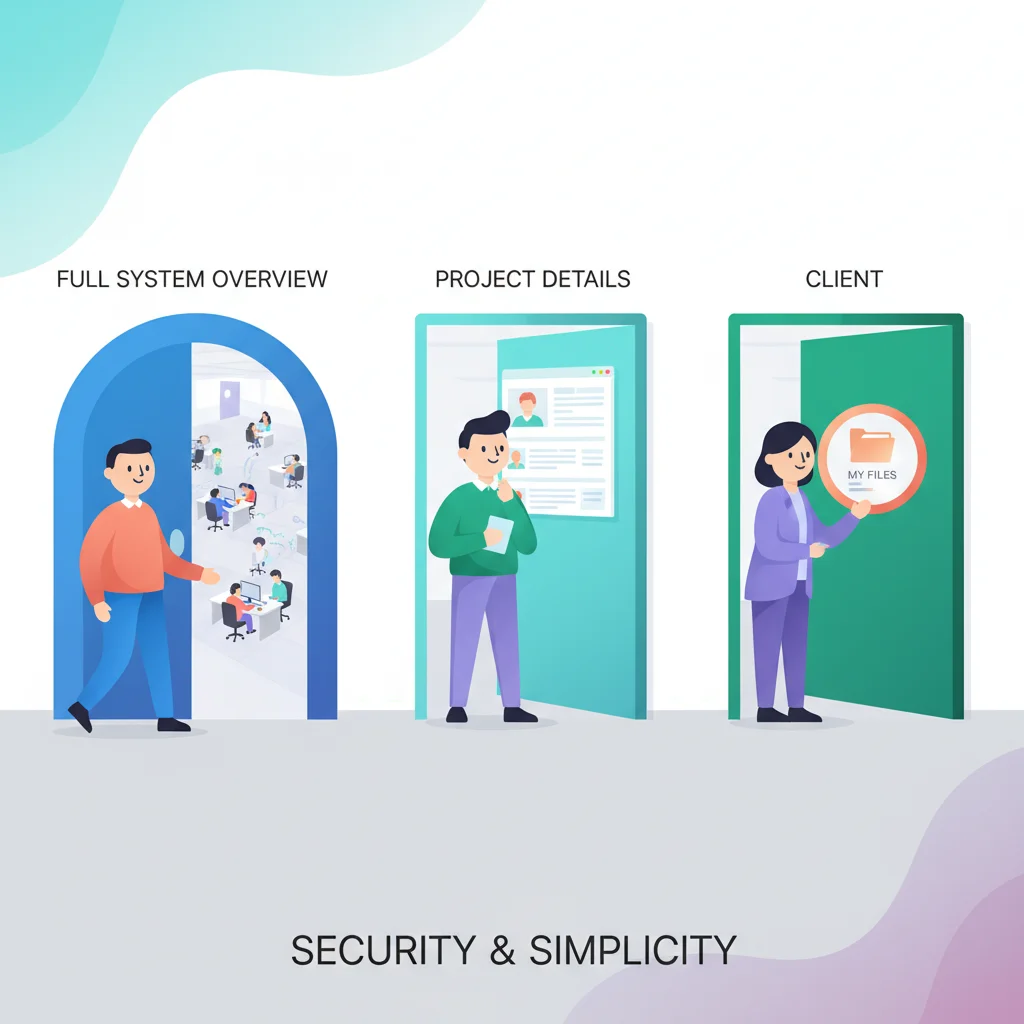
The intern shouldn’t be downloading the CEO’s contract. Your client’s marketing team doesn’t need to see their billing details. And when an employee leaves, their access should vanish instantly — not linger for months.
Role-Based Access Control (RBAC) makes sure the right people see the right things in your portal, and nothing more. It’s how you keep data secure, stay compliant, and give your clients the confidence that their sensitive information is properly locked down.
Why RBAC Matters
Security
The principle of least privilege — users should only have access to what they need — is foundational to information security. RBAC implements this principle in your customer portal.
Customer confidence
When B2B customers give multiple team members access to your portal, they need assurance that sensitive information (billing, contracts, personnel data) is only visible to authorized people.
Compliance
Regulations like HIPAA, SOC 2, and GDPR require access controls that limit data visibility based on role and need-to-know. RBAC provides the structure to meet these requirements.
How RBAC Works in Portals
Roles
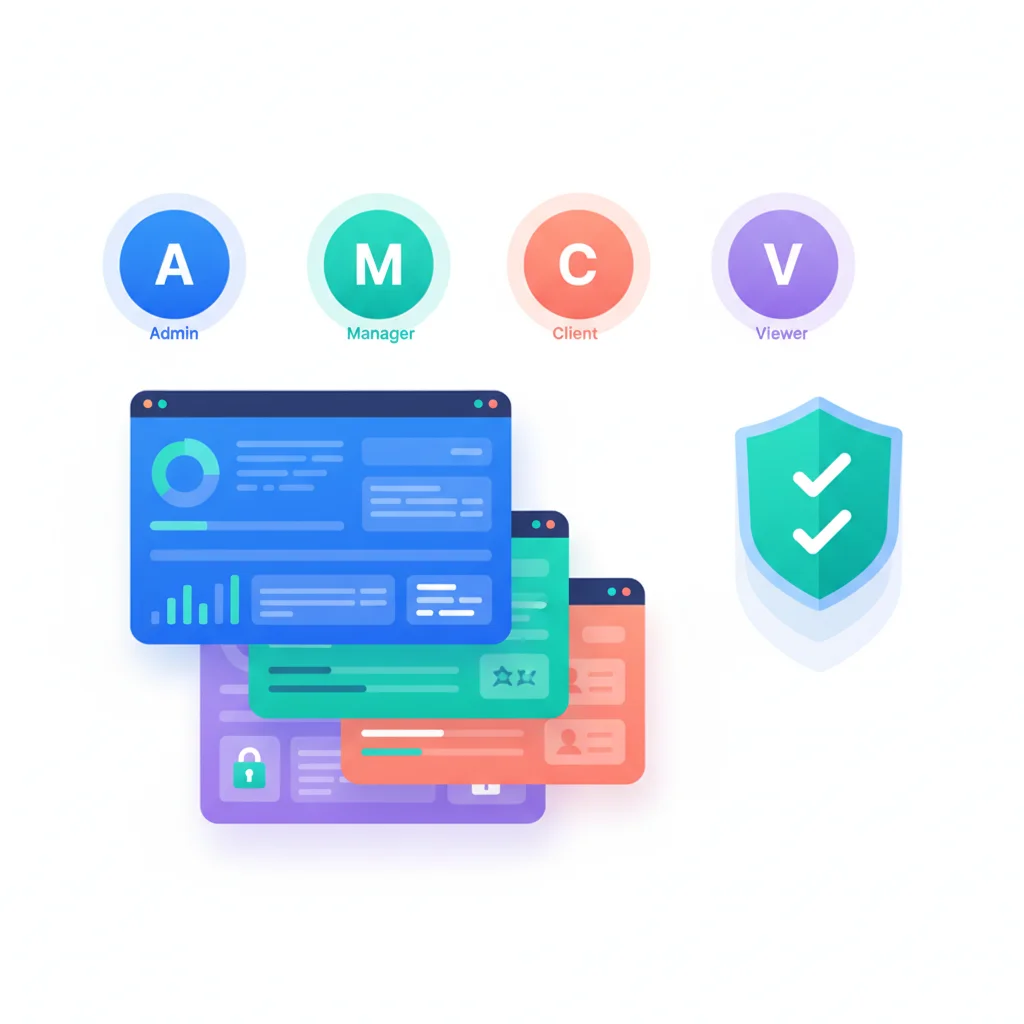
Predefined sets of permissions that can be assigned to users. Common roles include:
- Admin — Full access to all portal features, user management, and settings
- Manager — View all data, approve actions, manage team members
- Member — Standard access to relevant features and data
- Finance — Access to billing, invoices, and financial reports
- Read-only — Can view information but not make changes
Permissions
Specific actions that can be allowed or denied:
- View documents / Upload documents / Delete documents
- View invoices / Make payments
- Submit tickets / View all tickets vs. only own tickets
- Access reporting / Export data
- Manage users / Invite team members
Scoping
Permissions can be scoped to specific resources. For example, a project manager might have full access to their project’s documents but no access to another project’s files.
RBAC by Customer Type
| Customer Type | Typical Roles | Access Needs |
|---|---|---|
| Small business (1-5 users) | Owner, Employee | Simple: owner sees everything, employees see relevant areas |
| Mid-size company (5-50 users) | Admin, Manager, Finance, Support, Read-only | Department-based access to different portal areas |
| Enterprise (50+ users) | Multiple tiers with custom roles | Granular permissions, hierarchical access, audit requirements |
| Partner/Reseller | Partner Admin, Sales Rep, Support Rep | Product-specific access, lead management, commission visibility |
Implementation Considerations
- Keep it simple for small customers — Don’t force a 10-person company to configure enterprise-grade RBAC. Provide sensible defaults.
- Customer-managed vs. business-managed — Decide whether your customers can create and manage their own roles, or whether your team configures access.
- Audit logging — Record all access and permission changes for compliance and troubleshooting.