Your customers hate emailing support into the void. They send a message, hear nothing for two days, and wonder if anyone’s actually working on it. By the time someone responds, the customer has already called twice and is frustrated before the conversation even starts.
A ticketing system in your portal changes this completely. Customers submit a request, get an instant acknowledgment with a tracking number, and can check the status anytime. Your team gets organized, structured requests instead of scattered emails — and nothing falls through the cracks.
How Portal-Based Ticketing Works
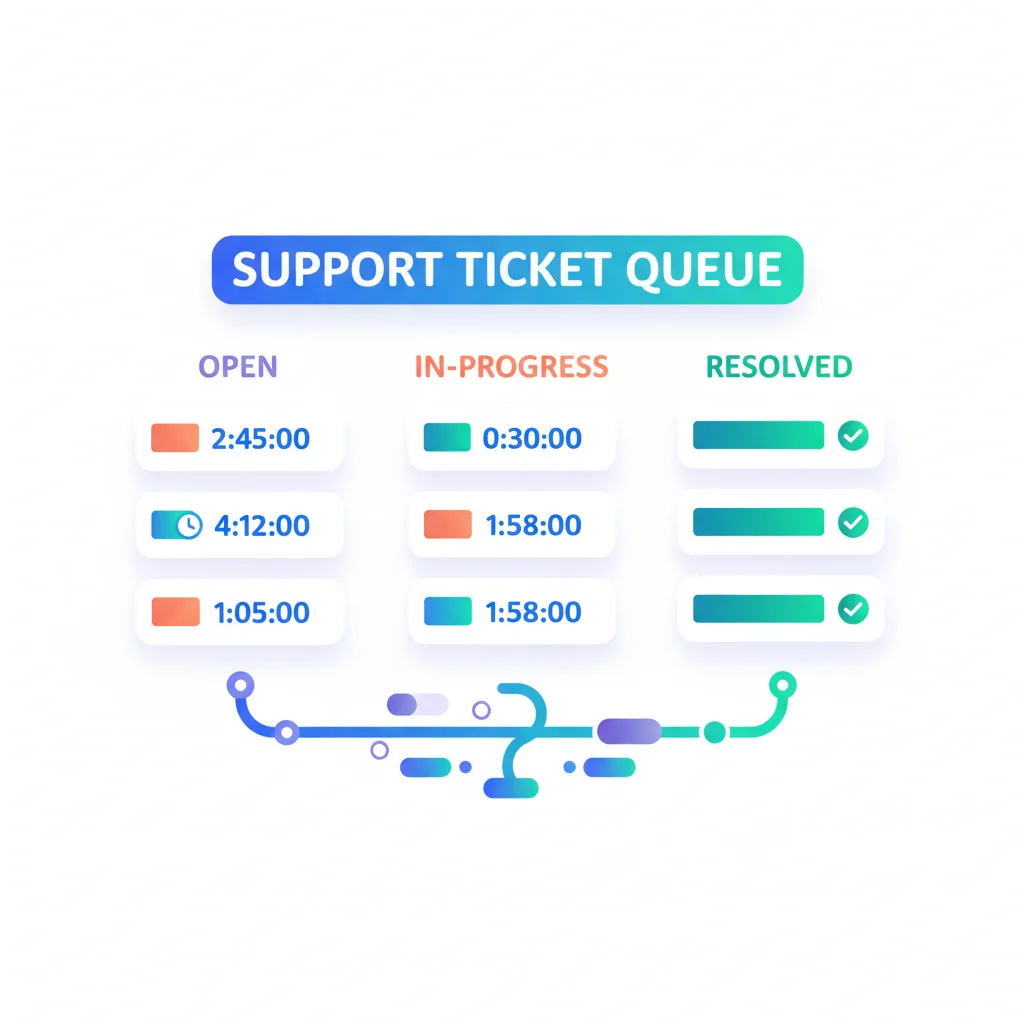
- Customer submits a request — Through a form in the portal, categorized by type (bug report, question, feature request, billing issue, etc.).
- Ticket is created and acknowledged — The customer receives confirmation and a ticket ID for tracking.
- Your team triages and assigns — The ticket is routed to the right person or team based on category, priority, or customer tier.
- Communication happens within the ticket — Back-and-forth between your team and the customer stays attached to the ticket, with file attachments and internal notes.
- Resolution and feedback — The ticket is resolved, the customer is notified, and optionally asked for feedback on the experience.
Throughout this process, the customer can check the portal to see their ticket’s status, add information, and review past tickets.
Benefits of Portal-Based Ticketing
For customers
- Transparency — They can see the status of their request at any time, not just when they remember to follow up.
- History — All past requests and resolutions are accessible, preventing repeat inquiries for the same issue.
- Structured submission — Forms guide customers to provide the right information upfront, reducing back-and-forth.
For your team
- Organization — Every request is captured, categorized, and tracked in one system. Nothing falls through the cracks.
- Prioritization — Tickets can be prioritized by severity, customer tier, SLA requirements, or age.
- Knowledge building — Patterns in tickets inform your knowledge base content and product improvements.
- SLA tracking — Measure response times and resolution times against service level commitments.
Key Capabilities
- Custom forms — Different form fields for different request types (technical issues vs. billing questions).
- Auto-routing — Route tickets to the right team or person based on category or keywords.
- Priority levels — Critical, high, normal, low — with different SLA targets for each.
- Internal notes — Team-side comments that customers don’t see.
- Canned responses — Pre-written responses for common issues.
- Attachments — Customers and agents can attach screenshots, logs, and documents.
- Satisfaction surveys — Post-resolution feedback collection.
- Automation — Auto-close stale tickets, escalate overdue tickets, send reminders.
Portal Ticketing vs. Email Support
| Aspect | Portal Ticketing | Email Support |
|---|---|---|
| Organization | Structured, categorized, searchable | Scattered across inboxes |
| Tracking | Customer can check status anytime | Customer has no visibility |
| Information quality | Forms ensure required info is provided | Incomplete emails require follow-up |
| SLA measurement | Automated tracking | Manual or impossible |
| Knowledge building | Tickets create a searchable database | Buried in email archives |
| Scalability | Handles growing volume with automation | Breaks down as volume increases |
Ticketing Software
Most portal platforms include ticketing, but dedicated help desk tools can be integrated:
- Zendesk — The market leader in help desk software with a full customer-facing portal.
- Freshdesk — Help desk with customer portal, knowledge base, and automation.
- HelpScout — Help desk focused on email-first support with a self-service portal.
- Intercom — Conversational support platform with ticketing capabilities.
- HaloPSA — Ticketing and PSA for IT service providers.