
A portal that can’t talk to your other systems is just a fancy login page. Your CRM holds the customer data, Stripe handles billing, S3 stores the files — and your portal needs to pull it all together seamlessly.
The good news: APIs make this straightforward. The bad news: there are a dozen ways to get it wrong. This guide covers the most common integration points, the patterns that work, and the mistakes that will cost you a weekend.
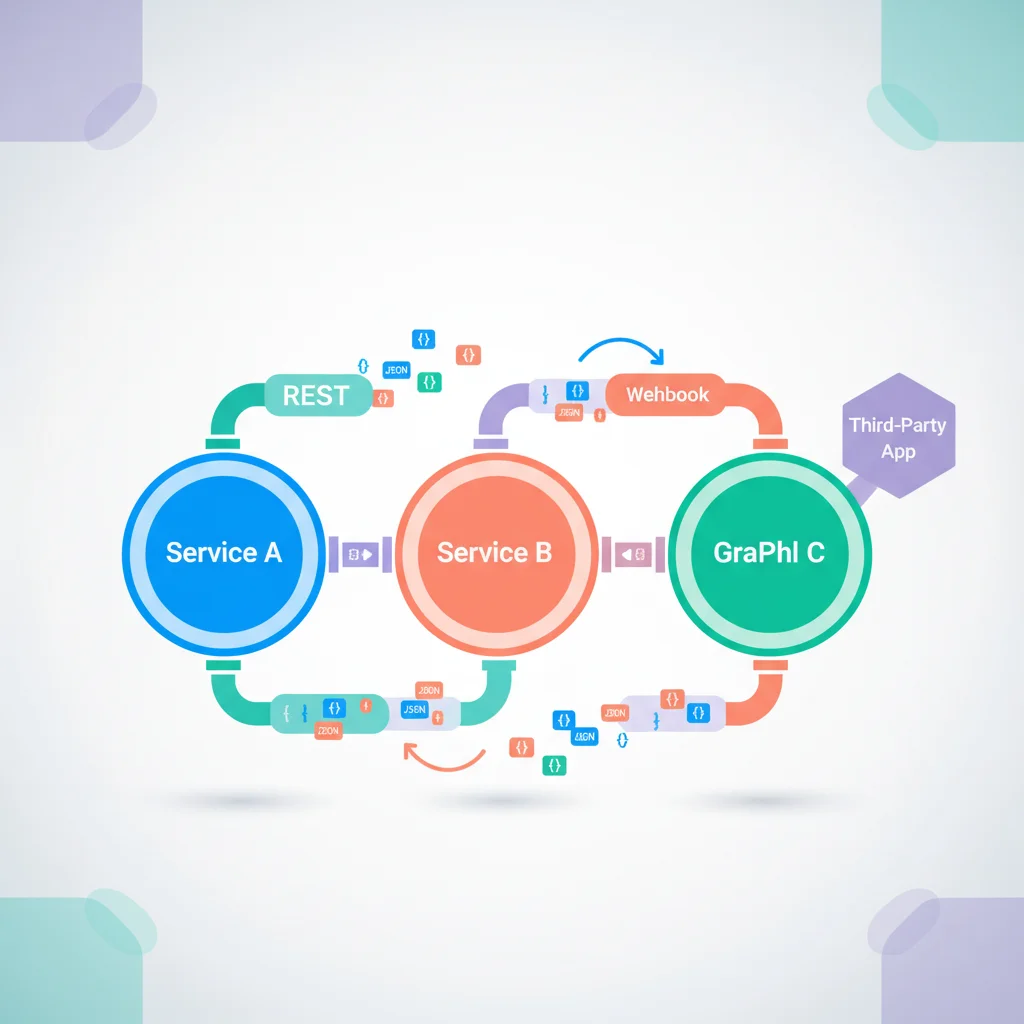
Common Integration Points
Billing and payments
- Stripe — The most common payment integration. Invoices, subscriptions, customer portal, and webhooks.
- QuickBooks Online — Invoice sync for businesses using QuickBooks for accounting.
- Xero — Invoice and contact sync for Xero users.
Typical flow: Your billing system generates invoices → API syncs invoice data to the portal → Customer views and pays through the portal → Payment confirmation syncs back.
CRM
- Salesforce, HubSpot, Zoho — Customer data, deal status, support cases.
See our CRM integration guide for detailed patterns.
File storage
- AWS S3 — Scalable object storage for documents and files.
- Google Cloud Storage — Similar capabilities in the Google ecosystem.
- Azure Blob Storage — Microsoft’s equivalent.
Typical flow: User uploads a document → Portal stores it in cloud storage → Generates a secure, time-limited URL for download → Logs the upload event.
Communication
- SendGrid / Mailgun / Amazon SES — Transactional email for notifications.
- Twilio — SMS notifications for urgent alerts.
Authentication
- Auth0 / Clerk / Firebase Auth — User authentication and identity management.
See our authentication guide for details.
Help desk
- Zendesk / Freshdesk / Intercom — Support ticket sync for portals with ticketing features.
Integration Patterns
REST APIs
The most common integration method. Your portal makes HTTP requests to external services:
GET    /api/customers/{id}/invoices    — List invoices
POST   /api/tickets                    — Create a ticket
PUT    /api/customers/{id}             — Update customer
DELETE /api/documents/{id}             — Remove a document
Webhooks
External services notify your portal when events occur:
Stripe webhook → "invoice.paid" event
→ Your portal updates the invoice status
→ Sends a confirmation notification to the customer
Webhooks are essential for real-time updates without polling.
GraphQL
Some services offer GraphQL APIs that let you request exactly the data you need in a single query. Useful when you need data from multiple related entities.
Event queues
For high-volume integrations, message queues (Amazon SQS, RabbitMQ, Redis) decouple systems. Your portal publishes events, and consumer services process them asynchronously.
Best Practices
Error handling
APIs fail — network issues, rate limits, server errors. Build retry logic with exponential backoff. Log errors for debugging. Show meaningful messages to users when integrations are temporarily unavailable.
Rate limiting
Most APIs limit request frequency. Cache data in your portal to reduce API calls. Use batch endpoints when available. Implement your own rate limiting to stay within provider limits.
Security
- Store API keys and secrets in environment variables, never in code
- Use OAuth 2.0 for user-context API calls
- Validate webhook signatures to prevent spoofing
- Encrypt sensitive data in transit and at rest
Data caching
Don’t call external APIs on every page load. Cache frequently-accessed data (customer info, product catalogs) and refresh periodically or on webhook events. A 5-minute cache on CRM data is usually acceptable.
Testing
- Use sandbox/test environments for all integrations during development
- Test error scenarios (API down, invalid data, rate limits)
- Set up monitoring and alerts for integration failures