
Your CRM knows everything about your customers. Your portal is where customers actually interact with you. When those two systems don’t talk to each other, your team double-enters data and customers see stale information.
Connecting them properly means customer data stays in sync, portal activity flows back into your CRM timeline, and nobody has to copy-paste between tabs ever again.
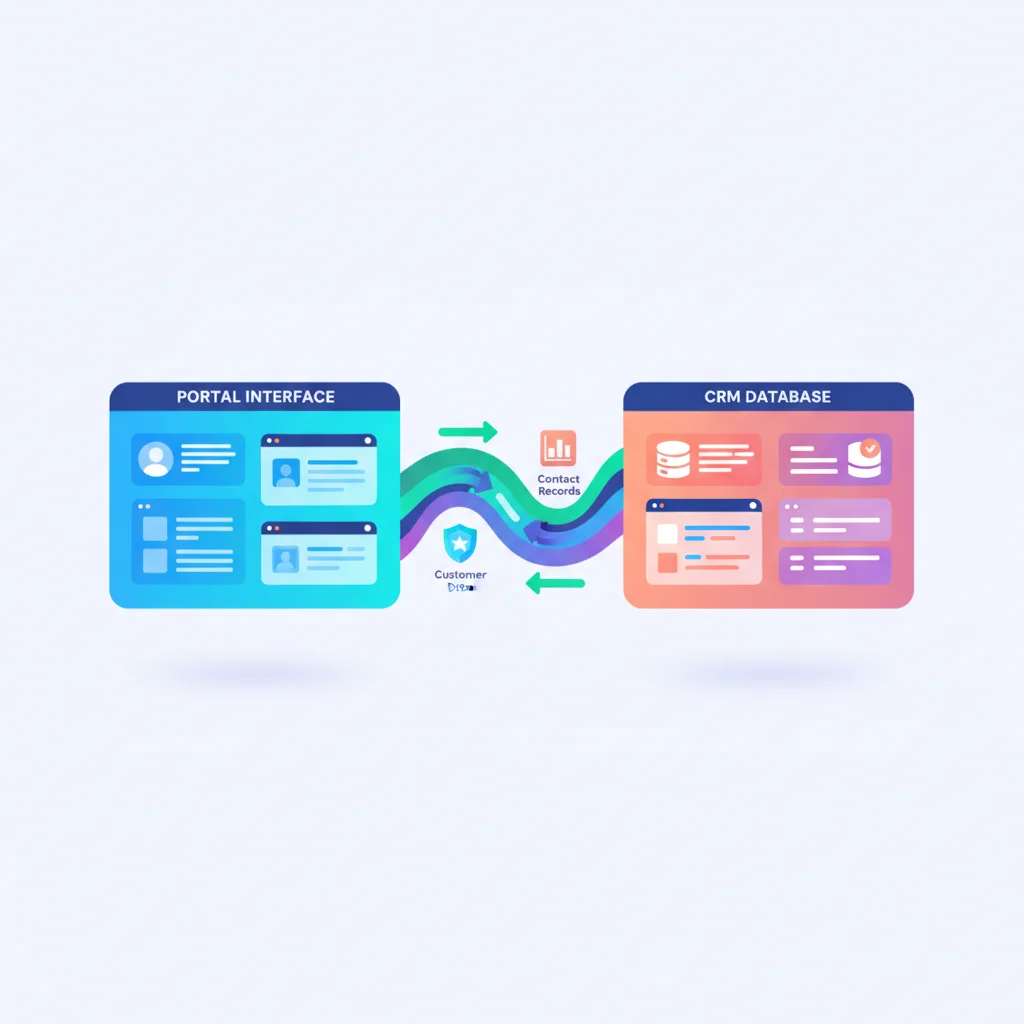
Why CRM Integration Matters
Without integration, you have two disconnected systems:
- Your team updates customer info in the CRM, but the portal shows old data
- Customers update their info in the portal, but the CRM isn’t updated
- Portal activity (logins, document access, support requests) doesn’t appear in the CRM’s customer timeline
- Your team can’t see portal engagement alongside sales and service data
Integration closes these gaps.
Common CRM Integrations
Salesforce
The most common CRM for mid-size and enterprise businesses. Integration options:
- Salesforce Experience Cloud — Salesforce’s own portal builder. Deep native integration but requires Salesforce expertise and additional licensing.
- REST/SOAP APIs — Connect a custom portal to Salesforce data via APIs. The Salesforce APIs are well-documented.
- Pre-built connectors — Many portal platforms (Assembly, SuiteDash, etc.) offer Salesforce integrations.
HubSpot
Popular CRM for SMBs and growing businesses.
- HubSpot Customer Portal — HubSpot’s built-in portal for ticket management (Service Hub Professional+).
- HubSpot APIs — REST APIs for contacts, companies, deals, and tickets.
- Zapier/Make integrations — No-code connection between portal platforms and HubSpot.
Zoho CRM
Affordable CRM with its own portal capabilities.
- Zoho Creator Portals — Build portals connected to Zoho CRM data.
- Zoho APIs — REST APIs for integration with custom or third-party portals.
Pipedrive, Monday.com CRM, and others
Most modern CRMs offer REST APIs that a custom portal can connect to. The integration approach is similar: authenticate with the CRM’s API, sync relevant data, and handle updates bidirectionally.
Data Sync Patterns
One-way sync (CRM → Portal)
Customer data flows from the CRM to the portal. The CRM remains the source of truth. This is the simplest pattern and works when customers don’t need to update their own data.
Two-way sync
Data flows both directions. Customers update their info in the portal, and those changes sync back to the CRM. Team members update in the CRM, and changes appear in the portal.
Complexity warning: Two-way sync requires conflict resolution. What happens when the same field is updated in both systems simultaneously? Define rules (e.g., “most recent update wins” or “CRM always wins”).
Event-driven integration
Instead of periodic syncing, changes trigger immediate updates:
- Customer submits a support request in the portal → CRM creates a case
- Sales rep closes a deal in the CRM → Portal provisions access
- Customer updates their address in the portal → CRM contact is updated
This is typically implemented with webhooks or event queues.
What to Sync
| Data Type | CRM → Portal | Portal → CRM |
|---|---|---|
| Contact/company info | Yes | Yes (if customers can update) |
| Account status | Yes | No |
| Support tickets | Yes | Yes (new tickets, updates) |
| Documents shared | No | Yes (log activity) |
| Portal activity | No | Yes (logins, views, downloads) |
| Invoices/payments | Yes (from billing system) | Yes (payment confirmations) |
| Notes/communication | Selective | Yes (messages, conversations) |
Technical Implementation
API-based integration
Most common approach. Your portal calls the CRM’s API to read and write data.
// Example: Fetch customer data from HubSpot
GET https://api.hubapi.com/crm/v3/objects/contacts/{contactId}
Authorization: Bearer {access_token}
Middleware / iPaaS
Use integration platforms to connect systems without custom code:
- Zapier — Simple, trigger-based integrations
- Make (Integromat) — Visual workflow automation
- n8n — Open-source alternative
- Tray.io — Enterprise integration platform
Native connectors
Many portal platforms include pre-built CRM integrations. These are the fastest to set up but may have limitations in data mapping and sync frequency.
Best Practices
- Start with read-only sync — Get CRM data into the portal before tackling the write-back
- Handle errors gracefully — API calls fail. Build retry logic and error handling.
- Respect rate limits — CRM APIs have rate limits. Cache data in your portal to reduce API calls.
- Map fields deliberately — Not every CRM field belongs in the portal, and vice versa
- Log everything — Integration debugging requires logs. Record every sync operation.