If your portal touches patient records, lab results, billing data, or anything else that qualifies as Protected Health Information — HIPAA applies. No exceptions, no shortcuts.
The penalties start at $100 per violation and scale up to $1.5 million per year. But the real cost is the breach notification, the regulatory investigation, and the reputation hit that drives patients to a competitor overnight. This guide breaks down what HIPAA actually requires for portals and how to get it right from the start.
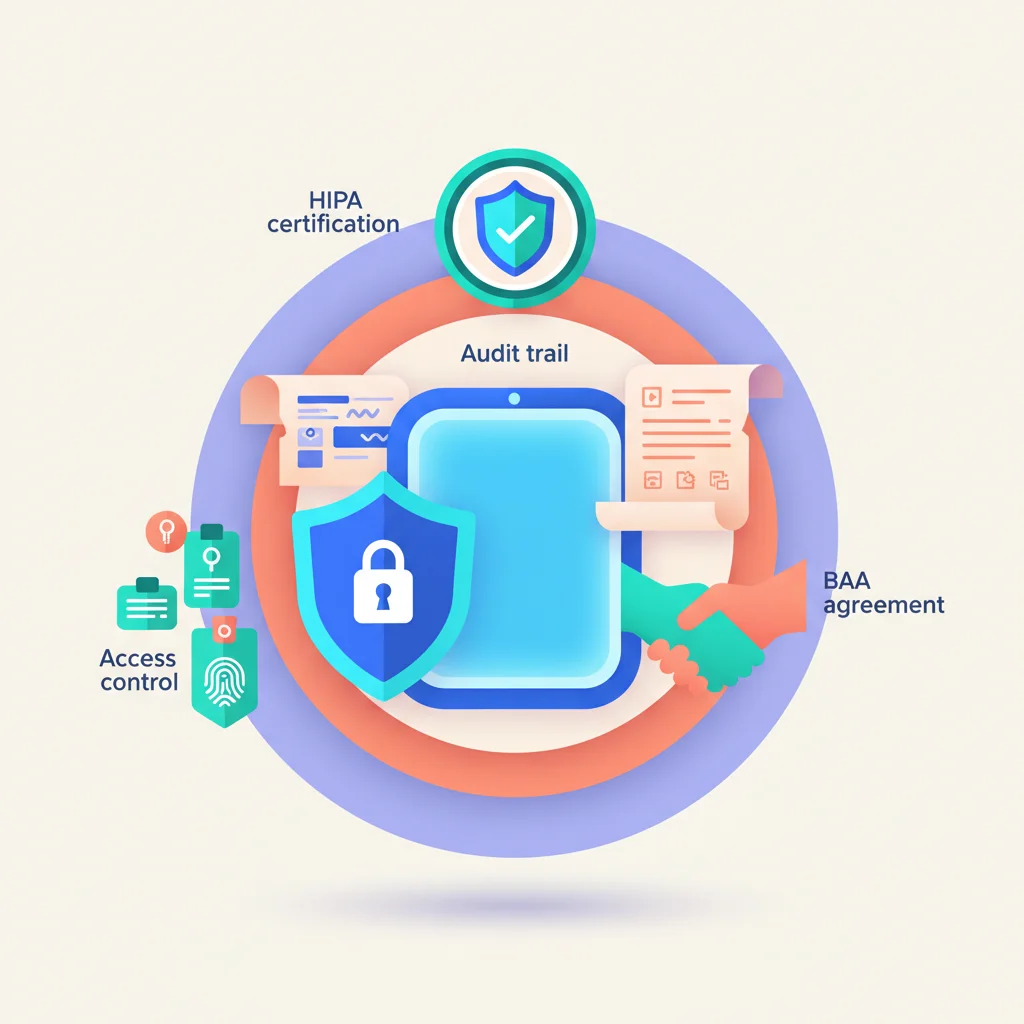
The Three HIPAA Rules That Apply to Portals
The Privacy Rule
Controls how PHI is used and disclosed. For portals, this means:
- Minimum necessary standard — Only display the PHI needed for the specific purpose. A billing portal shouldn’t show clinical notes. A scheduling portal doesn’t need lab results.
- Patient rights — Patients have the right to access their records, request corrections, and receive an accounting of disclosures. Your portal must support these.
- Authorization — Sharing PHI beyond treatment, payment, and healthcare operations requires patient authorization.
The Security Rule
Specifies safeguards to protect electronic PHI (ePHI). This is where most of the technical requirements live. The Security Rule defines three categories of safeguards: technical, administrative, and physical.
The Breach Notification Rule
If unsecured PHI is compromised:
- Individual notification — Notify affected individuals within 60 days.
- HHS notification — Report to the Department of Health and Human Services. Breaches affecting 500+ individuals require immediate reporting and are posted publicly.
- Media notification — Breaches affecting 500+ residents of a state require media notification.
“Unsecured” means unencrypted. If the breached data was encrypted to NIST standards, it’s not considered a breach under the Notification Rule. This is the single strongest argument for encrypting everything.
Technical Safeguards
These are the controls your portal must implement at the technology level.
Encryption
In transit: All data between the user’s browser and your servers must be encrypted using TLS 1.2 or higher. No exceptions. HTTP must redirect to HTTPS. HSTS headers should be set.
At rest: All stored ePHI — database records, uploaded documents, message content, backups — must be encrypted using AES-256 or equivalent. This includes:
- Database fields containing PHI
- File storage (documents, images, lab results)
- Backups and archives
- Log files that may contain PHI
Access controls
- Unique user identification — Every user must have a unique ID. No shared accounts, ever.
- Emergency access procedure — A documented process for accessing ePHI during emergencies when normal access methods aren’t available.
- Automatic logoff — Sessions must time out after a period of inactivity. For portals handling sensitive clinical data, 15 minutes or less is standard.
- Encryption and decryption — Mechanism to encrypt and decrypt ePHI as needed.
Audit controls
Log all access to ePHI:
- Who accessed what data
- When (timestamp)
- From where (IP address, device)
- What action was taken (view, download, edit, delete, print)
- Success or failure of the access attempt
Audit logs must be:
- Immutable — No one should be able to modify or delete audit records
- Retained — HIPAA doesn’t specify a retention period, but 6 years is standard (matching the general HIPAA document retention requirement)
- Reviewable — You need a process for regularly reviewing audit logs for suspicious activity
Transmission security
Beyond basic TLS encryption:
- Integrity controls to ensure ePHI isn’t modified during transmission
- End-to-end encryption for secure messaging features
- Secure file transfer for document uploads and downloads
Integrity controls
Mechanisms to protect ePHI from improper alteration or destruction:
- Data validation on input
- Checksums or hashes on stored files
- Version control for documents
- Protection against unauthorized modification
Administrative Safeguards
Technical controls aren’t enough. HIPAA requires organizational processes and policies.
Business Associate Agreements (BAAs)
If you use a third-party portal platform, cloud hosting provider, email service, or any vendor that will access, store, or transmit PHI on your behalf, you need a BAA with that vendor. No BAA = HIPAA violation, regardless of whether a breach occurs.
A BAA must cover:
- How the vendor will protect PHI
- What the vendor will do in case of a breach
- That the vendor will return or destroy PHI when the relationship ends
- That the vendor’s subcontractors are also bound by HIPAA requirements
Every link in the chain needs a BAA. If your portal platform uses AWS for hosting and SendGrid for email, both AWS and SendGrid need BAAs with the platform, and the platform needs a BAA with you.
Workforce training
Everyone with access to the portal’s administrative functions must be trained on HIPAA requirements. This includes:
- What PHI is and how to handle it
- Security policies and procedures
- How to report potential breaches
- Consequences of violations
Training must be documented and renewed regularly.
Risk analysis
HIPAA requires a documented risk analysis — identifying threats to ePHI, assessing their likelihood and impact, and implementing measures to reduce risk to acceptable levels.
This isn’t a one-time exercise. Risk analysis must be updated:
- Annually (at minimum)
- After significant changes to the portal
- After any security incident
Incident response
A documented incident response plan that covers:
- How to identify a potential breach
- How to contain and investigate
- How to determine if PHI was compromised
- Notification procedures (individuals, HHS, media if required)
- Remediation steps
- Documentation requirements
Physical Safeguards
These apply to where the data lives — servers, data centers, and workstations.
Data center requirements
If you host your own infrastructure:
- Physical access controls (keycards, biometrics, security cameras)
- Environmental controls (fire suppression, climate control)
- Equipment inventory and tracking
If you use cloud hosting (AWS, Azure, GCP), the cloud provider handles physical safeguards for the infrastructure — but you need to verify this through their BAA and compliance documentation.
Workstation security
Applies to any device used to access the portal’s administrative interface:
- Screen lock policies
- Encryption of local storage
- Remote wipe capability for mobile devices
- Policies for accessing PHI on personal devices
Patient Portal-Specific Requirements
21st Century Cures Act
The Cures Act (and its information blocking rules) requires that patients have electronic access to their health information without unnecessary delay. For patient portals, this means:
- Patients must be able to access their records electronically
- You cannot charge unreasonable fees for electronic access
- You cannot impose unnecessary barriers or delays
- Information must be provided in a format the patient can use
Identity verification
Before granting a patient access to their records through a portal, you must verify their identity. Methods include:
- In-person verification — Patient shows ID during a visit and receives portal credentials
- Knowledge-based verification — Questions based on information only the patient would know
- Two-factor verification — Email/phone verification combined with demographic matching
- Video verification — Remote identity verification via video call
The verification method should be proportional to the sensitivity of the data. A portal showing appointment schedules has different verification needs than one displaying HIV test results.
Proxy access
Parents need access to their children’s records. Legal guardians need access to their wards’ records. Authorized representatives need access to incapacitated patients’ records.
Your portal must support:
- Defining proxy relationships with appropriate documentation
- Limiting proxy access based on the patient’s age and state law (adolescent privacy rules vary by state)
- Revoking proxy access when relationships change
- Audit logging that distinguishes proxy access from direct patient access
Vendor Selection: Questions to Ask
If you’re buying a portal platform for healthcare use, ask these questions before signing:
Compliance documentation
- Do you have a SOC 2 Type II report? Can we review it?
- Will you sign a BAA?
- What HIPAA-specific certifications or attestations do you hold?
- Can you provide a HIPAA compliance matrix showing how your platform meets each requirement?
Technical details
- Where is data stored? (Region, provider, data center certifications)
- What encryption is used in transit and at rest?
- How are audit logs stored? For how long? Can they be exported?
- What happens to our data if we terminate the contract?
- Do you support automatic session timeout? Is it configurable?
Breach response
- What is your breach notification procedure?
- What is your breach notification timeline?
- Have you had any breaches? What happened and what changed?
- Do you carry cyber liability insurance?
Access controls
- Does the platform support role-based access control?
- Can we configure access granularly (field-level, record-level)?
- Does it support MFA? Is it required or optional?
- Does it support SSO integration with our identity provider?
Common Mistakes
Storing PHI in email
Regular email is not HIPAA-compliant. If your portal sends notifications containing PHI via email (“Your lab results are ready: Cholesterol 210 mg/dL”), you have a problem. Portal notifications should be generic (“You have new results available”) and require portal login to view the actual data.
Using non-BAA cloud storage
Storing documents containing PHI in Google Drive, Dropbox, or similar services without a BAA is a violation. Many cloud providers offer HIPAA-eligible services, but you must specifically enable them and sign a BAA. The free tier of most services doesn’t include HIPAA eligibility.
Inadequate access controls
Giving every staff member access to all patient data because “it’s easier” violates the minimum necessary standard. Implement role-based access that limits each user to the data they need for their specific function.
No audit trail
If you can’t answer “who accessed Patient X’s records in the last 90 days,” your audit controls are insufficient. Every access to PHI must be logged, and those logs must be reviewable.
Ignoring mobile
Patients increasingly access portals from phones. If your portal works on mobile but doesn’t enforce the same security controls (session timeout, MFA, encryption) on mobile as on desktop, you have a gap.
Mixing PHI with non-PHI systems
Using the same database, file storage, or messaging system for PHI and non-PHI data without proper isolation increases your compliance scope and risk surface unnecessarily. Keep PHI systems segregated.
Implementation Checklist
Before launching a HIPAA-compliant portal:
- BAAs signed with all vendors in the data chain
- TLS 1.2+ enforced for all connections
- AES-256 encryption at rest for all ePHI
- Unique user IDs — no shared accounts
- MFA enabled (required for staff, available for patients)
- Automatic session timeout configured
- Audit logging for all PHI access
- Risk analysis documented
- Incident response plan documented
- Workforce training completed and documented
- Patient identity verification process defined
- Proxy access process defined
- Breach notification procedure defined
- Security policies documented and reviewed
HIPAA compliance isn’t a feature you add to a portal — it’s a foundation you build the portal on. Retrofitting compliance is always more expensive and more error-prone than designing for it from the start.