
No developers on staff? That used to mean no portal. Not anymore.
Today’s no-code platforms let you launch a professional customer portal — with document sharing, billing, messaging, and branding — without writing a single line of code. The trade-off is flexibility, not quality. Here’s how to pick the right tool and actually ship it.
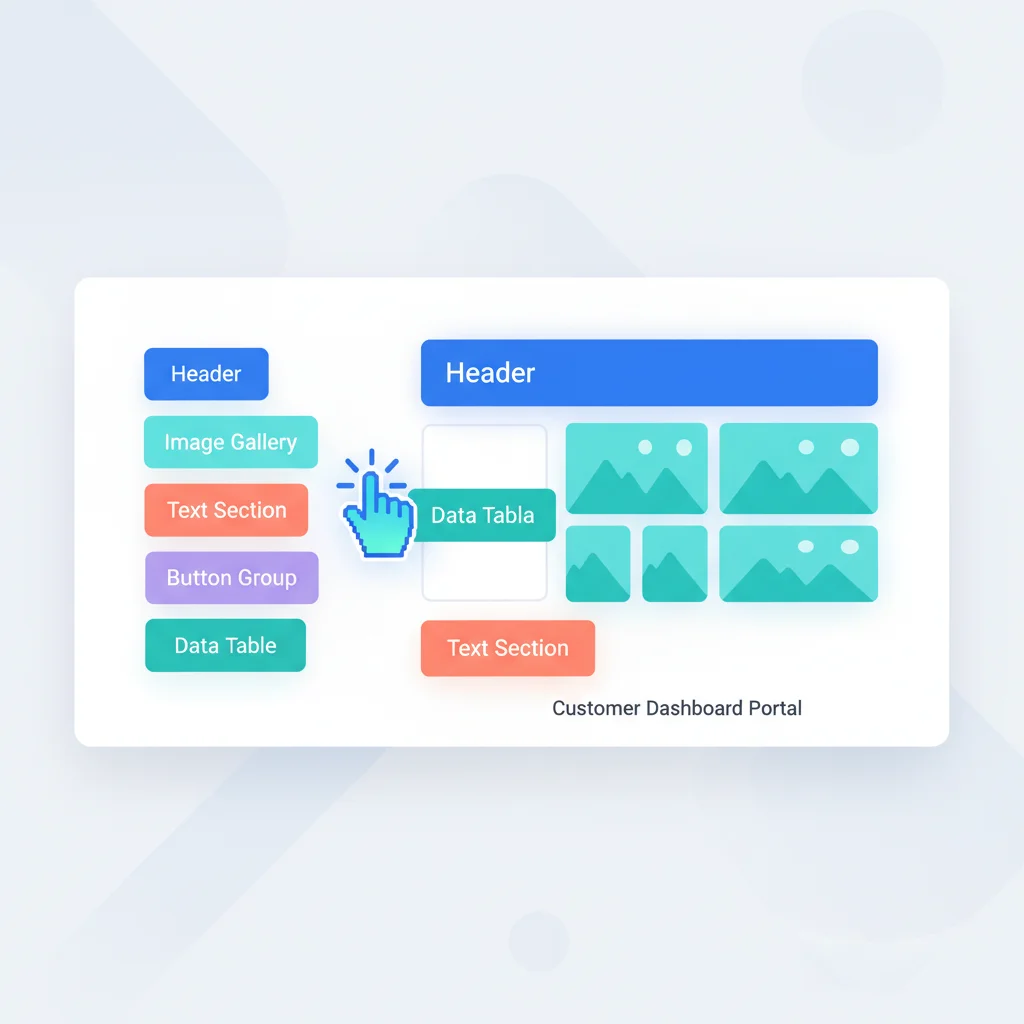
What “No-Code” Means for Portals
No-code doesn’t mean “no work.” It means the work is configuration, content creation, and design rather than writing application code. You’ll still need to:
- Define your portal structure and features
- Configure integrations with your existing tools
- Create content (knowledge base articles, onboarding steps)
- Design the layout and apply your branding
- Set up user roles and permissions
No-Code Portal Platforms
All-in-one portal platforms
These are purpose-built for customer portals and require no coding:
- Assembly — Modern client portal with messaging, documents, billing, and integrations. Fully configurable without code.
- SuiteDash — All-in-one business management with client portal, CRM, billing, and project management.
- Clinked — White-label client portal for collaboration, file sharing, and communication.
- Moxo — Client interaction platform with portal, messaging, and automated workflows.
- FuseBase (formerly Nimbus) — Client collaboration with portals, documents, and project management.
- Ahsuite — Client portal with task management, file sharing, and client login.
Help desk platforms with portal features
If your primary need is support:
- Zendesk — Help center, ticketing, and customer portal
- Freshdesk — Ticketing, knowledge base, and community portal
- HelpScout — Shared inbox with Docs (knowledge base) and Beacon (help widget)
Low-code platforms (for more customization)
If you need more flexibility but don’t want to build from scratch:
- Retool — Build internal tools and customer-facing apps with drag-and-drop
- Budibase — Open-source low-code platform for business apps
- Softr — Build portals on top of Airtable data
- Glide — Build apps from spreadsheet data
What You Can Build Without Code
With a no-code portal platform, you can typically implement:
- Document sharing with organized folders and access controls
- Secure messaging between your team and customers
- Billing and payments with Stripe integration
- Client onboarding with forms and checklists
- Knowledge base with searchable articles
- White-label branding with your logo, colors, and domain
- Notifications for new messages, documents, and events
Limitations of No-Code
Be realistic about what no-code can’t do:
- Complex custom logic — If your portal needs unique business rules or calculations, no-code platforms may not support them.
- Deep integrations — While most platforms offer standard integrations (Stripe, Google, Zapier), connecting to custom backends may require development.
- High-volume/performance — No-code platforms work well for SMBs but may have performance limitations at enterprise scale.
- Unique UX — You’re limited to the platform’s design patterns. Custom interactions require code.