SSO, OAuth, SAML, passwordless, magic links, MFA — the authentication landscape is a maze of acronyms. Pick the wrong approach and you’ll either frustrate your customers into abandoning the portal or leave the front door wide open.
The right choice depends on who your users are, what they’re accessing, and how much friction they’ll tolerate. This guide cuts through the jargon so you can make the call confidently.
Authentication Methods
Email and password
The simplest approach. Users register with an email and password, and log in with those credentials.
When to use: Consumer portals, small business portals where customers don’t have enterprise identity providers.
Best practices: Minimum 12-character passwords, check against breach databases, support MFA, implement rate limiting on login attempts.
Single Sign-On (SSO)
SAML 2.0
The enterprise standard. Your portal is the Service Provider (SP), the customer’s identity system is the Identity Provider (IdP).
When to use: B2B portals where customers have their own identity infrastructure (Microsoft Entra ID, Okta, etc.).
How it works:
- User visits your portal
- Portal redirects to customer’s IdP
- User authenticates with their corporate credentials
- IdP sends a SAML assertion back to your portal
- Portal validates the assertion and creates a session
OpenID Connect (OIDC)
The modern standard, built on OAuth 2.0. Simpler to implement than SAML and better suited for web and mobile apps.
When to use: Portals that need to support both enterprise SSO and social login (Google, Microsoft accounts).
Passwordless authentication
Users receive a “magic link” via email or a one-time code. No password to remember.
When to use: Portals where login friction is a concern and security requirements are moderate. Not recommended for high-security environments.
Social login
Let users authenticate with Google, Microsoft, Apple, or other accounts they already have.
When to use: Consumer-facing portals or portals for small businesses that don’t have enterprise identity providers.
Multi-Factor Authentication (MFA)
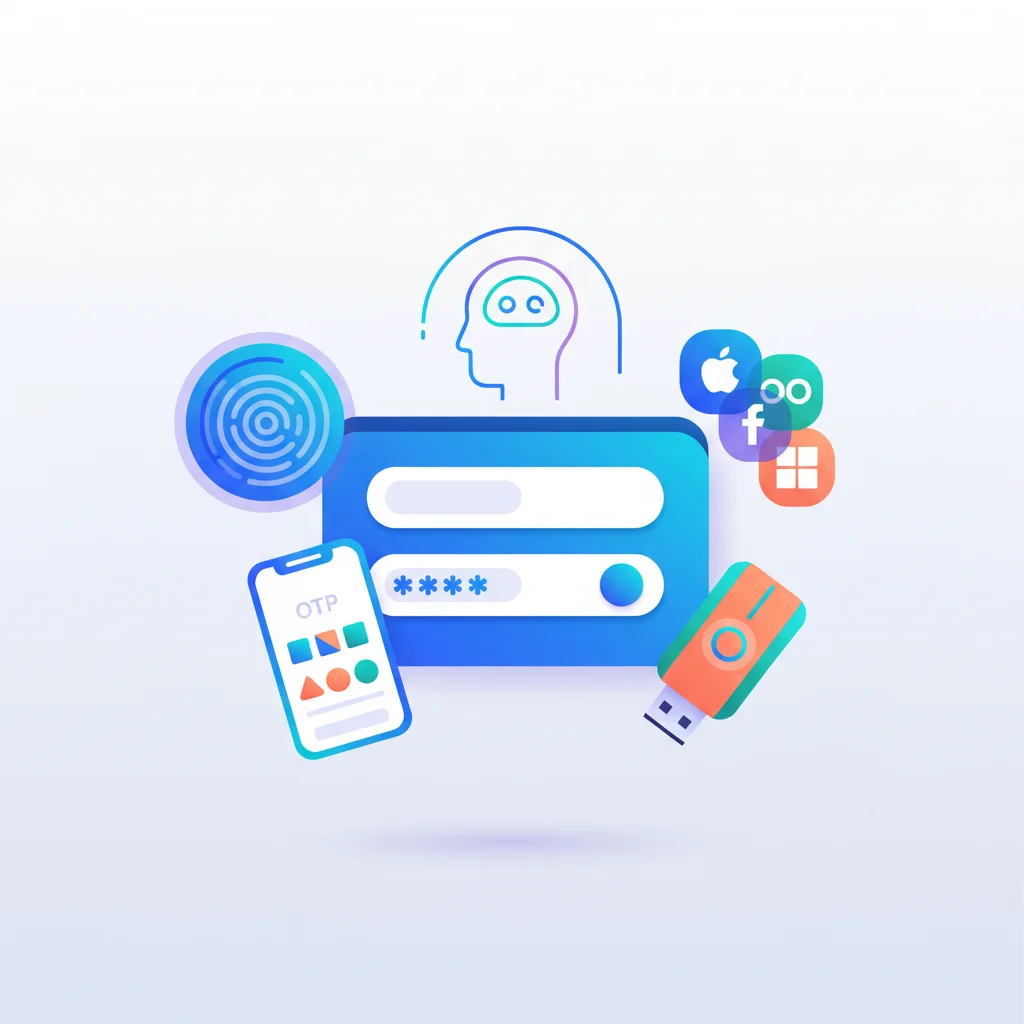
MFA should be available for all authentication methods. Options:
- Time-based one-time passwords (TOTP) — Apps like Google Authenticator, Authy. The most common and most balanced approach.
- SMS codes — Convenient but less secure (SIM swapping attacks). Acceptable for lower-security use cases.
- Hardware security keys (FIDO2/WebAuthn) — Most secure. Used in high-security environments like financial services.
- Push notifications — App-based push for approval. Good user experience.
Identity Providers and Services
If you’re building a custom portal, these services handle authentication so you don’t have to build it from scratch:
- Auth0 — Developer-friendly identity platform. Supports SSO, social login, MFA, and custom rules. Now part of Okta.
- Clerk — Modern auth with pre-built UI components. Good for React/Next.js portals.
- Firebase Authentication — Google’s auth service. Simple to implement, supports email/password, social, and phone auth.
- Supabase Auth — Open-source alternative with SSO and social login support.
- AWS Cognito — Amazon’s identity service. Enterprise-grade but more complex to configure.
- Keycloak — Open-source identity and access management. Self-hosted, highly configurable.
Implementation Considerations
Multi-tenant authentication
If your portal serves multiple organizations, each with different identity providers, you need tenant-aware authentication routing. When a user from CompanyA logs in, they’re directed to CompanyA’s IdP; CompanyB users go to their own IdP.
Session management
- Set appropriate session timeouts (hours for general use, minutes for healthcare or financial services)
- Support “remember me” for lower-security use cases
- Implement session revocation (log out of all devices)
- Store sessions server-side (not just in cookies)
Provisioning and deprovisioning
When a customer adds a new team member, how do they get portal access? When someone leaves, how is access revoked?
- Self-service: Customer admins invite/remove users through the portal
- SCIM provisioning: Automatic sync with the customer’s identity provider (enterprise feature)
- Manual: Your team manages user accounts (doesn’t scale)
Account recovery
What happens when a user can’t log in? Password reset flows, locked account recovery, and MFA device replacement all need to work smoothly. These edge cases are often overlooked but critical for adoption.
Recommendations by Portal Type
| Portal Type | Recommended Auth | MFA | SSO |
|---|---|---|---|
| Small business clients | Email/password + social login | Optional | Nice-to-have |
| Enterprise B2B | SSO (SAML/OIDC) | Required | Required |
| Healthcare | Enterprise SSO | Required | Required |
| Financial Services | Enterprise SSO | Required | Required |
| Consumer / E-commerce | Email/password + social | Optional | Not typical |
| Partner portal | SSO or email/password | Recommended | Recommended |