Your portal holds the keys to your customers’ most sensitive data — financial records, contracts, personal information, business documents. One breach and that trust is gone. Not damaged. Gone.
Security isn’t a feature you bolt on after launch. It’s the foundation everything else sits on. These are the practices that keep your portal — and your reputation — intact.
Authentication
Multi-factor authentication (MFA)
Require MFA for all portal users, or at minimum offer it as an option. Something they know (password) + something they have (phone, security key) dramatically reduces unauthorized access.
SSO integration
Support Single Sign-On through established identity providers (Google, Microsoft, Okta). This delegates authentication to enterprise-grade systems and reduces password management complexity.
Password policies
If using password-based auth:
- Minimum 12 characters
- Check against breach databases (Have I Been Pwned API)
- No periodic forced rotation (NIST recommends against this)
- Account lockout after failed attempts
Session management
- Implement session timeouts (configurable per customer/industry)
- Allow users to view and revoke active sessions
- Invalidate sessions on password change
See our authentication guide for implementation details.
Data Protection
Encryption in transit
All portal traffic must use TLS 1.2 or 1.3. HTTP should redirect to HTTPS. HSTS headers should be set.
Encryption at rest
All stored data — documents, messages, personal information — should be encrypted at rest using AES-256 or equivalent.
Data isolation
Each customer’s data must be isolated from other customers. This can be enforced through row-level security in the database, separate storage containers, or tenant-based architecture.
Backup and recovery
Regular encrypted backups with tested recovery procedures. Define RPO (Recovery Point Objective) and RTO (Recovery Time Objective) and ensure your infrastructure meets them.
Access Control
Role-based access control (RBAC)
Users see only what they’re authorized to see. Implement least-privilege access: users get the minimum permissions needed for their role.
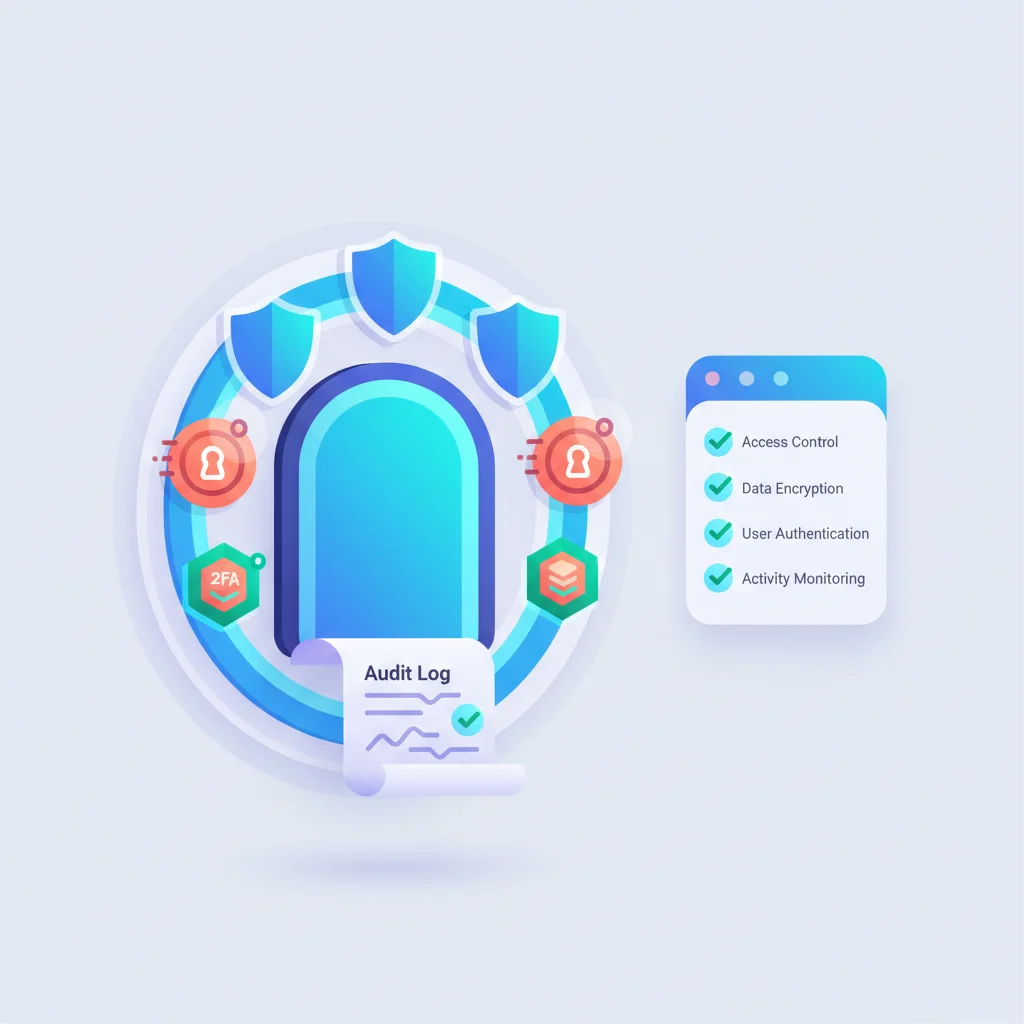
Audit logging
Log every access event:
- Who accessed what data
- When and from where (IP, device)
- What actions they took (view, download, edit, delete)
Audit logs should be immutable and retained according to your compliance requirements.
API security
If your portal has an API:
- Authenticate all API requests (API keys, OAuth tokens)
- Rate limiting to prevent abuse
- Input validation on all endpoints
- Don’t expose internal IDs in URLs
Compliance Frameworks
Depending on your industry, your portal may need to comply with:
HIPAA (Healthcare)
- Business Associate Agreements (BAA) with portal vendors
- PHI encryption in transit and at rest
- Access controls and audit trails
- Breach notification procedures
- Regular risk assessments
SOC 2 (General)
- Security, availability, processing integrity, confidentiality, privacy
- Many enterprise customers require SOC 2 compliance from portal vendors
- Annual audits by certified firms
GDPR (EU customers)
- Data minimization — collect only what’s needed
- Right to access — customers can export their data
- Right to deletion — customers can request data removal
- Data processing agreements
- Privacy-by-design principles
PCI DSS (Payment processing)
- If your portal handles credit card data, PCI DSS applies
- Use payment processors (Stripe, etc.) to minimize PCI scope
- Never store raw card numbers in your portal
Application Security
Input validation
Validate all user input on the server side. Prevent:
- SQL injection
- Cross-site scripting (XSS)
- Cross-site request forgery (CSRF)
- File upload vulnerabilities
Dependency management
Keep all libraries and frameworks updated. Monitor for vulnerabilities using tools like Snyk or Dependabot.
Penetration testing
Conduct regular security assessments — at minimum annually, or after significant changes. Consider bug bounty programs for additional coverage.
Incident Response
Have a plan before you need one:
- Detection — How will you know if a breach occurs? Monitoring, alerts, anomaly detection.
- Containment — How do you limit the damage? Isolate affected systems.
- Notification — Who needs to be told? Customers, regulators, law enforcement (as required).
- Recovery — How do you restore normal operations?
- Post-mortem — What happened, why, and how do you prevent it next time?
For Platform Buyers
If you’re using an off-the-shelf portal platform (see build vs. buy), evaluate the vendor’s security:
- Do they have SOC 2 certification?
- Where is data stored (region, provider)?
- What encryption do they use?
- What’s their incident response process?
- Do they offer BAAs (for HIPAA)?
- What’s their uptime SLA?