Every construction client has a favorite question: “how’s it going?” And without a system to answer it, your project managers become full-time status-update machines instead of actually running the job.
A client portal for construction replaces the constant check-in calls with real-time project visibility — progress photos, budgets, timelines, and change orders — all in one place. Less client anxiety, fewer interruptions, better projects.
Problems a Client Portal Solves in Construction
Clients feeling left in the dark
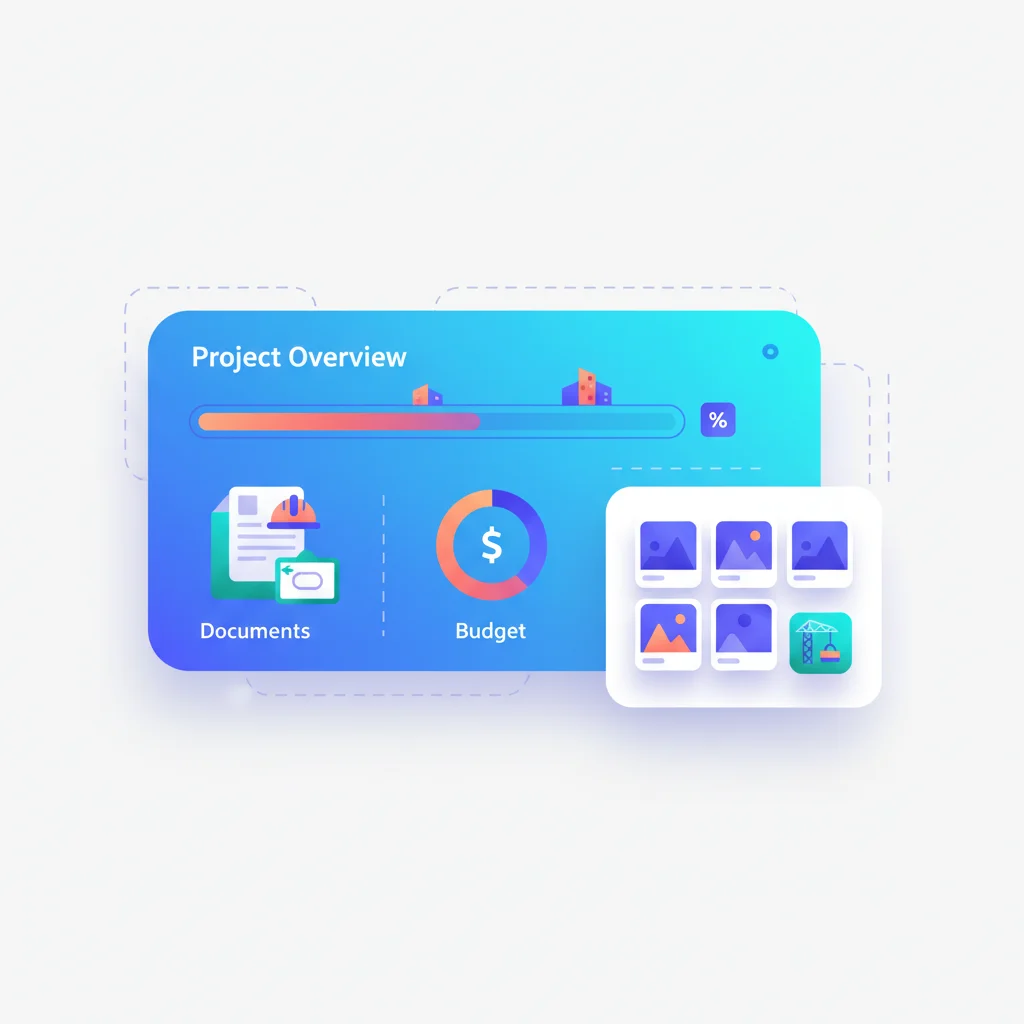
Construction projects span months or years. Between major milestones, clients often feel disconnected from their project. A portal with progress photos, timeline updates, and milestone tracking keeps clients engaged and informed without requiring constant phone calls.
Document and permit management
Construction generates extensive documentation: contracts, change orders, blueprints, permits, inspection reports, lien waivers, and certificates of occupancy. Managing these across email and paper files creates risk. A portal centralizes all project documents with version control.
Change order disputes
Change orders are a major source of conflict in construction. When changes aren’t documented clearly and approved in writing, disputes follow. A portal with a formal change order workflow — including cost estimates, approval tracking, and digital signatures — creates a clear audit trail.
Budget and payment tracking
Clients want to see where their money is going. A portal that shows the original budget, approved change orders, amounts invoiced, and amounts remaining gives clients financial transparency that builds trust.
Key Features for Construction Client Portals
- Project timeline and milestones — Visual progress tracker with dates, milestones, and completion status.
- Photo and video updates — Regular progress photos organized by date and project area.
- Document management — Contracts, blueprints, permits, inspection reports, and certificates.
- Change order management — Submit, review, approve, and track change orders with cost impacts.
- Budget tracking — Original budget, change orders, invoices, and remaining budget in real time.
- Payment management — View invoices, draw schedules, and make payments through the portal.
- Daily logs — Summaries of daily work activities, weather conditions, and workforce on site.
- RFI (Request for Information) — Formal channel for client questions that need documented answers.
Construction Portal Software
- Procore — Leading construction management platform with owner-facing portals for project tracking, documents, and financials.
- Buildertrend — Construction management for residential builders with a client-facing portal for progress tracking, selections, and communication. Widely adopted by small to mid-size residential builders and remodelers.
- CoConstruct — Built for custom home builders and remodelers with a client portal for selections, budgets, and communication. Popular among small firms specializing in custom residential work.
- PlanGrid — Now part of Autodesk Construction Cloud, focused on document management and field collaboration.
- Contractor Foreman — Affordable construction management with client access for documents and progress updates.