
You charge premium rates for premium work. So why does your final deliverable arrive as an email attachment that lands between a newsletter and a meeting invite? The way you present your work shapes how clients perceive its value.
A client portal for consulting firms gives your deliverables the professional presentation they deserve — a structured, branded environment where clients access work product, track engagement progress, review invoices, and communicate with your team.
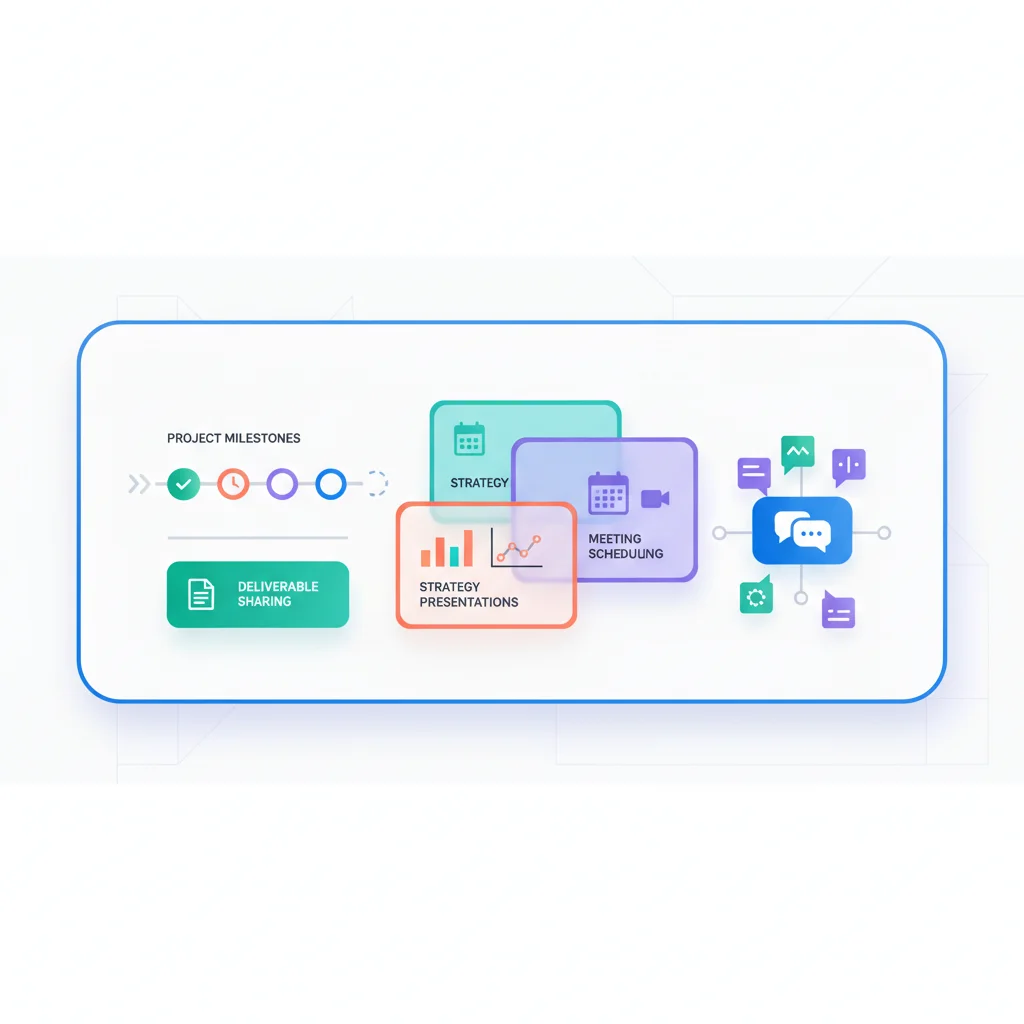
Problems a Client Portal Solves
Deliverable delivery feels anticlimactic
When a consultant spends weeks on a strategic analysis and delivers it as an email attachment, the presentation of that work doesn’t match its value. A portal provides a dedicated space where deliverables are organized, contextualized, and accessible — giving the work the professional presentation it deserves.
Scope and engagement tracking challenges
Consulting engagements have defined scopes, phases, and milestones. Without a central tracking tool that clients can access, misunderstandings about what’s been delivered vs. what’s remaining create friction. A portal with engagement tracking solves this.
Knowledge loss after engagement ends
When a consulting engagement wraps up and all the deliverables are scattered across email threads, the knowledge gets lost. A portal provides a permanent archive that clients can reference months or years later.
Difficulty demonstrating ongoing value
For retainer-based consulting relationships, demonstrating ongoing value is critical to retention. A portal with activity logs, deliverable history, and impact reporting makes the value visible.
Key Features for Consulting Portals
- Deliverable library — Organized access to all reports, analyses, presentations, and recommendations.
- Engagement tracking — Phase, milestone, and task tracking for active engagements.
- Document collaboration — Share drafts for review, collect feedback, and track versions.
- Secure messaging — Engagement-specific communication channels.
- Invoice and billing — View engagement budgets, invoices, and payment history.
- Meeting notes and action items — Centralized record of discussions and next steps.
- Client onboarding — Structured intake of goals, stakeholders, access requirements, and background information.
Consulting Portal Software
- Moxo — Client interaction platform with structured workflows, document sharing, and messaging. Popular among mid-size consulting firms that need audit-ready client collaboration.
- Assembly — Modern client portal for service businesses with documents, messaging, billing, and custom apps. A solid choice for growing consultancies.
- Clinked — White-label client portal for professional services with file sharing, task management, and group discussions. Well-suited for firms that want a fully branded experience.
- SuiteDash — All-in-one portal with CRM, project management, file sharing, and client access. Popular among solo consultants and small firms looking for a single platform.
- Notion — While not a traditional portal, many solo consultants and small teams use shared Notion workspaces as lightweight client portals before graduating to purpose-built tools.
- Teamwork — Project management with client access for task tracking and deliverable sharing. A good fit for consulting firms already running project-based work.
What a Consulting Portal Looks Like in Practice
Here’s what actually happens when a consulting firm puts a portal in front of their clients — and why it changes the relationship.
Picture a small management consulting firm with a dozen active retainer clients. Before a quarterly business review, the client opens their portal and sees everything in one place: the project timeline showing where the current engagement stands, a link to download the latest strategy deck, hours logged against their retainer budget, and the action items from the last meeting. Instead of emailing their account manager to ask “what have you been doing for us?”, the answer is right there. That single shift — from clients asking for proof of value to clients seeing it unprompted — changes the entire dynamic of the relationship.
Now consider a more structured engagement. A firm using Moxo sets up a multi-phase workflow for a new client. The client logs in, sees that the engagement is currently in Phase 2 (Assessment), accesses the draft deliverable that’s ready for their input, leaves comments directly on the document, and approves the final version — all within the portal. Every action is timestamped, creating a full audit trail of who reviewed what and when. No more ambiguity about whether the client “signed off” on a recommendation. No more digging through email threads to reconstruct who said what.
The audit trail matters more than most consultants realize. When a client questions a strategic recommendation six months after the engagement, you can point to the exact document version they reviewed, the comments they left, and the approval they gave. That’s not just good record-keeping — it’s liability protection.
What’s interesting is where many consultants start. Before investing in a dedicated portal platform, plenty of solo consultants and small firms use shared Notion workspaces or Google Workspace pages as a lightweight client portal. They create a structured page with sections for deliverables, meeting notes, and project status — and it works surprisingly well for the first few clients. The limitations show up when you’re juggling ten or more clients and need proper access controls, billing integration, and branded presentation. That’s usually the trigger for moving to a purpose-built tool like Moxo, Assembly, or Clinked.
The common thread across all these scenarios is that the portal replaces the invisible work of consulting with visible progress. Clients don’t wonder what’s happening. They see it. And that visibility is what turns a transactional consulting engagement into a long-term advisory relationship.