Parents want grades. Students want resources. Teachers want fewer emails. And your admin staff is stuck in the middle, fielding the same questions on repeat.
A portal for education gives everyone self-service access to what they need — grades, course materials, scheduling, and communication — without your staff playing middleman for every request.
Problems an Education Portal Solves
Parents and students wanting grades and progress
The most common request in education: “How is my child doing?” or “What are my grades?” A portal with real-time grade access, attendance records, and progress reports answers this question without requiring teacher communication for routine inquiries.
Communication fragmentation
Schools communicate through newsletters, emails, apps, paper notices, and phone trees. A portal consolidates announcements, messaging, and calendar events into one channel.
Administrative paperwork burden
Enrollment forms, permission slips, health records, financial aid applications — education runs on paperwork. A portal with digital forms and document management reduces administrative overhead.
Resource access and distribution
Course materials, syllabi, assignments, and recorded lectures need to be accessible to students. A portal with organized resource libraries replaces ad-hoc file sharing.
Key Features for Education Portals
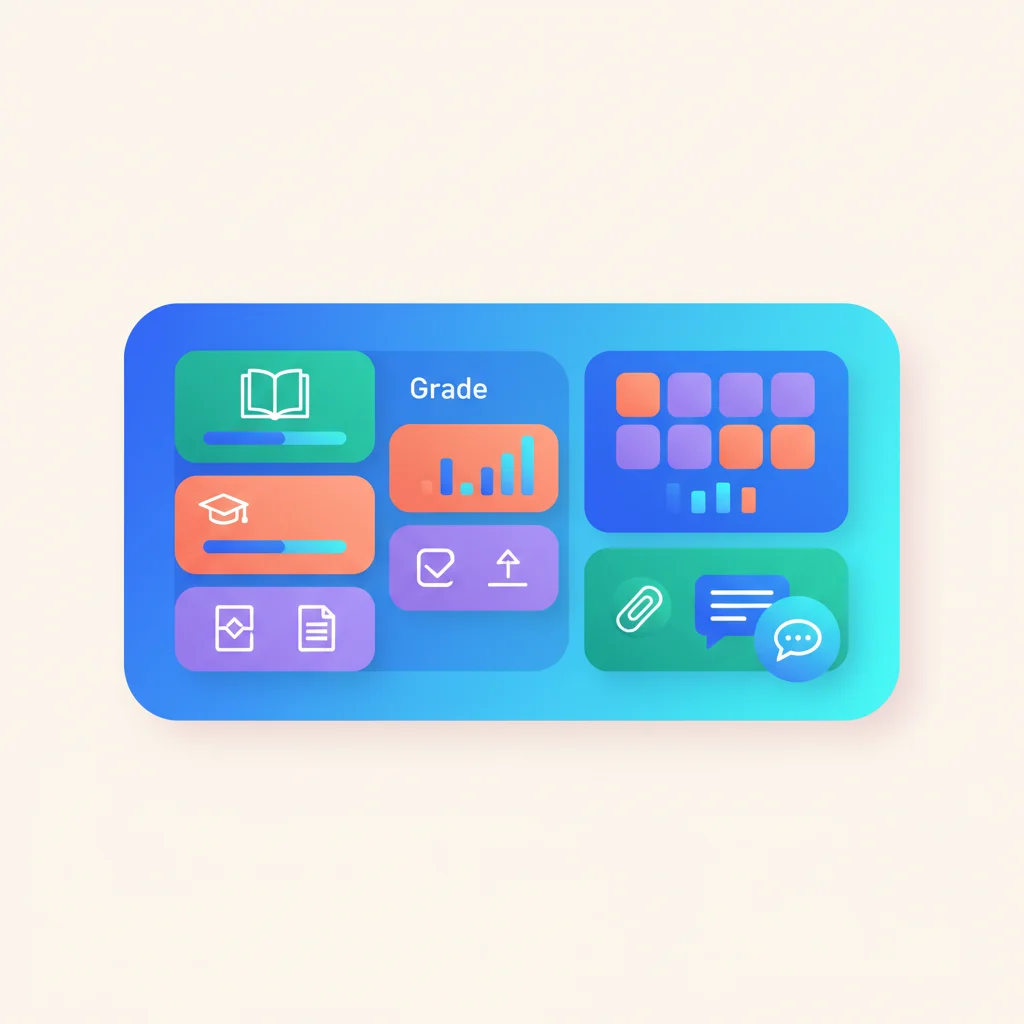
- Grade and progress tracking — Students and parents view grades, test scores, attendance, and academic progress.
- Course management — Syllabi, assignments, readings, and resources organized by course.
- Communication — Announcements, messaging between parents and teachers, and event notifications.
- Enrollment and registration — Online course registration, enrollment forms, and waitlists.
- Financial management — Tuition payments, financial aid status, and account balances.
- Calendar and scheduling — Academic calendars, exam schedules, and event management.
- Library and resource access — Digital textbooks, research databases, and learning materials.
- Learning management — Assignments, quizzes, discussion boards, and grade submission.
Education Portal Software
- PowerSchool — Leading K-12 student information system with parent and student portals. The standard for large school districts.
- Blackboard — Learning management system with student portals, now part of Anthology. Common in higher education institutions.
- Canvas (Instructure) — Popular LMS used by K-12 and higher education institutions. Known for a clean, modern interface that students and parents actually enjoy using.
- Google Classroom — Free classroom management and communication platform. The go-to for budget-conscious schools and individual teachers.
- Schoology — LMS with parent and student portals, now part of PowerSchool. Well-suited for K-12 districts wanting a unified experience.
- Ellucian — Higher education ERP with student portals for registration, grades, and financial aid. Designed for colleges and universities with complex administrative needs.
For tutoring services and small educational businesses, general-purpose portals like Assembly or Teachable can work well.
What an Education Portal Looks Like in Practice
The word “portal” might conjure images of clunky university login pages from 2005, but the best education portals today feel more like the apps parents and students already use every day. Here is what that actually looks like across different types of educational organizations.
Start with early childhood. A parent drops their three-year-old off at a childcare center that uses Brightwheel. Throughout the day, they get real-time updates pushed to their phone: “Emma had a great morning! She painted with watercolors and ate all her lunch.” Photos pop up, nap times are logged, diaper changes are tracked, and a daily activity report summarizes everything. For working parents who spend eight hours wondering how their kid is doing, this is transformative. It replaces the end-of-day “how was she today?” conversation (which usually gets a two-word answer from a tired teacher) with a continuous stream of reassurance. Brightwheel is widely used by childcare centers and preschools for exactly this reason — it turns daily communication from a burden into something that happens automatically.
Now consider a tutoring service for older kids. A parent logs into the portal and sees their child’s upcoming tutoring sessions, reads the notes from the last session (“Worked on algebra equations — mastering single-variable, needs practice with two-variable”), checks a progress report showing test score improvements over the past three months, and pays the monthly invoice. The tutor uses the same portal to share practice worksheets and communicate about scheduling changes. For small tutoring businesses, platforms like TutorCruncher or My Music Staff (for music lessons) provide this kind of lightweight portal without the overhead of a full LMS. They handle scheduling, progress tracking, invoicing, and parent communication in one place.
For larger schools, the portal experience typically centers around the LMS. A high school student opens Canvas to check their assignments for the week, submit an essay, watch a recorded lecture they missed, and check their grade on last week’s quiz. Their parent logs into a linked parent account and sees the same grades, plus attendance records and teacher messages. Google Classroom serves a similar role for schools that want a free, straightforward option — but it lacks the depth of reporting and parent-facing features that dedicated platforms provide.
The common thread is that the best education portals reduce the communication burden on teachers and staff while giving parents and students the visibility they are constantly asking for. When a parent can see grades, attendance, and progress without sending an email, everyone wins — especially the teacher who no longer has to answer forty versions of the same question.