
Your clients trust you with their most sensitive information — legal strategies, financial records, privileged communications. So why is all of it traveling over email? One misdirected message and you’ve got a privilege problem.
A client portal for law firms replaces risky email exchanges with a secure, organized environment for document sharing, case tracking, messaging, and billing. It protects privilege, impresses clients, and stops the daily flood of “any updates on my case?” calls.
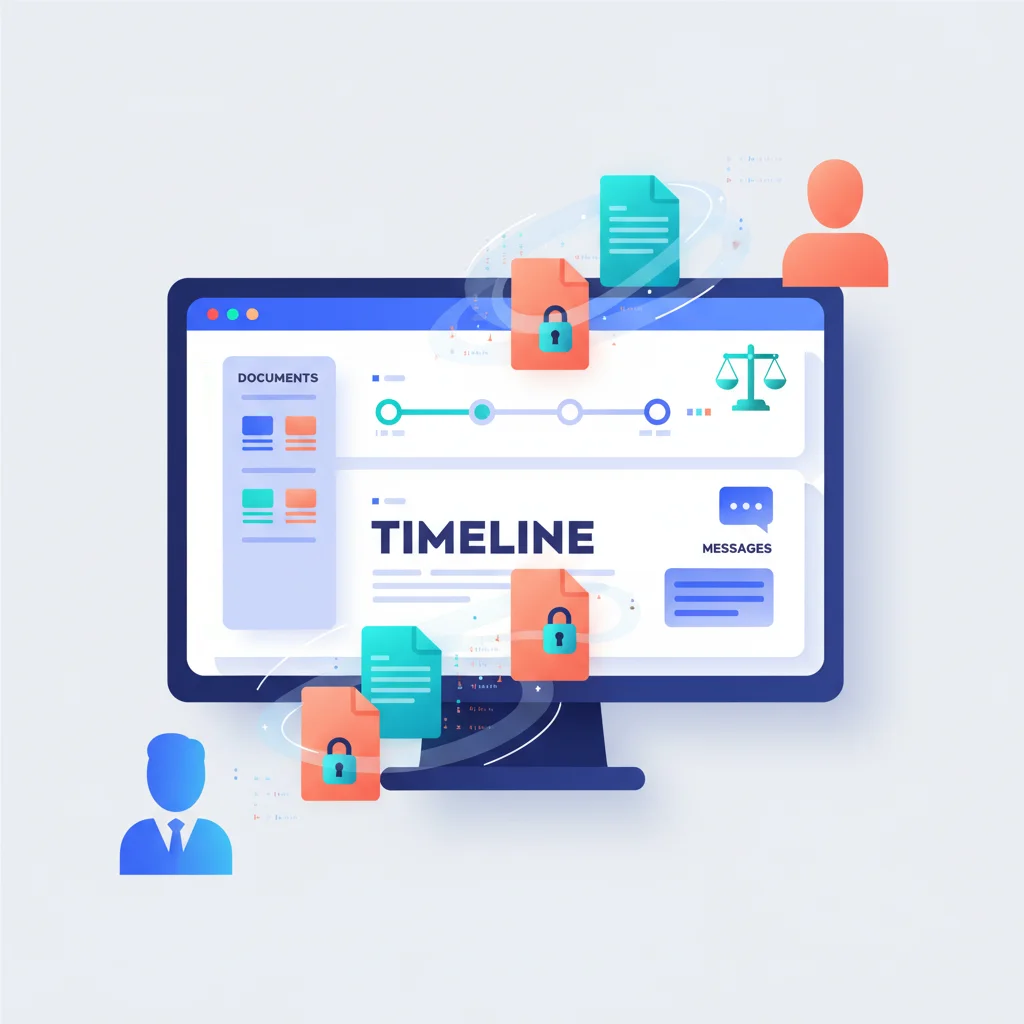
Problems a Client Portal Solves for Law Firms
Protecting attorney-client privilege
Email is not inherently secure. When attorneys send case documents via email, there’s a risk of misdirection, interception, or inadvertent disclosure. The American Bar Association has increasingly emphasized the duty of technology competence, which includes using appropriate safeguards for electronic communications. A portal with encryption and access controls provides a defensible, auditable communication channel.
”Where is my case?” fatigue
Clients want updates. They want to know what’s happening with their case without having to call the office. A portal with case status tracking gives clients real-time visibility into their matter, reducing incoming calls and increasing client satisfaction.
Document management chaos
A single legal matter can generate dozens of documents — pleadings, discovery, correspondence, contracts, court filings. Managing these across email threads, shared drives, and physical files creates risk. A portal organizes everything by matter and makes documents accessible to both the attorney and the client in one place.
Billing disputes and late payments
When clients receive a paper invoice in the mail (or an emailed PDF), they often have questions that delay payment. A portal lets clients review detailed billing breakdowns, see time entries, and pay directly — reducing the collection cycle.
Key Features for Law Firm Portals
- Matter-based organization — All documents, messages, and billing are organized by legal matter (case), not just by client.
- Secure document exchange — Share pleadings, contracts, and correspondence with encryption and access logging.
- Case status updates — Clients can see the current stage of their matter, recent activities, and upcoming deadlines.
- Secure messaging — In-portal communication keeps privileged discussions off email and organized by matter.
- E-signatures — Engagement letters, authorizations, and settlement agreements can be signed electronically.
- Billing and trust accounting — Clients view invoices, retainer balances, and payment history. Some portals support trust account compliance requirements.
- Intake forms — New client questionnaires and conflict check information can be collected through the portal before the first meeting.
How Law Firm Portals Improve Client Relationships
Legal work is stressful for clients. They’re dealing with disputes, transactions, or regulatory issues that directly affect their business or personal life. A portal that keeps them informed and gives them a sense of control over the process significantly improves their experience.
Firms that offer portal access report higher client satisfaction scores and stronger referral rates. The transparency a portal provides — being able to see case documents, understand what’s been done, and review billing — builds the kind of trust that turns one-time clients into long-term relationships.
This matters especially for firms serving small business clients, who may be accustomed to the digital experiences provided by other professional services and expect the same from their law firm.
Portal Software Used by Law Firms
- Clio — Leading legal practice management software with a client-facing portal (Clio Connect) for document sharing and messaging.
- MyCase — Practice management with a client portal that includes case updates, messaging, document sharing, and online payments.
- PracticePanther — Legal software with a built-in client portal, intake forms, and billing.
- Smokeball — Legal practice management with automated document generation and client portal access.
- NetDocuments — Enterprise-grade document management with secure external sharing capabilities.
General-purpose platforms like Assembly and Clinked also serve smaller law firms that want a clean, modern client portal without a full practice management system.
Compliance Considerations
Law firm portals must address specific ethical obligations:
- Duty of competence — The ABA’s Model Rule 1.1 (Comment 8) requires lawyers to keep abreast of technology, including the benefits and risks of relevant technology.
- Duty of confidentiality — Model Rule 1.6 requires reasonable efforts to prevent unauthorized disclosure. A portal with proper encryption and access controls supports this duty.
- Data residency — For firms handling international matters, consider where portal data is stored relative to jurisdictional requirements (GDPR, etc.).
- Audit trails — Portals that log who accessed what and when provide evidence of appropriate information handling.
What a Law Firm Portal Looks Like in Practice
Let’s walk through what a real client experience looks like. A small business owner is going through a contract dispute — their former vendor is claiming breach of a services agreement. They log into their law firm’s portal and immediately see their case status: Discovery phase. The latest draft of the settlement proposal is right there, uploaded by their attorney yesterday with a note asking them to review section 3. Below that, there’s an itemized billing statement showing 4.2 hours of attorney time this month, broken down by activity — document review, opposing counsel correspondence, and a call with the mediator. The client taps the secure message button and asks about the timeline for the next hearing. Everything is organized by their case, in one place. No digging through 47 email threads trying to find the right version of the right document.
Clio is the platform most solo practitioners and small firms (2-10 attorneys) reach for, and for good reason. It’s the most widely adopted legal practice management platform at that scale, and Clio Connect — their client-facing portal — lets clients view case status, access shared documents, sign engagement letters electronically, and pay invoices online. That last part matters more than you’d think: Clio’s own data shows that firms using their portal get paid 30% faster. When a client can see exactly what they’re being billed for and click a button to pay, the friction that usually delays legal invoices by weeks simply disappears.
MyCase is another strong option, particularly popular among family law, immigration, and criminal defense practices. What sets MyCase apart is its visual case timeline — clients see their matter laid out chronologically, with key events, filings, and upcoming deadlines mapped out clearly. For someone going through a custody battle or an immigration case (situations that are inherently stressful and often confusing), being able to see where things stand at a glance provides real peace of mind. The portal also includes a dedicated secure messaging channel with their attorney, so clients aren’t left wondering whether their email got buried in the firm’s inbox.
The common thread across both platforms is this: legal clients don’t just want documents and invoices. They want to feel informed and in control during what is often one of the most stressful experiences of their professional or personal lives. A portal that gives them transparency into their case — status, documents, billing, and direct communication — transforms the attorney-client relationship from “I hope they call me back” to “I can see exactly what’s happening.” That shift is why firms with portals consistently report higher client satisfaction and stronger referral rates.