
Your product is a web app, but your post-sale experience? That’s scattered across a help desk, a Stripe billing page, a docs site on a different subdomain, and a community forum you forgot about. Each with different branding, different logins, and a different level of neglect.
A unified customer portal for SaaS ties billing, support, documentation, and account management into one cohesive experience. It’s the difference between a product that people use and a product that people stay with.
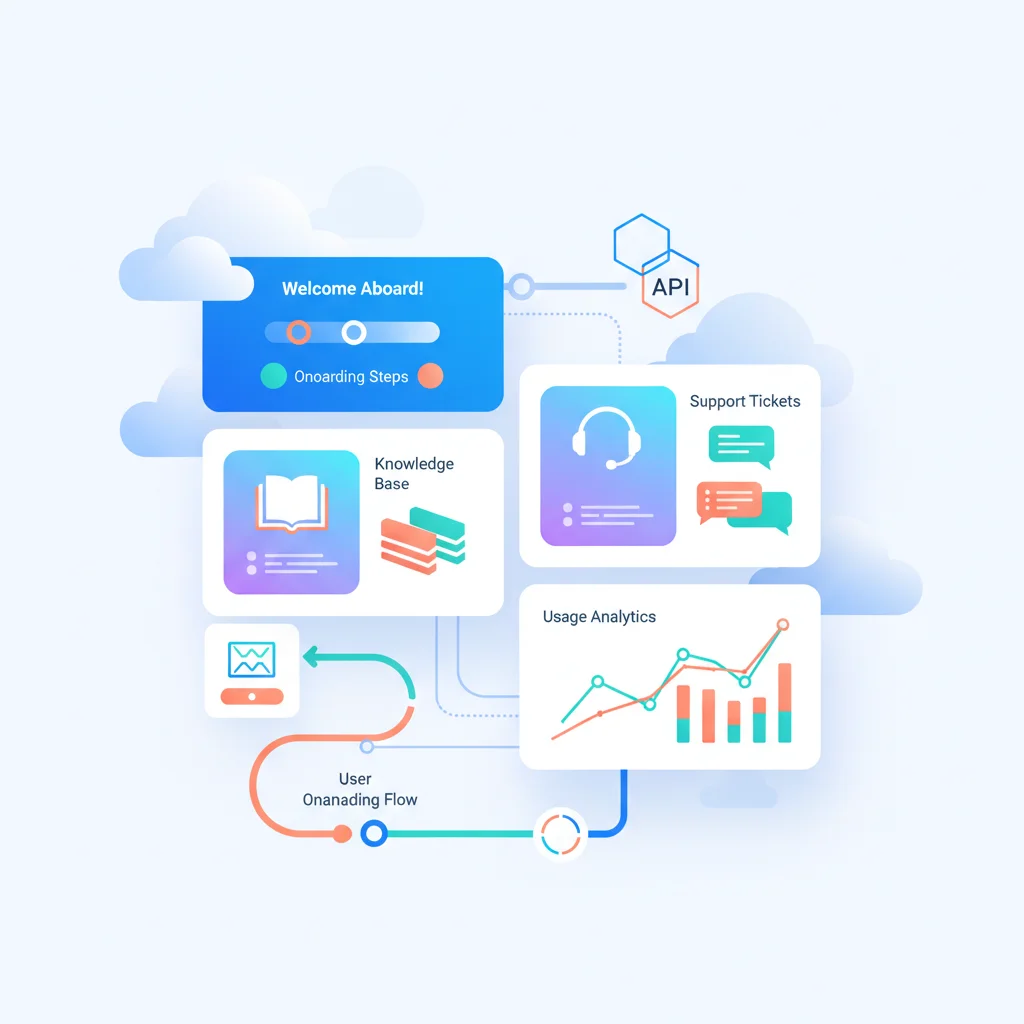
Problems a Customer Portal Solves for SaaS Companies
Fragmented post-sale experience
Customers buy your product and then interact with a patchwork of systems: the product itself, a help desk for support, a billing portal (maybe Stripe’s default), documentation on a separate subdomain, and a community forum elsewhere. Each has different branding, navigation, and login credentials. A portal unifies these into a single, branded experience.
Onboarding drop-off
The critical period after a SaaS purchase is onboarding. If new customers can’t find setup guides, get stuck on configuration, or don’t know what to do next, they churn before they ever get value from the product. A portal with structured onboarding flows and a knowledge base gives customers a clear path to success.
Support ticket volume from answerable questions
A large percentage of SaaS support tickets are questions that could be answered by documentation, FAQs, or account self-service. When there’s no easy way for customers to find these answers, they submit tickets. A well-organized portal with search, knowledge base, and account management reduces this significantly.
Billing confusion and churn
“How do I upgrade?” “Where’s my invoice?” “How do I cancel?” If these questions aren’t easy to answer, customers get frustrated — and frustrated customers churn. Self-service billing management in the portal keeps customers in control and reduces billing-related support volume.
Key Features for SaaS Customer Portals
- Knowledge base / documentation — Searchable help articles, guides, API documentation, and tutorials organized by topic and product area.
- Support ticket management — Submit, track, and manage support requests. View past conversations and resolutions.
- Billing and subscription management — View invoices, update payment methods, change plans, and manage seats/licenses.
- Onboarding checklists — Step-by-step setup guides that track progress and highlight next actions.
- Account management — Update company info, manage team members, configure settings, and manage integrations.
- Status page and announcements — System status, planned maintenance, and product updates.
- Community and forums — User discussions, feature requests, and peer-to-peer support.
- API documentation — Interactive API docs, SDKs, and developer resources for technical users.
- Feature request and feedback collection — Let customers suggest and vote on features.
How SaaS Portals Reduce Churn
Churn is the existential threat for SaaS businesses. A customer portal directly addresses several common churn drivers:
- Confusion → Success: Customers who can easily find how-to guides and onboarding resources reach value faster, reducing early-stage churn.
- Frustration → Control: Self-service billing and account management eliminate friction that drives customers away.
- Isolation → Engagement: Portals with community features and feedback collection make customers feel heard and invested.
- Opacity → Transparency: When customers can see their usage, billing history, and support history in one place, they trust the relationship more.
According to Gainsight, companies that invest in customer success infrastructure (including self-service portals) see measurably lower churn rates. Read more about reducing churn with portals.
SaaS Customer Portal Examples and Tools
Some SaaS companies build their portals custom (since they already have engineering teams), but many use specialized tools:
- Intercom — Customer messaging platform with help center, support inbox, and product tours.
- Zendesk Guide — Knowledge base and customer portal integrated with Zendesk Support.
- Freshdesk — Help desk with a customer-facing portal for tickets, knowledge base, and community forums.
- GitBook — Documentation platform popular with developer-focused SaaS products.
- Bettermode — Customer community platform with knowledge base, forums, and customer portal features.
- Stripe Customer Portal — Pre-built billing portal from Stripe for subscription management.
For a unified approach, platforms like Assembly and Moxo offer all-in-one customer portals that combine messaging, documents, billing, and workflows.
What a SaaS Customer Portal Looks Like in Practice
Let’s say you’re a marketing manager using a project management SaaS tool. You’re trying to set up a workflow automation — something with conditional triggers and multi-step assignments — and you’re not sure you’re doing it right. You click “Help” from inside the product and land in the customer portal. You type your question into the knowledge base search, and three seconds later you’re looking at a step-by-step guide with annotated screenshots that walks you through the exact setup. Problem solved in three minutes, no support ticket filed, no waiting for a response that might come tomorrow.
But while you’re there, you poke around. You check your team’s subscription — 14 of 20 seats used, good to know before the new hires start — and pull up the invoice history because finance asked for last quarter’s receipts. On the way out, you notice a product announcement about a new CRM integration that’s actually relevant to your team. That’s the experience a unified SaaS portal delivers: support, account management, billing, and product updates in one place, without juggling three different tools and two forgotten passwords.
The most recognizable example of this in the wild is the Stripe Customer Portal. Thousands of subscription SaaS companies embed Stripe’s pre-built billing portal so customers can update payment methods, switch plans, download invoices, and cancel — all without contacting support. It’s become the baseline expectation for SaaS billing management. If your customers can’t self-serve on billing basics, you’re behind.
On the support and engagement side, Intercom is the tool you’ve probably encountered as a customer more than any other. SaaS companies use it to unify their help center, support inbox, and product tours into a single widget that lives right inside the app. From the customer’s perspective, it feels seamless — you search articles, start a chat, or file a ticket without ever leaving the product.
Here’s the practical reality for most early-stage SaaS companies: you don’t need to build a grand unified portal on day one. Many startups begin with Stripe’s billing portal plus a simple docs site on Notion or GitBook, and that combination covers 80% of customer needs. The key is recognizing when those disconnected pieces start creating friction — when customers are emailing support for things they should be able to do themselves — and graduating to a cohesive portal experience before that friction turns into churn.