
Most customer portals are glorified filing cabinets. Customers log in, click around, maybe find what they’re looking for. It works, but it’s not exactly smart.
AI changes the game. Instead of customers navigating to information, the portal starts understanding what they need, anticipating their questions, and adapting to how they work. Think less “browse a website” and more “talk to someone who knows your account inside out.”
The best part? This isn’t a future vision. These capabilities are live today, built with APIs from OpenAI, Anthropic, and Google, and already shipping in portal platforms. Here’s what it looks like in practice.
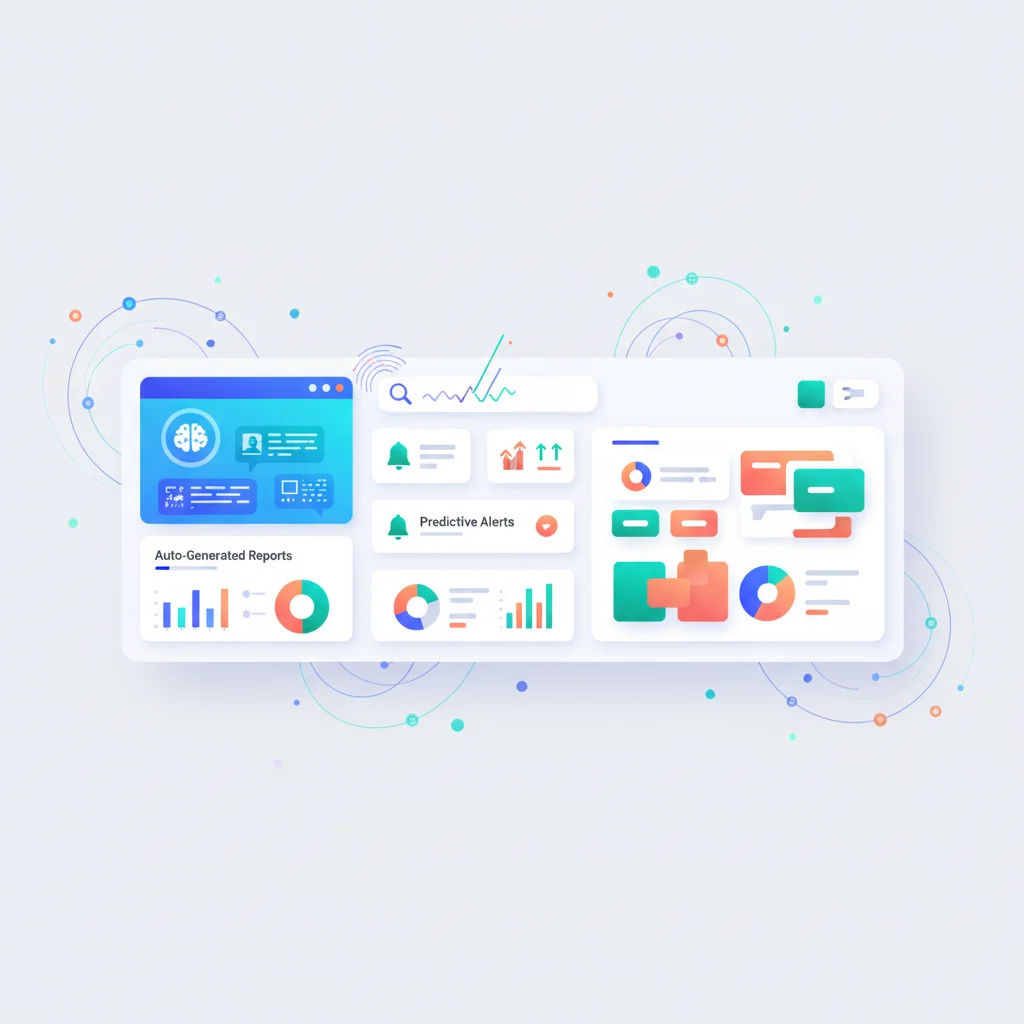
1. AI Chatbots with Customer Context
This is the killer feature — the one that changes what a portal can do more than anything else.
A generic chatbot on a marketing website can answer general questions about your company. It knows what’s on your public pages. But it doesn’t know who’s asking, what their account looks like, or what their history with your company is.
A portal chatbot is fundamentally different. When a customer is logged into their portal, the chatbot knows who they are. It has access to:
- Their account details and subscription tier
- Their project status and milestones
- Their billing history and upcoming payments
- Their past support tickets and resolutions
- Their documents and shared files
- Their usage patterns and engagement history
This context transforms the interaction. Instead of generic answers, the chatbot provides specific, personalized responses:
- “What’s the status of my project?” — The chatbot checks their active projects and responds with the current phase, recent completions, and upcoming milestones.
- “Show me my invoices from last quarter” — The chatbot queries their billing history and presents the relevant documents.
- “I’m having the same issue I reported last month” — The chatbot finds their previous ticket, reviews the resolution, and either applies the same fix or escalates with full context.
Natural language queries
Customers don’t need to learn your portal’s navigation. They can ask questions in plain English:
- “How much have I spent this year?”
- “When is my next payment due?”
- “What documents do I still need to submit?”
- “Who on your team is working on my account?”
The chatbot translates these natural language queries into data lookups and presents the answers conversationally. This is particularly powerful for customers who use the portal infrequently and don’t remember where everything lives.
Proactive suggestions
Beyond answering questions, an AI chatbot can proactively suggest actions:
- “I notice you haven’t downloaded last month’s report yet. Would you like me to pull it up?”
- “Your subscription renews in 7 days. Would you like to review your plan options?”
- “You have 3 pending approvals. Would you like to see them?”
Seamless human escalation
When the chatbot can’t resolve an issue — or when the customer prefers to talk to a human — the handoff should be seamless. The chatbot passes the full conversation context, account details, and relevant history to the human agent via the ticketing system. The customer never has to repeat themselves.
This is the key difference between AI-assisted support and AI-replaced support. The chatbot handles the routine and straightforward. Humans handle the complex and sensitive. Context flows between them without friction.
2. Automated Content Generation
AI can generate personalized content that would be prohibitively time-consuming to produce manually.
Status summaries
Instead of project managers writing weekly update emails, AI generates status summaries from underlying data. The portal knows which tasks were completed, what milestones were reached, what’s coming next, and what needs client attention. AI turns this raw data into readable, client-friendly summaries.
For agencies managing dozens of clients, this saves hours every week. For clients, it means consistent, timely updates without depending on their account manager remembering to send one.
Personalized reports
Monthly performance reports, account reviews, and analytics summaries can be auto-generated with AI-written narrative. Instead of just showing charts and numbers, the report explains what the data means:
“Website traffic increased 23% month-over-month, driven primarily by organic search growth in the blog section. Two articles published in October now rank on page one for their target keywords. Recommendation: increase publishing frequency to capitalize on this momentum.”
This turns raw analytics into actionable insights — automatically, for every client, every reporting period.
Onboarding guides
When a new customer joins the portal, AI can generate a personalized getting-started guide based on their industry, plan tier, and stated goals. A healthcare organization gets different onboarding guidance than a SaaS company, even if they’re using the same portal platform.
3. Smart Search
Traditional portal search matches keywords. Type “invoice” and you get results containing the word “invoice.” But what if a customer types “how much did I pay in March?” or “that document my accountant uploaded last week?”
Semantic search uses AI to understand the meaning behind a query, not just the keywords. It searches across all portal content — documents, messages, knowledge base articles, billing records, support tickets — and returns results based on relevance to what the customer actually meant.
This is transformative for portals with large amounts of content. Knowledge bases become dramatically more useful when customers can search conversationally. Document repositories become navigable even when files have cryptic names. Support history becomes searchable by problem description rather than ticket number.
Semantic search also handles synonyms and related concepts. A search for “billing problem” surfaces results about payment failures, invoice disputes, and subscription issues — even if those exact words weren’t used.
4. Predictive Support and Churn Prevention
AI doesn’t just respond to customer behavior — it can predict it.
By analyzing patterns across your customer base, AI identifies signals that predict problems before they become crises:
Churn prediction
Customers rarely leave without warning. The warning signs are in their portal behavior:
- Declining engagement — Login frequency dropping, fewer pages viewed, less time spent
- Increased support tickets — Especially unresolved or recurring issues
- Overdue payments — Late payments often signal dissatisfaction, not just cash flow
- Reduced feature usage — Customers who stop using key portal features are disengaging
- Negative sentiment — AI can analyze the tone of support messages and feedback
A portal with AI-powered churn prediction aggregates these signals into a risk score. When a customer crosses a threshold, your team gets an alert — and can intervene proactively. A well-timed call from an account manager, a special offer, or simply asking “is everything okay?” can save an account that was silently heading for the exit.
For more on retention strategies, see reducing churn with portals and customer retention strategies.
Support need prediction
AI can identify customers who are likely to need support based on their behavior. A customer who just accessed a complex feature for the first time might benefit from a proactive help message. A customer who’s been stuck on the same page for several minutes might need guidance.
This shifts support from reactive (wait for the ticket) to proactive (help before they ask), which improves satisfaction and reduces ticket volume.
5. Intelligent Document Processing
Portals that handle documents — and most do — benefit enormously from AI-powered document processing.
Automatic categorization
When a customer uploads a document, AI can automatically categorize it: tax return, contract, ID verification, invoice, insurance policy, medical record. No more manual sorting or misfiled documents. The document lands in the right folder without anyone having to put it there.
Data extraction
AI extracts structured data from uploaded documents. A customer uploads an invoice, and the portal extracts the vendor name, amount, date, and line items — pre-populating fields and eliminating manual data entry.
For industries like accounting, insurance, and legal, where document processing is a major part of the workflow, this capability saves hours of manual work per client.
Smart pre-fill
Based on a customer’s previous submissions, AI pre-fills form fields with likely values. A returning customer doesn’t have to re-enter their company details, billing address, or standard preferences. The portal remembers and suggests, reducing friction and improving data consistency.
6. Personalized Portal Experiences
A static portal shows every customer the same dashboard, the same navigation, the same layout. An AI-powered portal adapts to each user.
Behavioral adaptation
The portal learns how each customer uses it and reshapes accordingly:
- A customer who primarily uses the portal for billing sees payment status and invoices front and center on their dashboard.
- A customer who frequently reads knowledge base articles sees the search bar prominently and gets suggested articles based on their reading history.
- A customer who manages multiple projects sees a project overview as their landing page.
- A customer who mainly communicates with their account team sees their message inbox first.
This isn’t about letting customers customize their dashboard (though that’s nice too). It’s about the portal automatically optimizing itself based on observed behavior. The customer never has to configure anything — the experience just gets better over time.
Personalized content recommendations
AI recommends knowledge base articles, guides, and resources based on the customer’s profile, behavior, and current context. A customer who just enabled a new feature gets suggested documentation for that feature. A customer with an upcoming renewal gets articles about the benefits of their current plan tier.
Adaptive notifications
Instead of sending every notification to every customer, AI tailors notification frequency and channel based on individual preferences and behavior. Customers who check the portal daily might get fewer email notifications. Customers who rarely log in might get more proactive outreach. The notification system learns what works for each user.
Making It Practical
The capabilities described above are real and available today. But implementing them doesn’t require building everything from scratch or committing to a massive AI initiative. Here’s the practical approach:
Start with the chatbot
An AI chatbot with customer context delivers the highest impact relative to effort. It reduces support load, improves customer satisfaction, and provides 24/7 assistance. Most portal platforms now offer chatbot integrations, and the APIs from major AI providers make custom implementations achievable.
Add smart search second
Semantic search is a relatively low-effort, high-impact upgrade. It makes every existing piece of portal content more findable and useful. Several search providers offer AI-powered search as a service that can be integrated into existing portals.
Layer in automation gradually
Automated reports, document processing, and personalization can be added incrementally as you collect data and understand usage patterns. Each layer builds on the data and infrastructure from the previous one.
Keep humans in the loop
AI in portals works best as augmentation, not replacement. The chatbot handles routine queries and escalates to humans. AI-generated reports get reviewed before publishing. Churn predictions alert your team, who then make the human judgment call on how to respond.
The goal isn’t to remove the human element from your customer relationships. It’s to let humans focus on the work that requires empathy, creativity, and judgment — while AI handles the data retrieval, pattern recognition, and routine responses.
The Competitive Advantage
Businesses that integrate AI into their customer portals gain a meaningful competitive edge. Their customers get faster answers, more personalized experiences, and proactive support. Their teams spend less time on routine tasks and more time on high-value work.
Most importantly, AI-powered portals get better over time. Every interaction trains the system. Every customer behavior refines the predictions. Every search query improves the results. The longer the portal operates, the smarter it becomes — and the harder it is for competitors to replicate the experience.
For more on portal adoption strategies and getting customers to actively use your portal, see our dedicated guide.