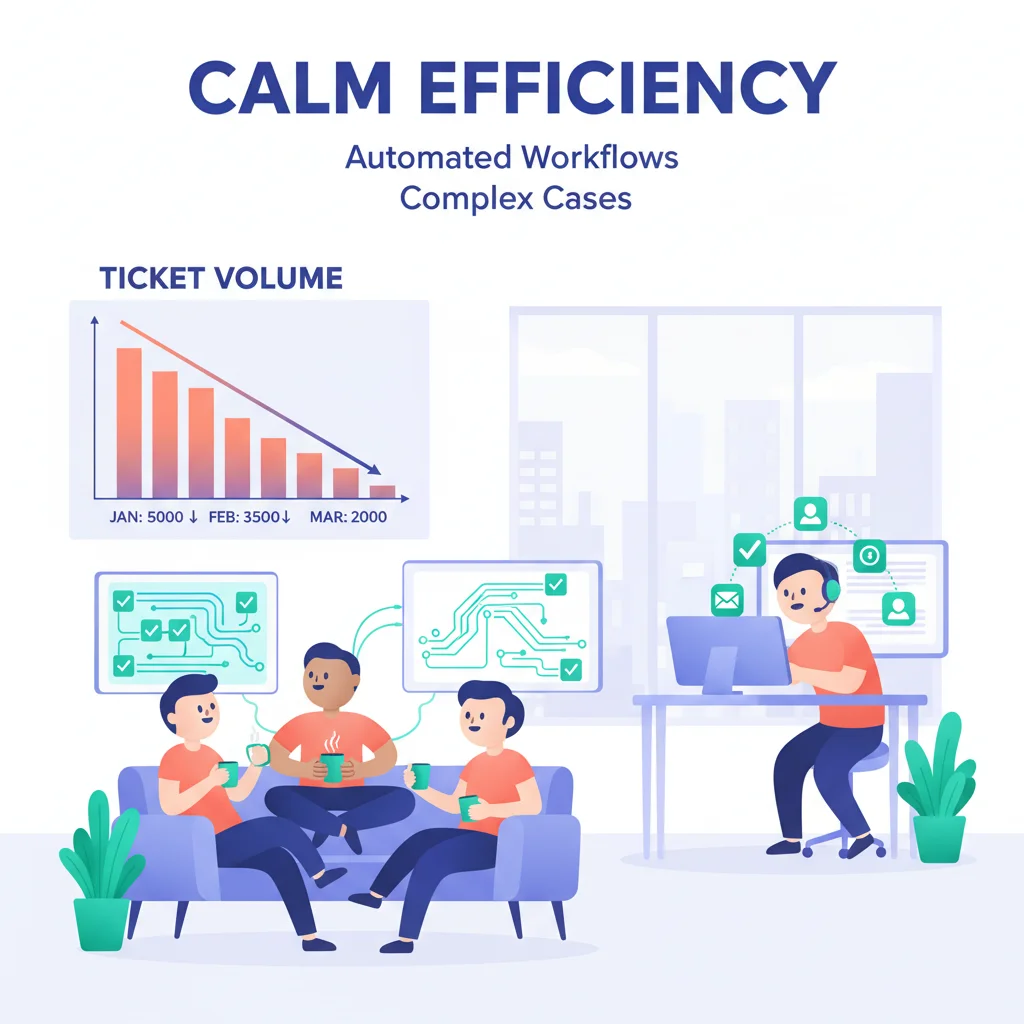
Every support ticket has a cost. Whether it’s handled by a person ($8-12 per phone interaction, $5-8 per email, according to Gartner) or deflected to self-service ($0.10 per interaction), someone or something is handling it.
A customer portal automates the routine interactions — the “what’s my password?”, “where’s my invoice?”, “what’s the status of my order?” questions — freeing your team to focus on complex issues that actually require human judgment.
What “Automating Support” Actually Means
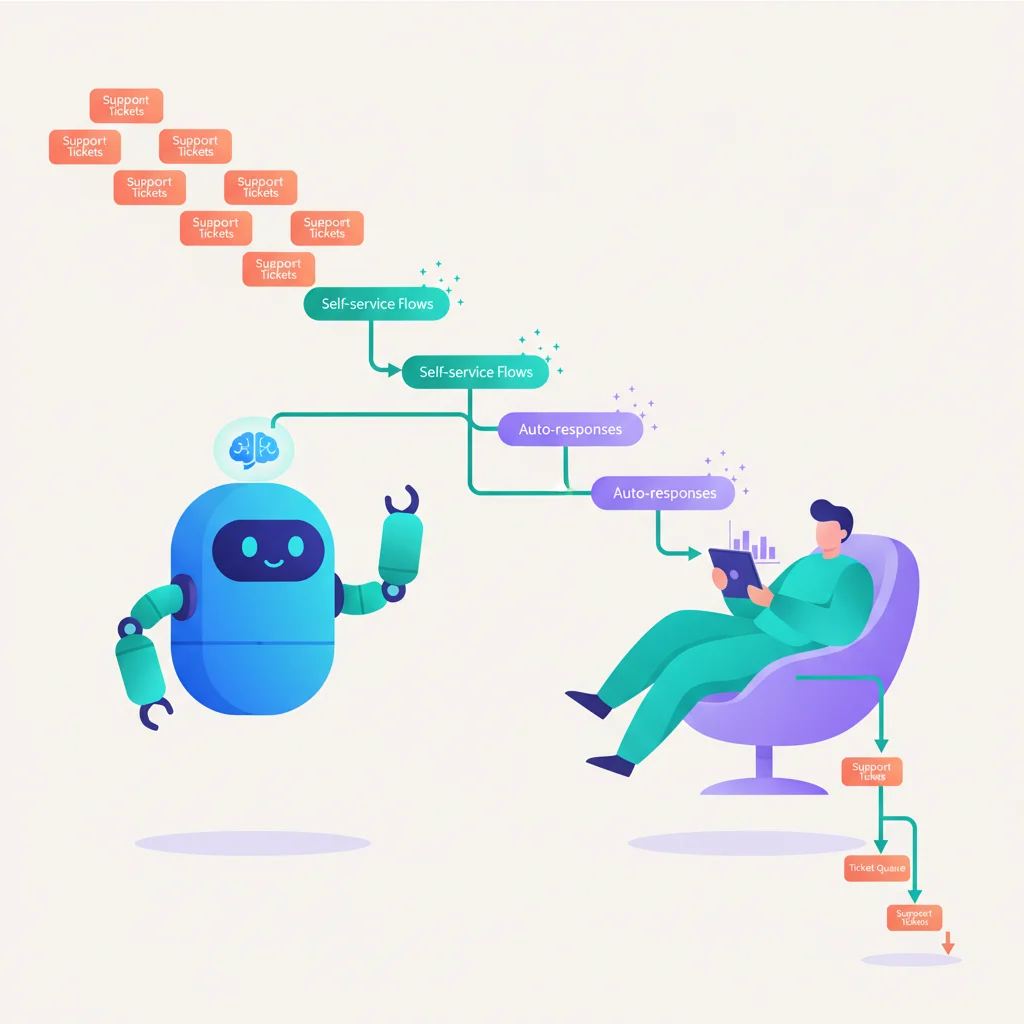
It doesn’t mean eliminating human support. It means routing the right questions to the right channel:
- Self-answerable questions → Knowledge base (articles, FAQs, guides)
- Account-related requests → Self-service portal (update info, download invoices, check status)
- Simple, structured requests → Automated workflows (password resets, refund requests, appointment scheduling)
- Complex, unique issues → Human agents via ticketing or messaging
The goal is to handle 60-80% of support volume through the first three channels, reserving human attention for the 20-40% that genuinely needs it.
Portal Automation Strategies
Tier 1: Self-service content
Build a knowledge base covering the top 20 support topics. These articles deflect tickets before they’re ever created. Monitor what customers search for and which articles have low satisfaction — these are opportunities to improve.
Tier 2: Account self-service
Let customers manage their own accounts: update contact info, change passwords, download invoices, view order status, manage subscriptions. Every one of these actions was previously a support ticket.
Tier 3: Automated workflows
When a customer submits a specific type of request, automate the response:
- Password reset → Automated email
- Invoice copy request → Automated portal access
- Refund request under $X → Auto-approve and process
- Appointment scheduling → Calendar integration
Tier 4: Smart routing
When a customer does need human help, route their request to the right person based on the issue type, customer tier, and team availability. Include all relevant context (account info, past interactions, related documents) so the agent can resolve it faster.
Real Impact
Businesses that implement portal-based support automation consistently report:
- 30-50% reduction in support ticket volume
- 40-60% faster average resolution time
- 20-30% lower support costs per customer
- Higher satisfaction — customers who can help themselves rate their experience higher than those who had to wait for help
The Harvard Business Review noted that the single biggest driver of customer loyalty is reducing customer effort — which is exactly what portal automation does.
Industries Where Support Automation Has the Most Impact
- SaaS — High ticket volume from product questions, billing, and onboarding
- Insurance — Routine policy and claims inquiries
- E-Commerce — Order tracking, returns, and billing questions
- MSPs — Repetitive IT support requests
- Healthcare — Appointment scheduling, refill requests, billing