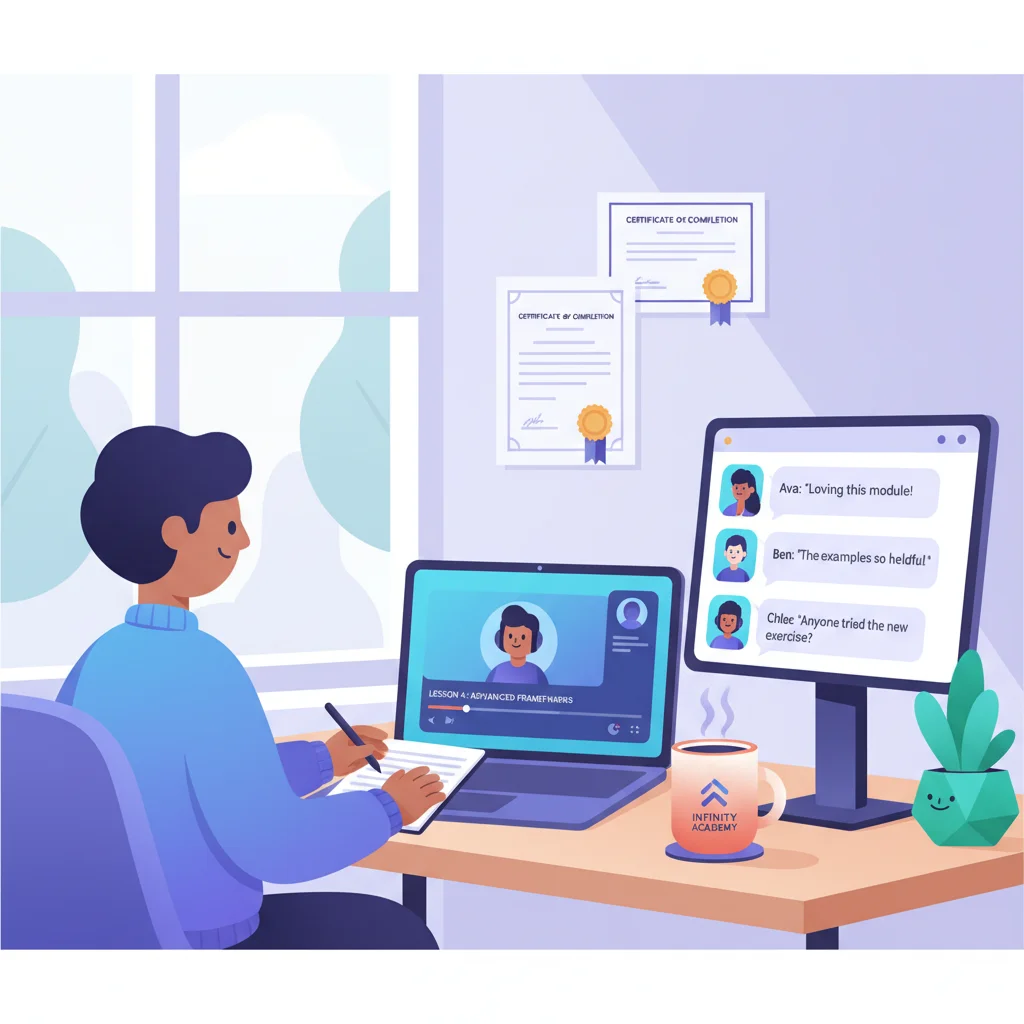
For coaches, course creators, and membership businesses, the portal isn’t a support tool — it is the product. It’s where members log in to access the thing they’re paying for.
And yet, most creators are duct-taping five or six tools together and calling it a “membership experience.” Teachable for courses, Calendly for booking, Stripe for payments, Slack for community, Google Drive for resources. Seven logins. Seven places where things break. One frustrated member who can’t find the worksheet they need.
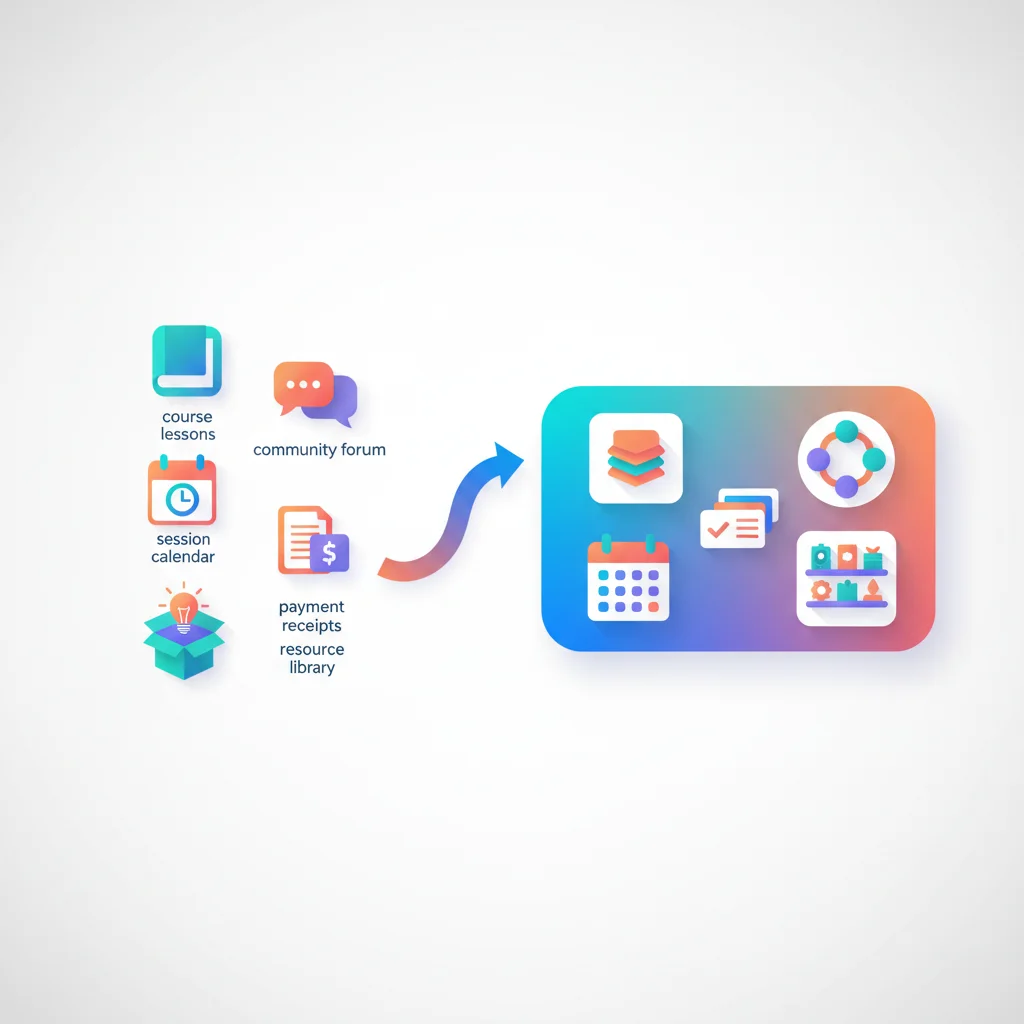
The Five-Tool Problem
Talk to any course creator or membership business owner, and you’ll hear a version of the same story. Their tech stack looks something like this:
- Teachable or Thinkific for course content
- Calendly for booking coaching calls
- Stripe for payment processing
- Mailchimp or ConvertKit for email sequences
- Google Drive for worksheets, templates, and bonus resources
- Slack or Discord for community
- Zoom for live sessions
That’s seven tools. Seven logins. Seven billing relationships. Seven places where things can break.
From the creator’s side, this means managing integrations that half-work, reconciling data across platforms, and spending hours on admin instead of creating content or serving members. From the member’s side, it means getting emails from five different services, hunting for login links, and never quite knowing where to find things.
The result is a fragmented experience that feels cobbled together — because it is.
The Dream: One Portal, Everything Inside
The alternative is a unified membership portal where a member logs in and gets everything in one place:
- Their courses and learning materials
- Upcoming live sessions and coaching calls
- Community discussions and group messaging
- Billing and subscription management
- Downloadable resources and worksheets
- Certificates and progress tracking
No hunting for links. No switching between platforms. No “which app was that in again?” Just one login, one experience, one product that feels intentionally designed.
This is what the best membership businesses are building — and it’s the model that retains members longest.
Core Capabilities of a Membership Portal
Content and lesson delivery with progress tracking
The foundation of any course or membership portal is structured content delivery. Members need to see what’s available, where they left off, and what comes next. Progress tracking — showing completion percentages, completed modules, and remaining lessons — creates momentum and motivation.
Great portals also support multiple content types: video lessons, text-based guides, downloadable PDFs, interactive exercises, and audio content. Members consume content differently, and flexibility matters.
Drip content schedules
Not every member should have access to everything on day one. Drip scheduling releases content on a timed basis — either from the member’s join date or on fixed calendar dates. This prevents overwhelm, creates anticipation, and gives creators a reason to stay engaged with their audience over time.
Drip content also reduces the “binge and cancel” problem that plagues membership businesses. When members get everything immediately, some will consume it all in a weekend and cancel. Timed release keeps them subscribed longer.
Community features
Isolation is the enemy of membership retention. Members who connect with other members stay longer — significantly longer. A portal with built-in community features (discussion forums, group messaging, member directories) keeps the community inside the product rather than outsourced to a third-party platform.
Community doesn’t have to be complex. Even a simple discussion area where members can ask questions, share wins, and interact with the creator can dramatically improve retention. The key is that it lives inside the portal, not in a separate Slack workspace that members forget to check.
Session scheduling and booking
For coaching programs, group calls, and live workshops, integrated scheduling removes friction. Members see upcoming sessions directly in their portal dashboard, book one-on-one calls without leaving the platform, and receive reminders through the portal’s notification system.
Compare this to the typical experience: receive an email with a Calendly link, book a session, get a Zoom link via email, join the call, then try to find the recording later in a completely different tool. An integrated portal collapses all of that into one flow.
Payment and subscription management
Members need to manage their own billing: update payment methods, view invoices, upgrade or downgrade plans, and cancel if they choose. A self-service billing section eliminates the “please email us to cancel” experience that frustrates members and generates unnecessary support tickets.
Transparent billing also builds trust. Members who can see their payment history, next billing date, and exactly what they’re paying for feel more in control — and are paradoxically less likely to cancel.
Certificates of completion
For professional development, continuing education, and skill-based courses, certificates matter. They give members tangible proof of their investment and create a sense of accomplishment. Automated certificate generation — triggered when a member completes all required modules — adds a professional touch without manual work from the creator.
Resource libraries
Beyond structured courses, membership businesses often provide supplementary resources: templates, worksheets, swipe files, toolkits, recorded replays, and reference materials. A well-organized knowledge base or resource library makes these findable and useful rather than buried in email attachments or scattered across Google Drive folders.
The AI Advantage
AI is transforming what membership portals can do. Two capabilities stand out:
Contextual Q&A chatbots — Imagine a member halfway through a course on email marketing. They have a question about subject line testing. Instead of posting in the community and waiting for a response, they ask the portal’s AI chatbot. The chatbot knows which lessons the member has completed, references specific course material, and provides a relevant answer — or directs them to the exact lesson that covers their question.
Personalized recommendations — Based on a member’s progress, engagement patterns, and stated goals, AI can suggest which module to tackle next, which community discussions are most relevant, or which bonus resources would help them most. This turns a static course into a guided learning experience.
Who Benefits Most
Coaches and coaching programs
Coaching businesses often combine one-on-one sessions, group calls, course content, and community access into a single offering. A portal unifies all of these under one roof. Clients see their next session, access their coaching materials, review session notes, and connect with other members — all in one place.
Online educators and course creators
Education businesses benefit from structured content delivery, progress tracking, and drip scheduling. A portal lets educators focus on creating content rather than managing the logistics of delivering it across multiple platforms.
Consulting firms with productized services
Consulting firms increasingly productize their expertise into courses, frameworks, and membership communities. A portal turns their intellectual property into a scalable digital product, complete with client onboarding workflows that guide new members through their first steps.
Professional communities and associations
Industry associations, professional networks, and paid communities use portals to deliver member benefits: exclusive content, event access, member directories, and continuing education. The portal becomes the tangible “thing” that justifies the membership fee.
The Creator Economy Context
This isn’t a niche use case anymore. The creator economy — individuals and small teams building businesses around content, expertise, and community — is one of the fastest-growing segments in business. Millions of creators are selling courses, memberships, coaching programs, and digital products.
Most of them are doing it with duct tape and integrations.
The opportunity for portal platforms is enormous: provide these creators with an all-in-one solution that replaces their five-tool stack with a single, branded experience. The portal isn’t just a support layer — it’s the entire product delivery mechanism.
Portal as Product vs. Portal as Support Tool
This distinction matters. In a traditional B2B context, the portal supports the core product or service. An accounting firm’s portal supports their accounting services. A SaaS company’s portal supports their software.
For course and membership businesses, the portal is the product. When a member logs in, they’re not checking on a service being performed for them — they’re consuming the service itself. This means the portal experience directly determines the perceived value of the membership.
A clunky portal with bad navigation and scattered content feels like a bad product. A polished portal with clear progress tracking and a cohesive experience feels like a premium product — even if the underlying content is identical.
Investing in the portal experience isn’t a support cost. It’s a product investment.