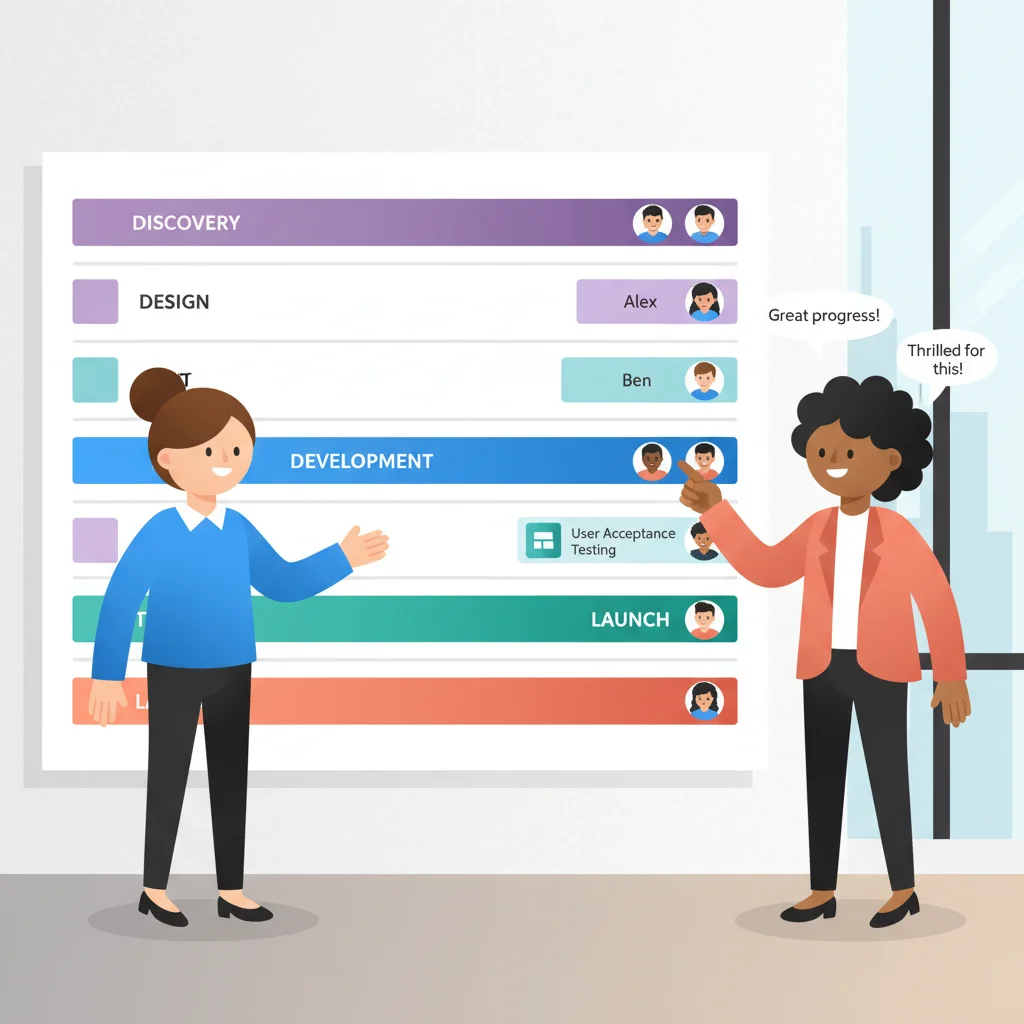
If you manage projects for clients — whether you’re a web agency, a construction company, a consulting firm, or a manufacturing business — you know the email. The one that arrives every Monday morning, or sometimes twice a week:
“Hey, just checking in — where are we on the project?”
It’s a reasonable question. Clients are spending money, they have stakeholders to update, and they don’t have visibility into what’s happening on your side. So they ask. And you — or more likely, your project manager — stops what they’re doing, pulls together a status update, and sends it back.
Multiply that by every active client, and you’ve got project managers spending 30% or more of their time on status communication instead of actual project management.
A client-facing project management portal solves this by giving clients a curated, always-current view of their project — without giving them the keys to your internal tools.
The Visibility Problem
Clients feel in the dark
From the client’s perspective, they hand off a project and then… silence. Maybe they get a weekly update email. Maybe they don’t. Between updates, they have no idea whether things are on track, behind schedule, or stuck on an approval they forgot to give.
This lack of visibility creates anxiety. Anxious clients send more check-in emails. They request more meetings. They start to lose trust — not because the work is bad, but because they can’t see it happening.
Project managers become full-time communicators
Every status update email takes time to compose. The PM has to gather information from multiple sources (task boards, time tracking, team updates), synthesize it into something client-friendly, and send it out. For a PM managing 8-12 active projects, this can easily consume an entire day per week.
That’s expensive. PMs are skilled professionals being used as human middleware between your internal systems and your clients’ inboxes.
Delayed approvals block progress
Many projects require client input at specific stages: design approvals, content sign-offs, budget confirmations, scope change acceptance. When these approvals happen over email, they get buried, delayed, or lost entirely. A deliverable sits in someone’s inbox for a week while your team waits.
Scope creep thrives in ambiguity
When project scope, milestones, and deliverables aren’t visible and documented in a shared space, misunderstandings multiply. “I thought that was included” is a sentence born from poor visibility. When clients can see exactly what’s in scope and what’s been delivered, expectations stay aligned.
The Key Insight: Curated View, Not Full Access
Here’s the critical distinction that many businesses miss: a client-facing project portal is not giving clients access to your internal project management tool.
Giving a client access to your Jira board, Asana workspace, or Monday.com account would be chaos. They’d see internal discussions, task-level details they don’t understand, time estimates that create billing anxiety, and team notes that were never meant for external eyes.
Instead, a client portal provides a curated view — a carefully designed layer that shows clients only what they need:
| What the client sees | What stays internal |
|---|---|
| Milestones and their status | Individual tasks and sub-tasks |
| Key deliverables | Internal assignments and workload |
| Budget overview | Detailed time tracking and cost |
| Upcoming approval requests | Team discussions and notes |
| Timeline and deadlines | Resource allocation |
| Published files and deliverables | Draft versions and work-in-progress |
This separation is essential. Clients get transparency without overwhelm. Your team keeps operational freedom without surveillance.
Core Portal Capabilities
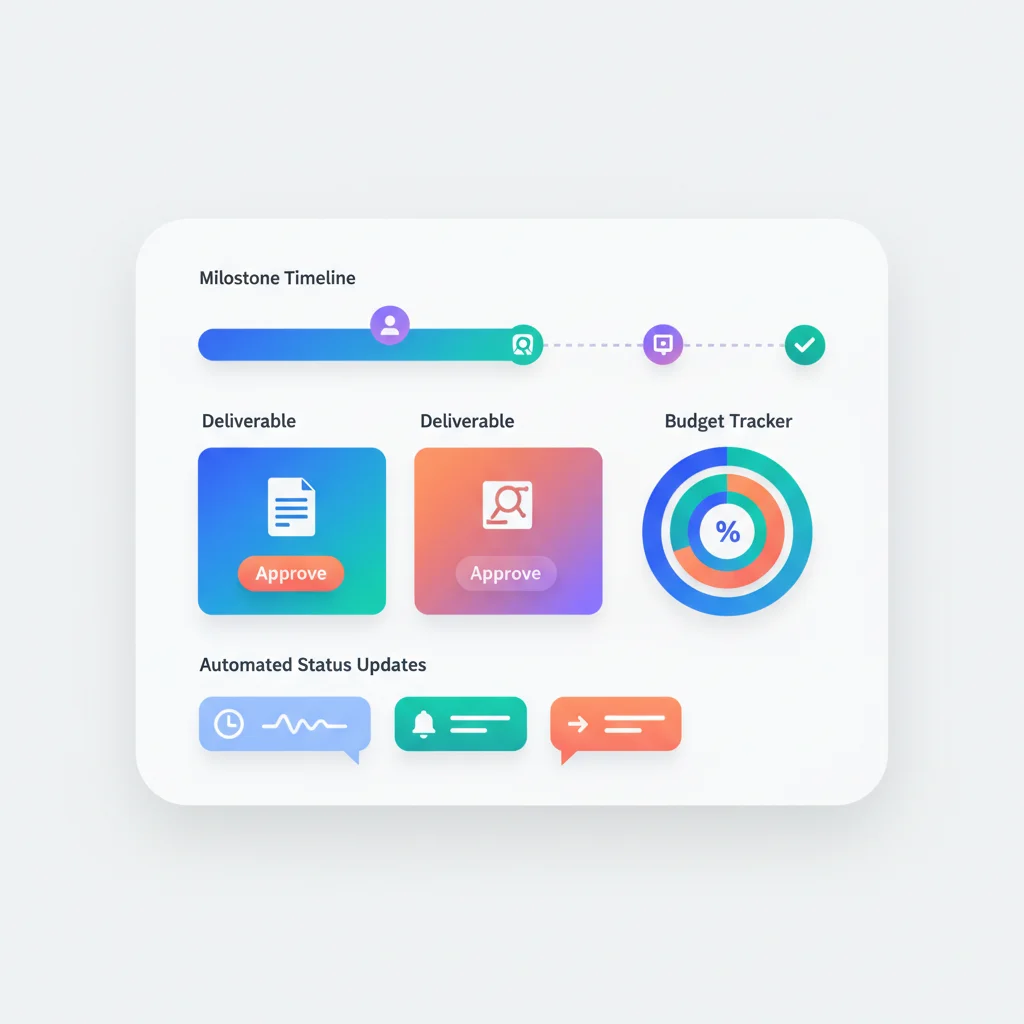
Project dashboard with milestones and timeline
The dashboard is the first thing a client sees when they log in. It shows their project at a glance: current phase, completed milestones, upcoming deadlines, and overall progress. A visual timeline or Gantt-style view communicates status faster than any email ever could.
The best dashboards update automatically from your internal project management data. When your team marks a milestone complete, the client sees it immediately — no manual update required.
Task visibility at the right level
Clients don’t need to see every task. They need to see the tasks that matter to them: deliverables in progress, items awaiting their feedback, and completed work they can review. Task and project tracking in the portal should expose a filtered, client-appropriate view of work.
Think of it as the difference between a restaurant kitchen and the dining room. The customer sees the finished dish arrive. They don’t need to see every step of prep, cooking, and plating.
Deliverable sharing with approval workflows
When a deliverable is ready for review — a design mockup, a construction drawing, a report draft, a website prototype — the portal presents it for client review. The client can approve, request changes, or add comments directly in the portal.
This creates a clear audit trail: who approved what, when, with what feedback. No more digging through email threads to find the approval that may or may not have happened.
Budget and hours visibility
For time-and-materials projects or retainer arrangements, clients want to know where they stand financially. A portal with reporting and analytics can show budget utilization, hours consumed, remaining balance, and spending trends — all without exposing your internal billing rates for individual team members.
This transparency actually reduces billing disputes. When clients can see their budget being consumed in real time, the invoice at the end of the month holds no surprises.
Communication in context
One of the biggest problems with email-based project communication is that conversations happen in isolation from the work they reference. A comment about a logo design lives in one email thread. A question about the project timeline lives in another. None of it is connected to the actual deliverables or tasks.
Portal-based messaging attaches conversations to the right context: comments on a specific deliverable, questions about a particular milestone, feedback on a task. Everything is organized, searchable, and connected to what it’s about.
File sharing organized by project phase
Projects generate documents: contracts, briefs, designs, reports, specifications, approvals. Document management in the portal organizes these by project phase or category, with version control so everyone knows they’re looking at the latest version.
Compare this to the typical experience: files scattered across email attachments, Google Drive links, and Dropbox folders, with multiple versions named “final,” “final_v2,” and “final_FINAL.”
Automated progress notifications
Instead of PMs manually composing update emails, the portal sends automated notifications when meaningful events occur: a milestone is completed, a deliverable is ready for review, a deadline is approaching, or a team member has responded to a comment.
Clients stay informed without anyone on your team having to write a single update email.
The AI Angle: Automated Status Summaries
Here’s where things get interesting. Instead of project managers spending hours writing weekly status updates, AI can generate them automatically.
The portal has all the raw data: which tasks were completed this week, how many hours were logged, which milestones were reached, what deliverables were submitted, what approvals are pending. An AI-generated summary synthesizes this into a readable, client-friendly update:
“This week, your team completed the wireframe review phase and began visual design for the homepage and product pages. The homepage design deliverable is on track for review next Tuesday. Two items need your attention: the content brief approval (submitted Thursday) and the color palette sign-off.”
This isn’t science fiction. The data already exists in the portal. AI just turns it into natural language. The PM reviews and approves the summary in minutes instead of writing it from scratch in an hour.
Industries That Benefit Most
Digital agencies
Agencies manage multiple concurrent projects for multiple clients. Without a portal, PMs spend more time communicating about work than managing it. A portal gives every client their own window into their project without creating cross-client visibility issues.
Construction
Construction companies deal with complex, multi-phase projects where clients need visibility into progress, inspections, change orders, and timelines. A portal replaces the weekly site meeting as the primary status communication channel — though the site meetings are still valuable for other reasons.
Consulting
Consulting firms often struggle to make their work visible. The deliverable is expertise, which is hard to see in progress. A portal with milestone tracking, document sharing, and progress indicators makes the engagement tangible for clients.
Manufacturing
Custom manufacturing businesses manage production runs, quality checks, and shipping logistics for clients. A portal gives clients visibility into order status, production progress, quality documentation, and delivery timelines without requiring constant phone calls to the factory floor.
Measuring the Impact
Track these metrics to quantify the value of your project portal:
- Status update time — How many hours per week did PMs spend on client updates before vs. after the portal?
- Client email volume — Are “where are we?” emails decreasing?
- Approval cycle time — Are deliverable approvals happening faster when presented through the portal?
- Client satisfaction scores — Are clients reporting better visibility and communication?
- Scope dispute frequency — Are misunderstandings about scope decreasing?